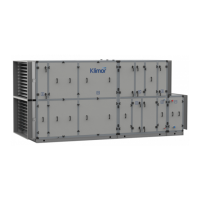
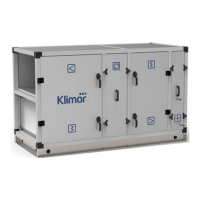
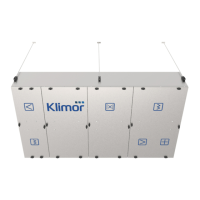
COMPACT AHU WITH HEAT RECOVERY EVO-T +
OPERATION AND MAINTENANCE MANUAL
100
11.4.8 Date/Language
Table 18
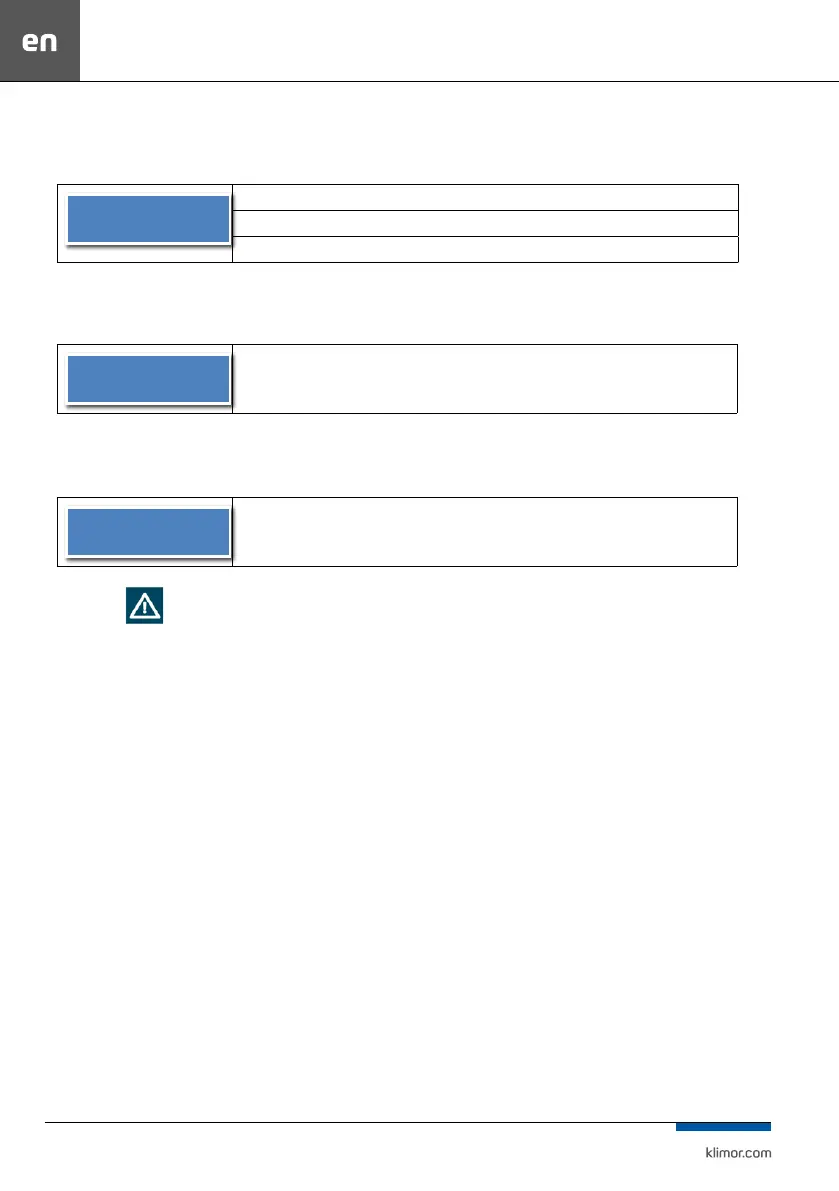
Date/Language – >
Date – current date setting [day-month-year]
Time – current time setting [hour-minute-second]
PL/EN – selection of menu language [Polish/English]
11.4.9 Restore default settings
Table 19
Restore default
settings – >
Restoring settings of factory parameters from user settings menu (does not apply to
service settings of advanced settings)
11.4.10 Software version
Table 20
KCX+,KCO+_V001
Information about software version
11.5 ALARMS
Alarms are indicated by the display blinking and by red icon
with (!) mark on the programming device.
Information about the alarm can be found in the „Alarms
menu”. The alarm menu is accessed by holding down the
„C” key for about 3 seconds. The last item in the alarm menu
is the menu “alarm history”, where you can nd the histo-
ry of alarms (the name of the alarm and the date and time
of its occurrence).
If a blocking alarm occurs, the alarm must be cleared to re-
sume operation of the control system. To delete the alarm,
go to the „Alarm Menu” and hold down the „OK” key for a
longer time on the selected alarm. If the alarm source is still
present, the alarm will be maintained and the „*” symbol
will appear next to its description, which means, that the
alarm has been conrmed. If an alarm source is no longer
present or disappears once conrmed, the alarm will be
cleared. The info about this alarm is recorded in the „Alarm
history” menu.



 To Next Page