CVS-128/128B Chapter 1 Basic Operation
0093112802-06 1-7
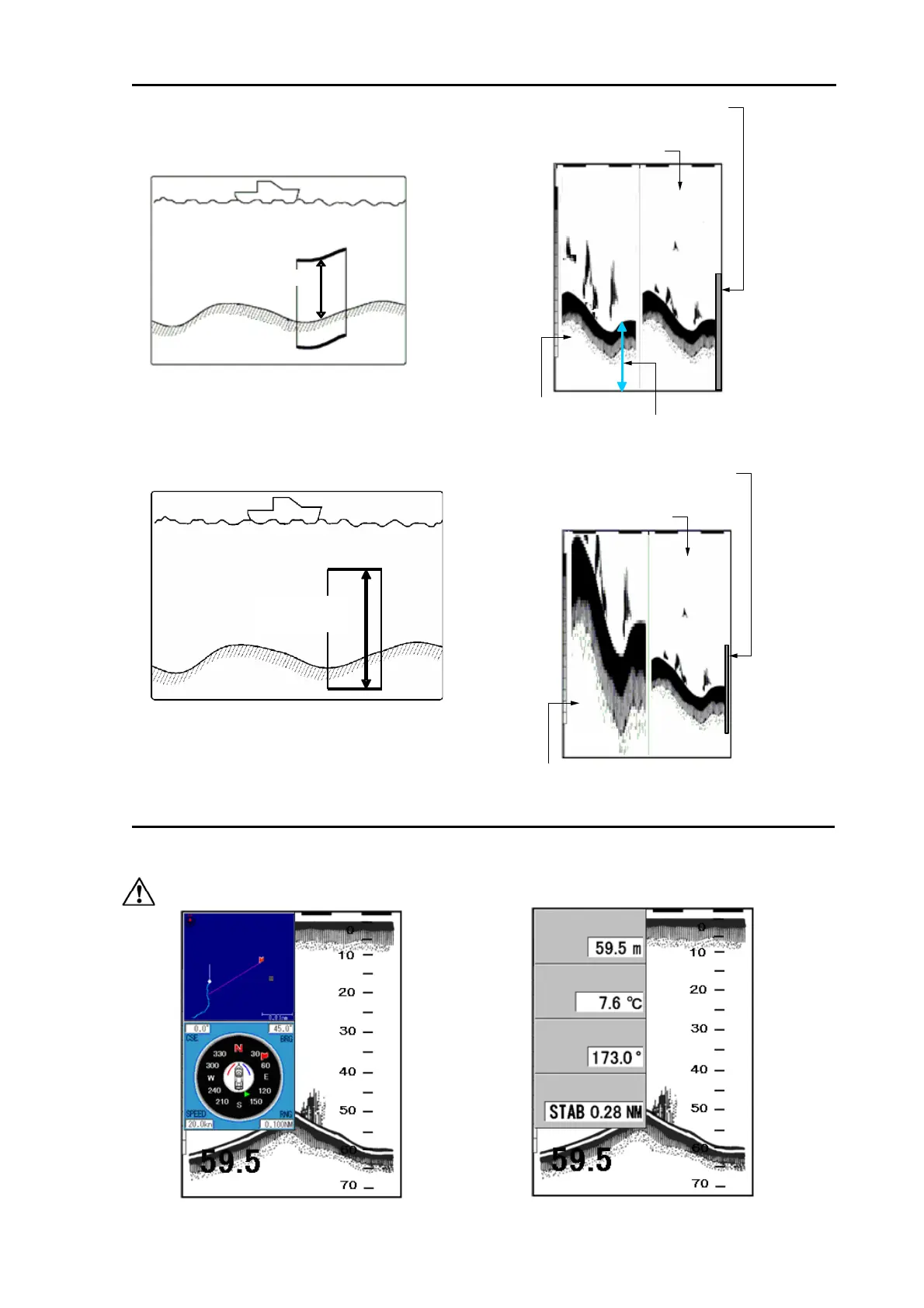
(4) Bottom Zoom
(5) Bottom Follow Zoom
Navigation Menu (NAV1, NAV2)
The navigation menu can be displayed on the left side of the display. To display the information other
than depth, sensors need to be connected. (See [1.5 Selection of NAV Display])
Caution: Requires position data from GPS sensor.
ep
a
er
emp
ourse
30.0
The display width of zoom
is displayed in orange.
Normal image
Zoom image
Zoomed range
Zoomed range
The image below the bottom
is not zoomed.
30.0
The display width of zoom
is displayed in orange.
Normal image
Zoom image



 To Next Page