CVS-128/128B Chapter 3 How to use the menu2
0093112802-06 3-3
Bubble
Bubble-prevention process can be activated by
setting [Weak] or [Strong].
Bubble time set
While auto-range or auto-shift is in use, and if the
missing image is caused by bubble, range and
shift continues changes until sea bottom is
detected by auto mode.
Setting the bubble time duration holds the range
or shift at the level when bubble started.
If bubble disappears and sea bottom is detected,
range or shift returns to auto mode.
This makes the time shorter until the image
comes back to normal. After the specified time,
the mode returns to the previous auto-range or
auto-shift. (Setting: OFF, 1minutes to 10minutes)
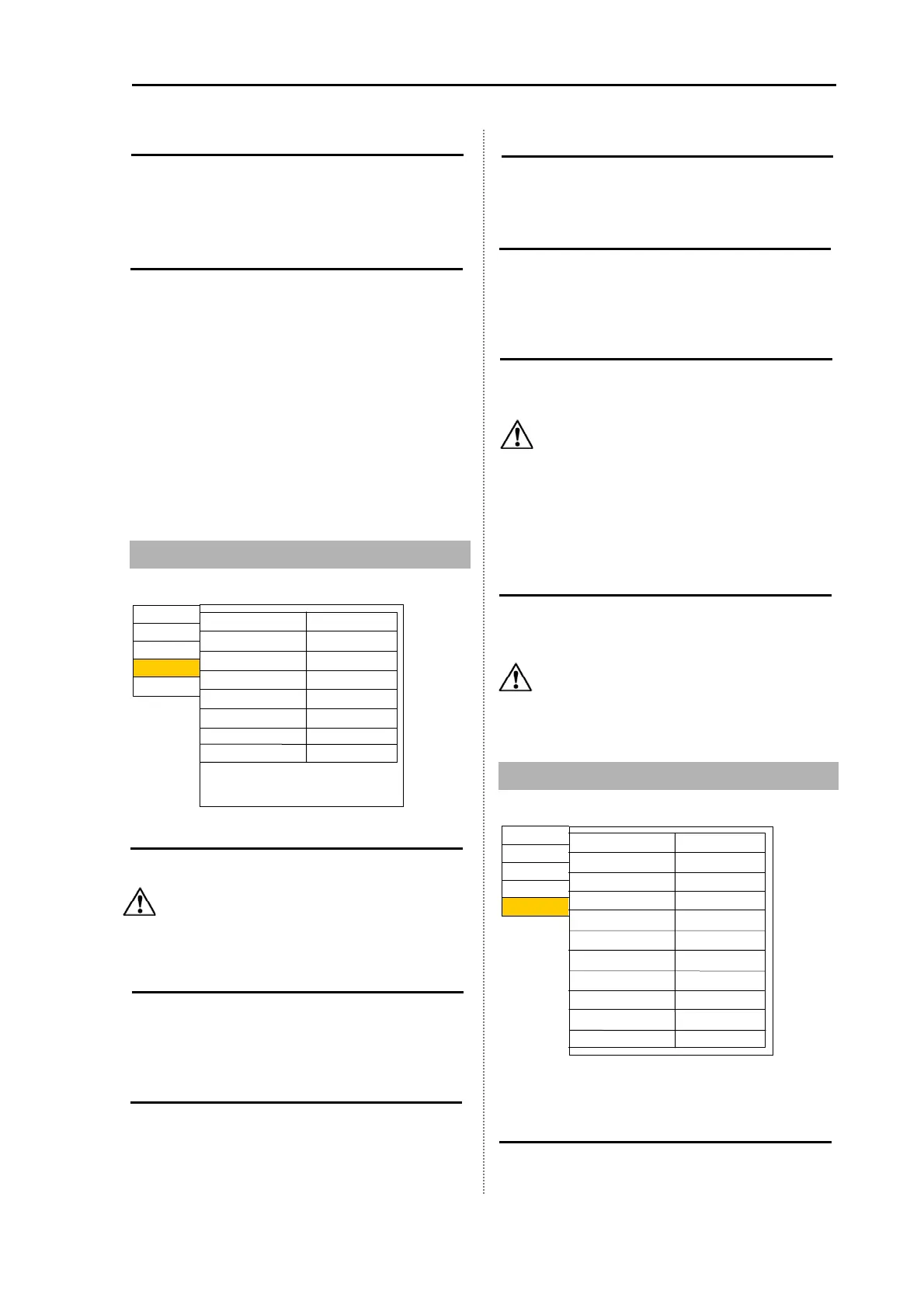
3.4 Setting of Basic Set Item
Language
Switch to the language to be displayed.
Caution: [Language] is displayed in red
characters.
Range & Speed Unit
It switches the display unit to [NM, kn] or [km,
km/h].
Depth Unit
It switches the unit of depth to m, fm, l.fm and ft.
Temperature Unit
It switches the unit of temperature to ˚C, °F.
Local time Offset
The local time offset can be set by 0.5 hours (30
minutes) unit. (Setting: - 11.0 to 14.0 h) (UTC: 0.0)
GPS select
It selects whether the GPS sensor is the KODEN
made one or not.
Caution: Only when connecting the
Koden GPS sensor to the equipment
directly, select [KODEN GPS].
When connecting the GPS sensor
even Koden one) via Plotter etc to
the equipment, select [Other].
GPS initialize
It is valid only when KODEN GPS is connected.
The GPS sensor is initialized.
Caution: When connecting the GPS
sensor other than KODEN GPS, do
not use this item.
3.5 Maintenance Menu
Simulation
When the [Simulation] is set ON, the pseudo
image of echo sounder is displayed.
Prev
Correct
In out
Setting
Maintain
Simulation
Initialize
System check
Inner-hull
No
OFF
ll WPTs:DLT
ll IMG DT:DLT
Slideshow
OFF
Bottom start
1.5
Return
No
TD select*
* For CVS-128B
Past image* ON
Correct
In out
Setting
Maintain
Range&Speed unit
Depth unit
Temperature unit
Localtime offset
GPS select
GPS initialize
Return
m
NM,kn
°C
0.0
.
Others
No
English
Language
Prev
TDM-091D



 To Next Page