.
OPERATION
DETAILED CONTROLS AND GAUGES
Service Meter, Clock
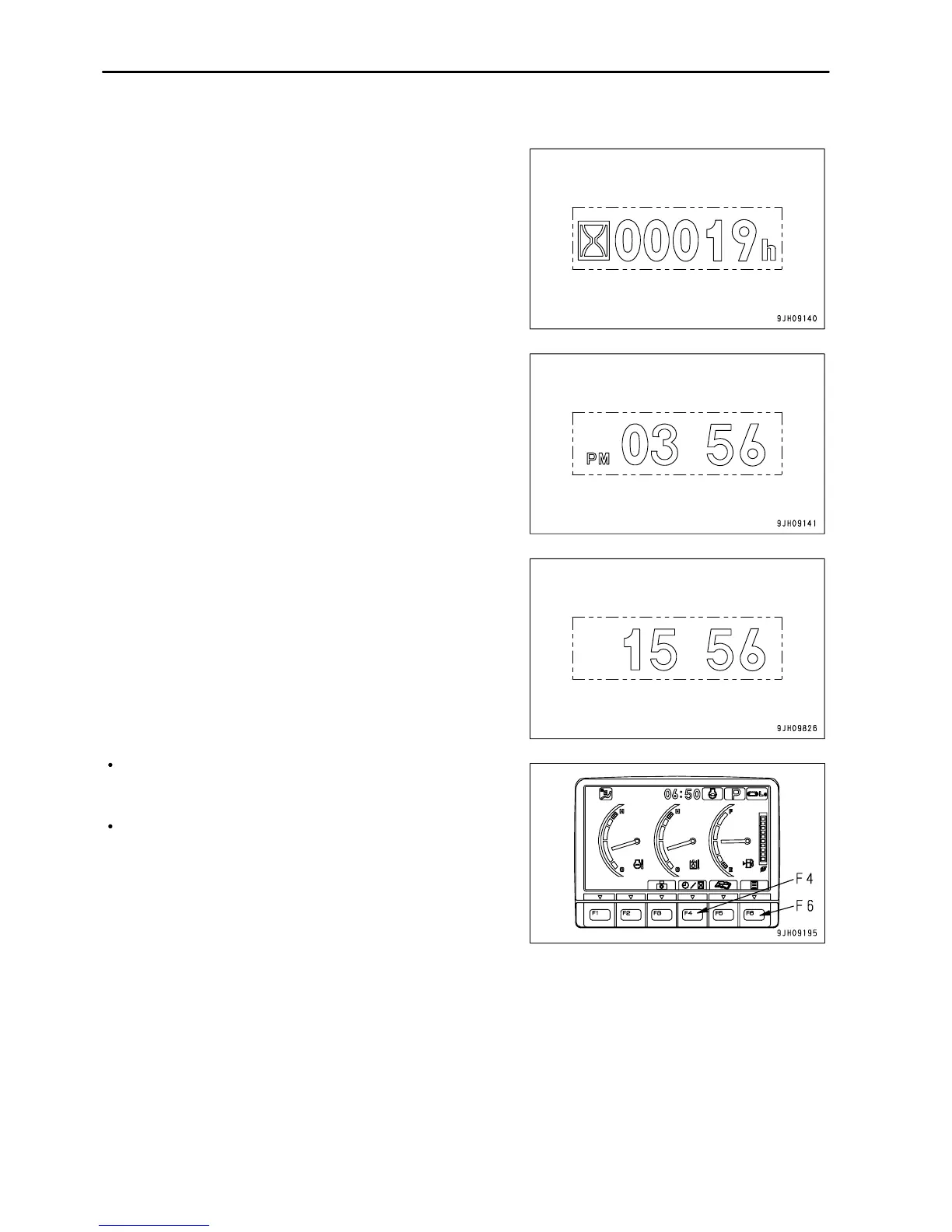
This meter (13) shows the total hours of operation of the machine
or the present time.
When the engine is running, the service meter advances even if
the machine is not moving. The service meter advances 1 for
every hour that the machine is working, regardless of the engine
speed.
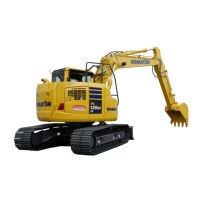
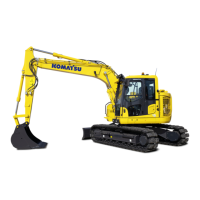
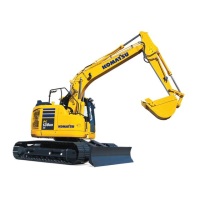
When the standard screen is being displayed, if function switch
F4 is pressed, it is possible to switch between the clock display
and the service meter display.
Clock display (12-hour or 24-hour displays are available)
To set or correct the time, press function switch F6 (user mode
switch).
3 - 22



 To Next Page