.
OPERATION
DETAILED CONTROLS AND GAUGES
Operating Camera Screen Display
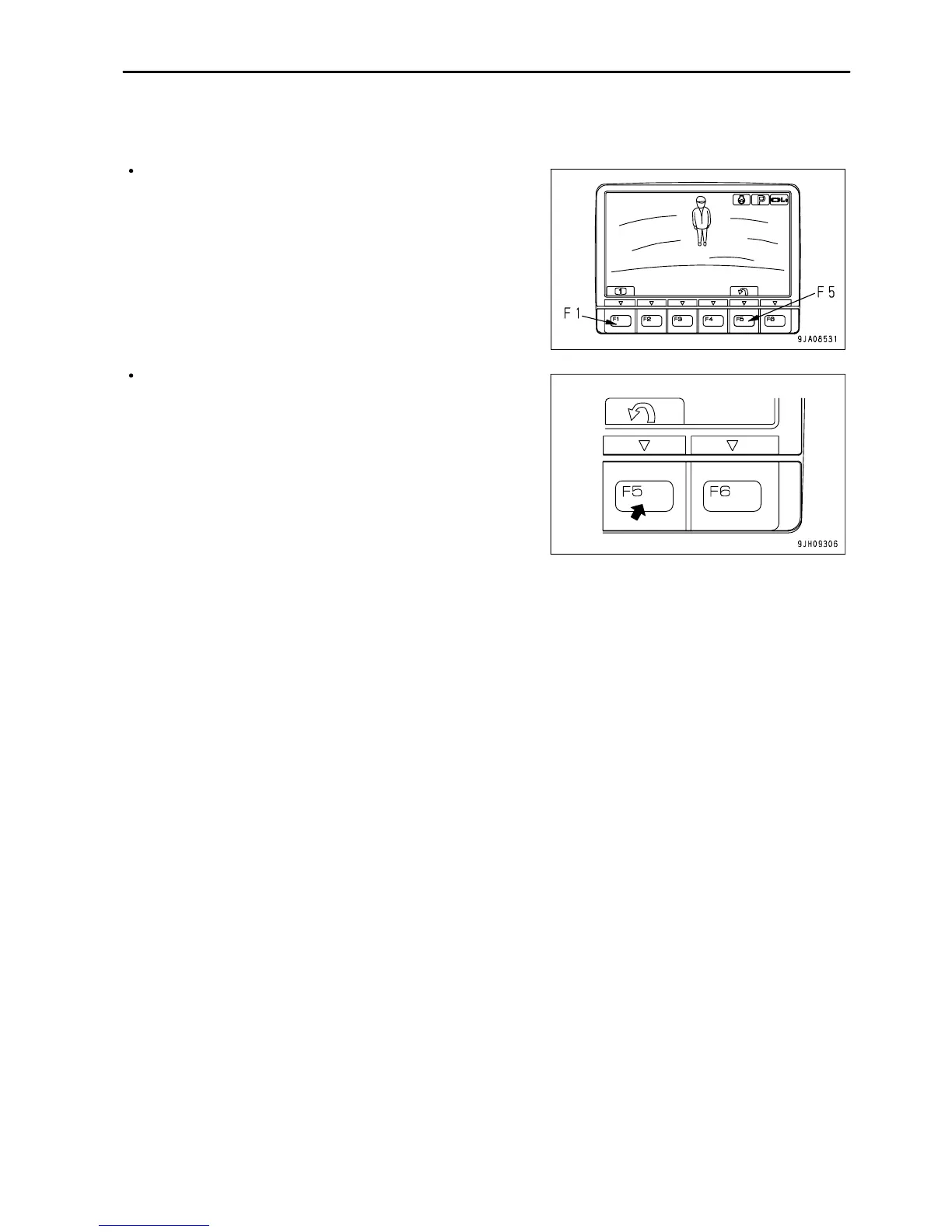
The following explains the method used to display the camera image on the monitor.
On the standard screen, if switch F3 is pressed, the image
display screen is displayed.
Press switch F5 to return to the standard screen.
3 - 33


 To Next Page
 Loading...