.
OPERATION
DETAILED CONTROLS AND GAUGES
User Mode Selector Switch
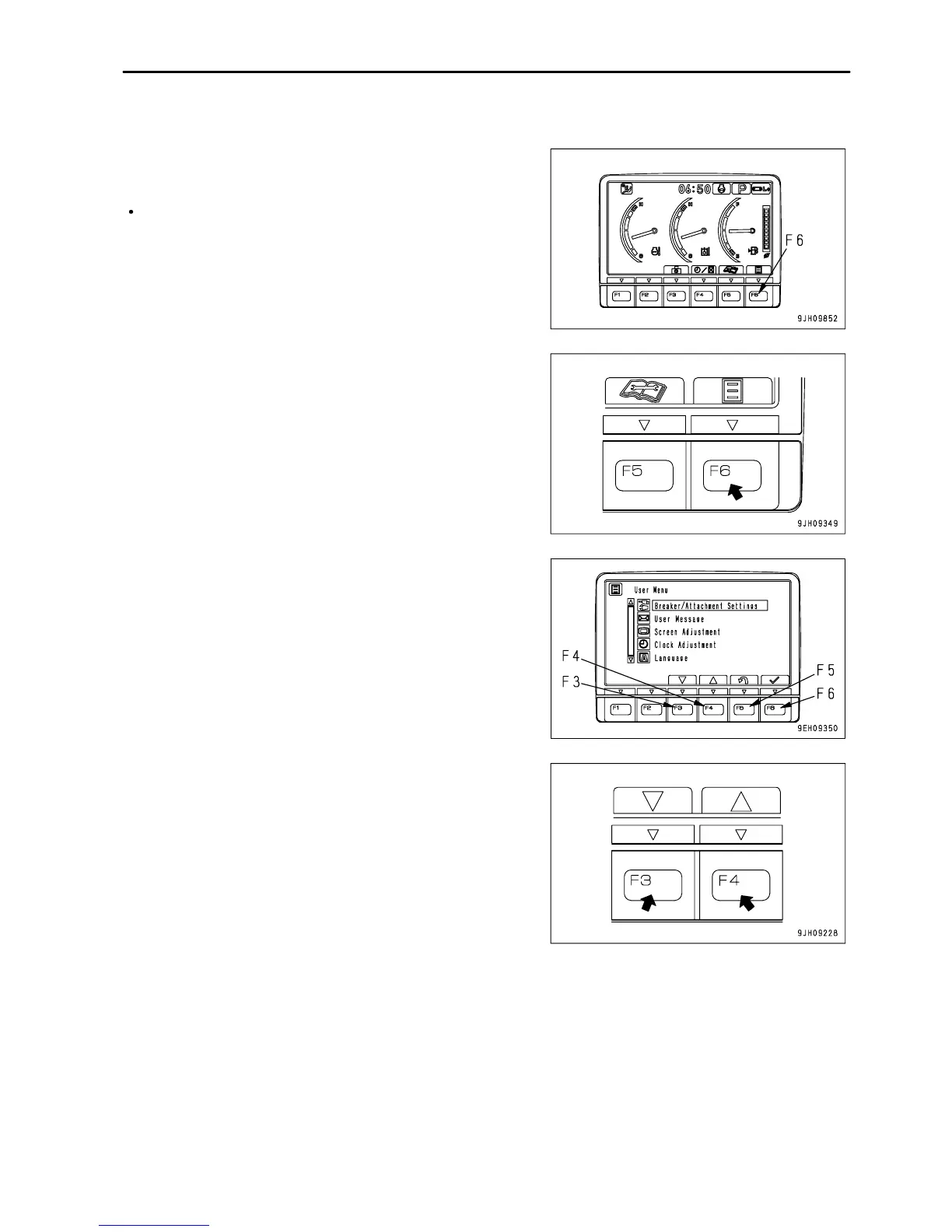
When the switch F6 is pressed, the monitor display screen
switches to the setting mode screen for the machine.
On the User Menu screen, it is possible to carry out the following
operations with switches F3 to F6.
F3: Moves to next item (1 line down). When on the last line, it
moves to the first line on the next page.
F4: Moves to previous item (1 line up). When on the first line, it
moves to the last line on the previous page.
3 - 41













 To Next Page