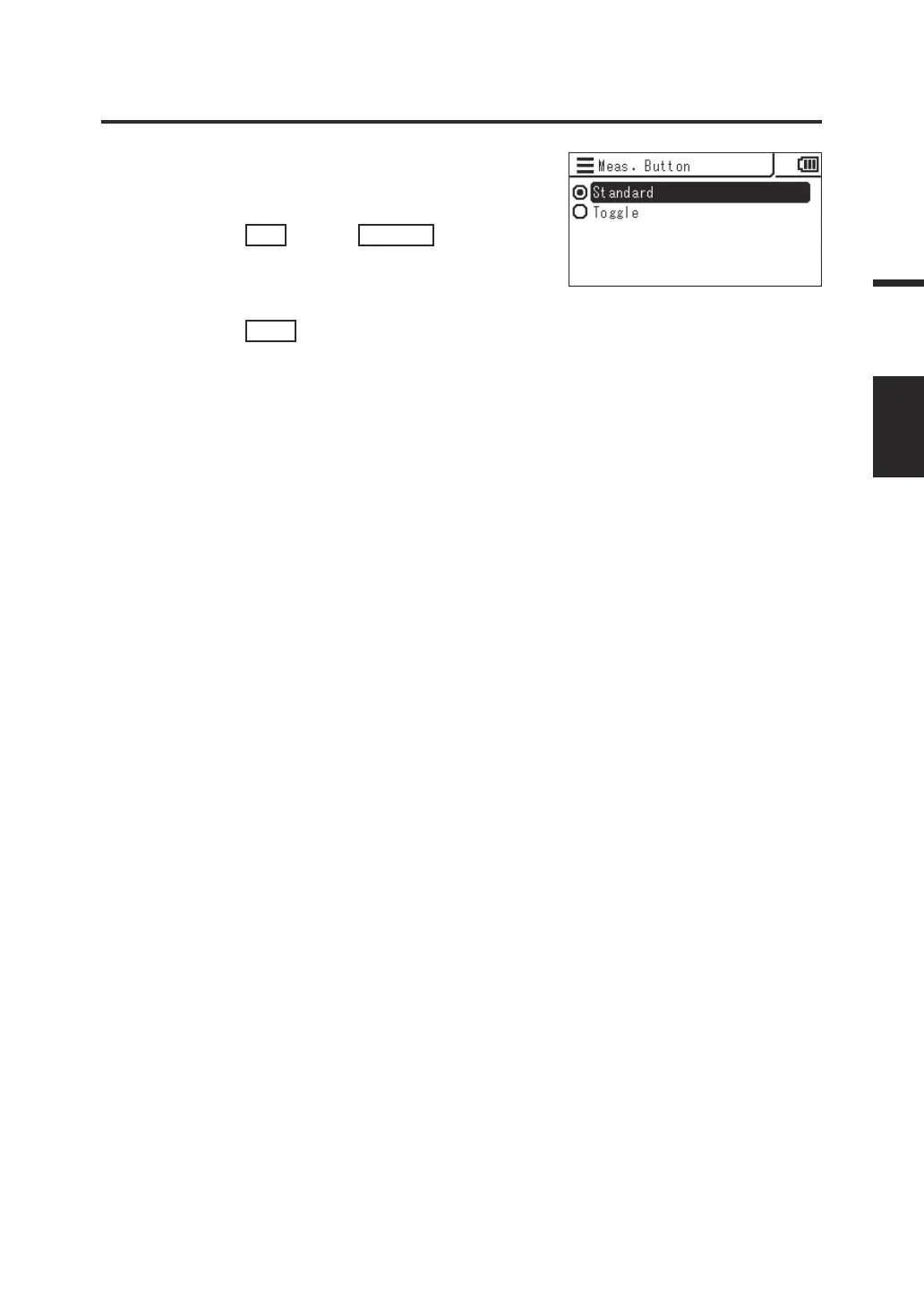
4. The screen for selecting single
measurement (Standard) or continuous
measurement (Toggle) is displayed.
Press the
UP
key or
DOWN
key to
select the desired function.
5. Press the
ESC
key.
The measurement screen is displayed on the
LCD screen.
The setting of the Measuring button function is
stored even when the power switch is set to
OFF ().
45
Settings
MEAS
MODE















 To Next Page