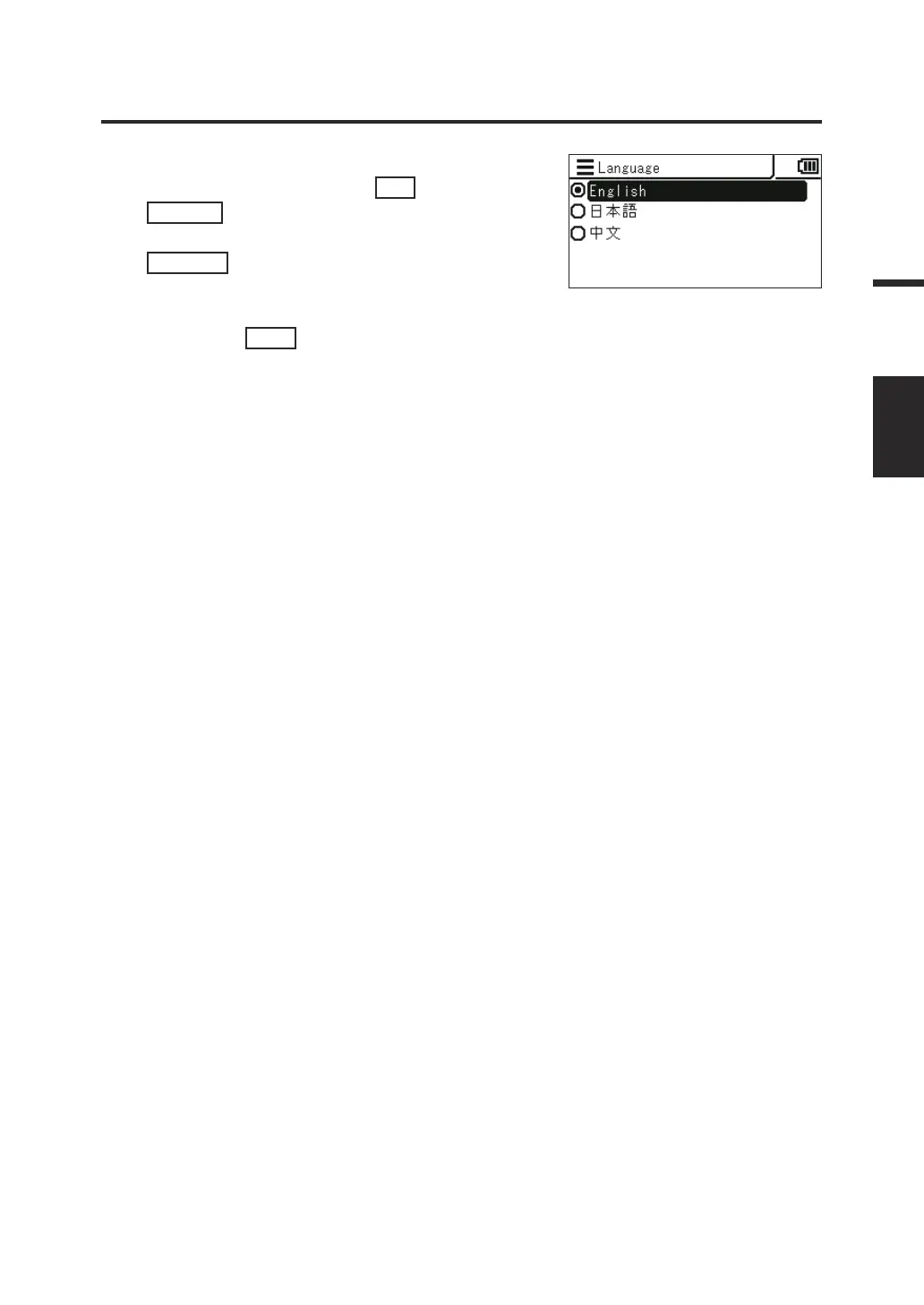
4. The screen for selecting the language
is displayed. Press the
UP
key or
DOWN
key to select the language to
be displayed, and then press the
ENTER
key.
5. Press the
ESC
key.
The measurement screen is displayed on the
LCD screen.
The language setting is stored even when the
power switch is set to OFF ().
61
Settings
LANGUAGE




 To Next Page