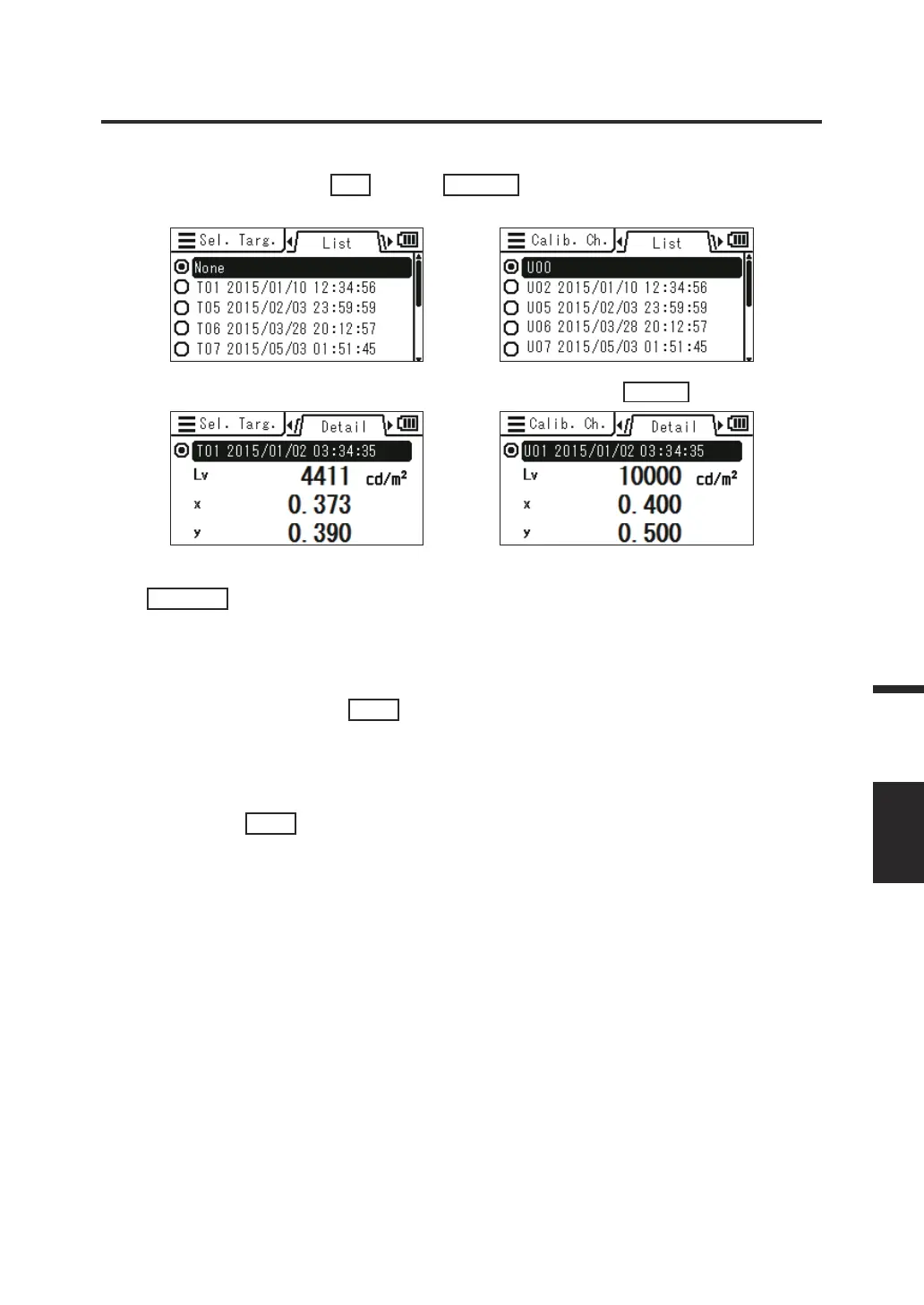
4. The list of stored values is displayed. The currently selected item is
marked. Press the
UP
key or
DOWN
key to select an item you want
to select or check.
You can see the details of the selected item by pressing the
RIGHT
key.
5. When you select an item and press the
ENTER
key, the current target or
calibration channel is changed to the
selected one, and the screen returns to
the menu screen.
When you press the
ESC
key, the
screen returns to the menu screen
without changing the current target/
calibration channel.
6. Press the
ESC
key.
The measurement screen is displayed on the
LCD screen.
81
Measurement
MEAS.
RESULT















 To Next Page