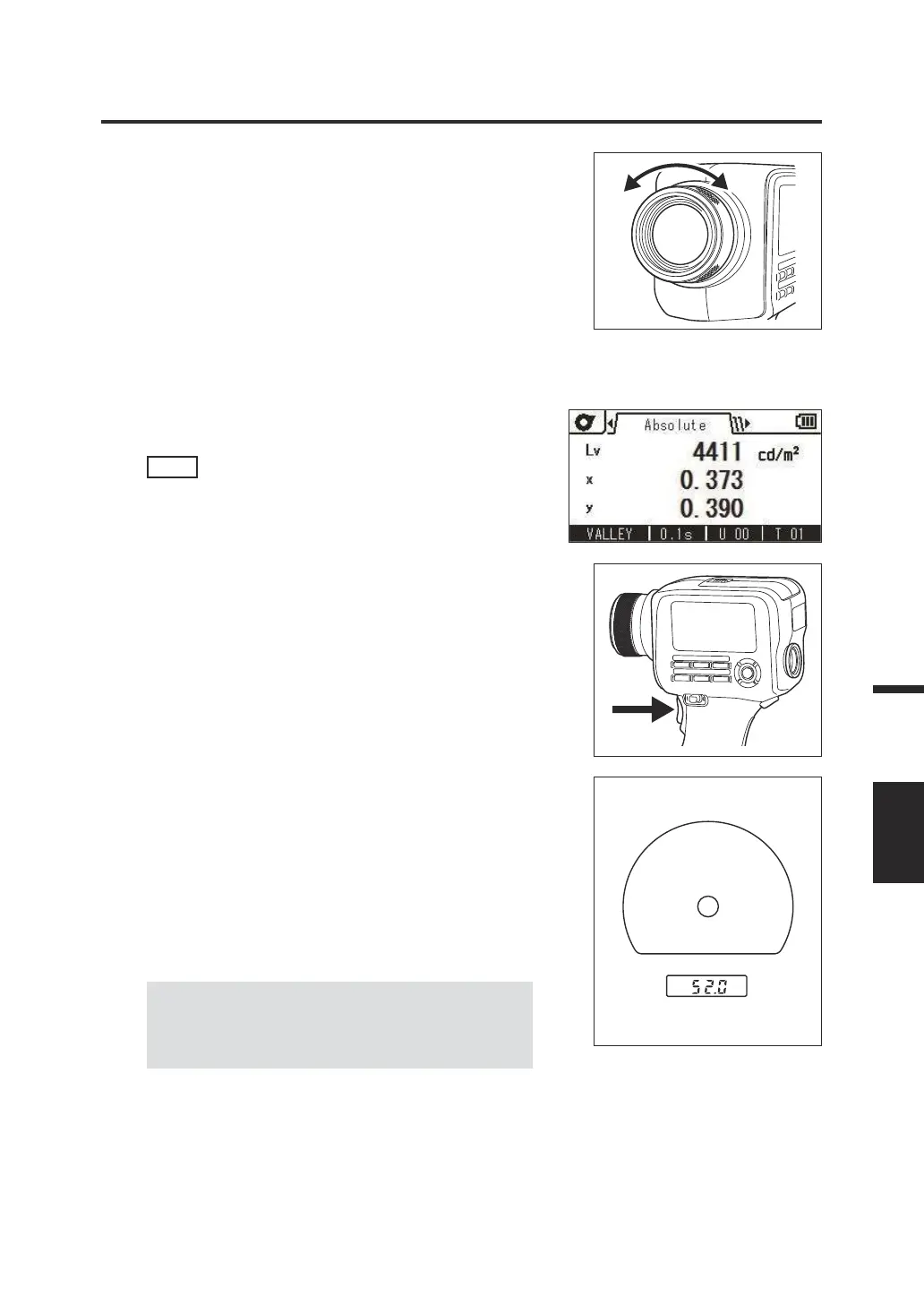
3. Turn the focus adjustment ring on the
objective lens to adjust the focus.
Observe the object to be measured through the
viewnder and adjust the ring so that the image of
the object around the measuring circle is seen
clearly.
Ensure that only the section to be measured of
the object is included in the measuring circle. If
the circle includes any other unnecessary section,
the measurement cannot be performed properly.
4. While the menu screen or target
setting screen is displayed, press the
ESC
key.
The measurement screen is displayed on the
LCD screen.
5. Press the Measuring button.
Hold the instrument securely so that the object
does not move out of the measuring circle when
the Measuring button is pressed.
The Lv value is displayed inside the viewnder.
This Lv value is displayed regardless of the
setting of the color space displayed on the LCD
screen. The measurement result is displayed on
the LCD screen.
The Lv value is shown as an absolute value,
difference (±), or ratio (%) according to the
display setting.
After the measurement, do not set the power
switch to OFF until the measured value is
displayed.
Doing so may corrupt stored data.
Inside viewnder
Measuring circle
L
v value
When the function of the Measuring button is set
to Standard with long integration time and the
Measuring button is released before
measurement nishes, the measurement is
canceled and "- - -" is displayed.
83
Measurement
MEASURE















 To Next Page