KTD-00782-H KTQ45 family Page 45 of 92
3.13 Clear CMOS Jumper (Clr-CMOS /JBAT1)
The Clr-CMOS Jumper is used to clear the CMOS content.
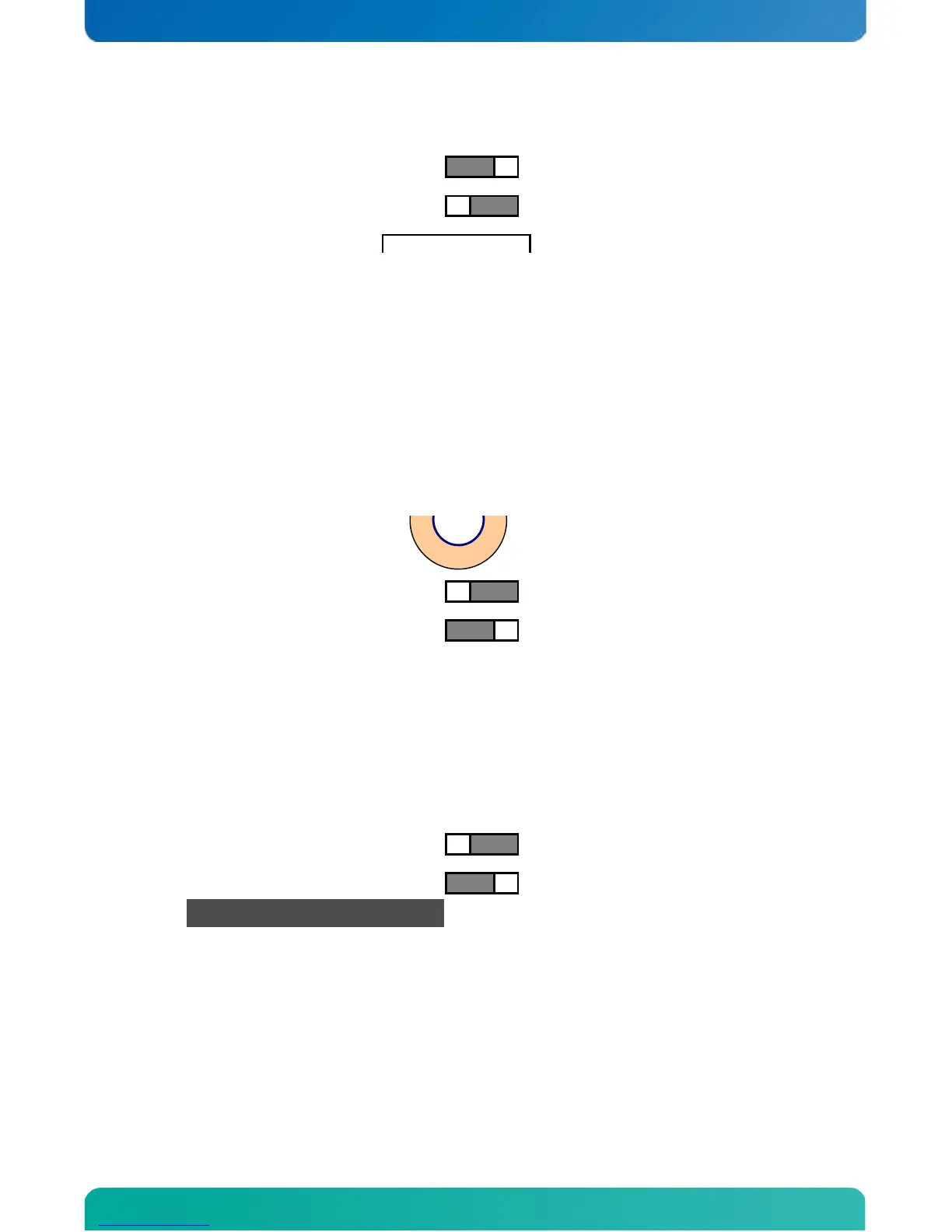
Jumper in Clear CMOS position
To clear all CMOS settings, including Password protection, move the Clr-CMOS jumper to pin 2-3 for 1 minute
(Works with or without power connected to the system).
WARNING: Don’t leave the jumper in Clear CMOS position, otherwise without power connected to the system
the battery will fully depleted within a few weeks.
3.14 The Clear ME register Jumper (Clr-ME / JBAT2)
The Clr-ME Jumper (named JBAT2) is used to clear the manageability register. To clear the register both
JBAT1 and JBAT2 should be in position 2&3 at the same time.
Jumper in normal position
Jumper in Clear ME Registers
WARNING: Don’t leave the jumper in Clear CMOS position, otherwise without power connected to the system
the battery will fully depleted within a few weeks.
3.15 The SPI Jumper (SPI-Jumper / JP6)
The SPI selection jumper is used to switch between onboard SPI and external SPI device.
Note: The SPI device holds the BIOS contents and should not be removed from its default position unless a
pre-programmed SPI device is connected to the SPI1 connector.
3.16 Interface BIOS Jumpers (JP3 and JP5))
The Interface BIOS jumper (JP3 and JP5) are not to be removed from their default position, doing so will
make the board non bootable. These jumpers are for manufacture purpose only.
JP3 shall be in position 1-2 (against PCI connectors)
JP5 shall be in position 1-2 (against SATA connectors)
Jumper in normal position
Jumper in Clear ME Registers
(Mounting hole in front of SATA connectors)
(PCIe x16 / SDVO connectors)



 To Next Page