KTD-00782-H KTQ45 family Page 64 of 92
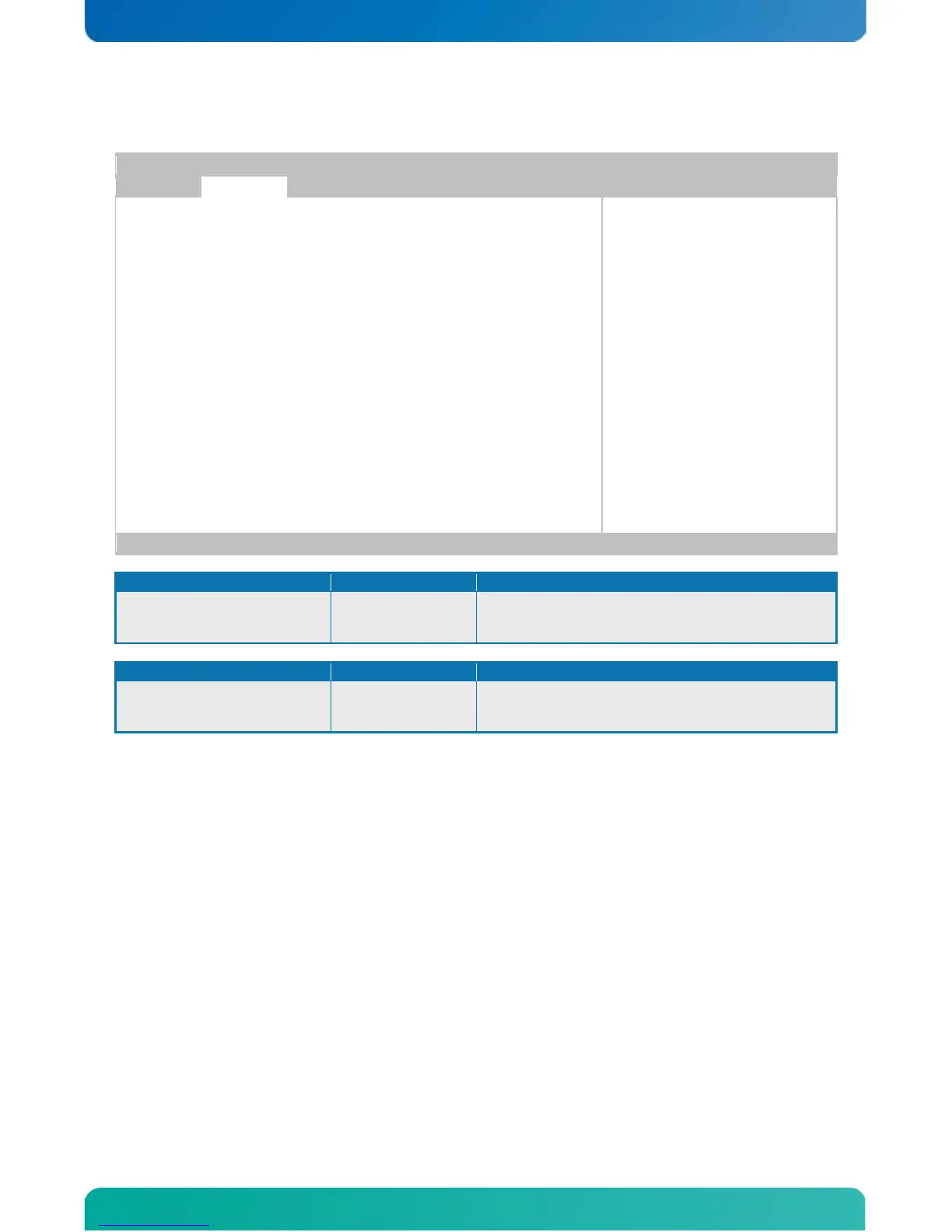
6.6.3 Advanced settings – LAN Configuration
Devices and PXE boot
<- Select Screen
|| Select Item
+- change option
F1 General Help
F10 Save and Exit
ESC Exit
ETH1 Configuration (Right) [Enabled]
MAC Address & Link status : 00E0F41E24A4 +
ETH2 Configuration (Left) [Enabled]
MAC Address & Link status : 00E0F41E24A5 -
v02.61 (C)Copyright 1985-2006, American Megatrends, Inc.
Disable/enable LAN or enabled with RPL/PXE boot
Disable/enable LAN or enabled with RPL/PXE boot
Notes:
1. The “+” and “-“ (to the right of the MAC address) indicates if link is established or not.
2. ETH1 (and only ETH1) can be used for AMT.



 To Next Page