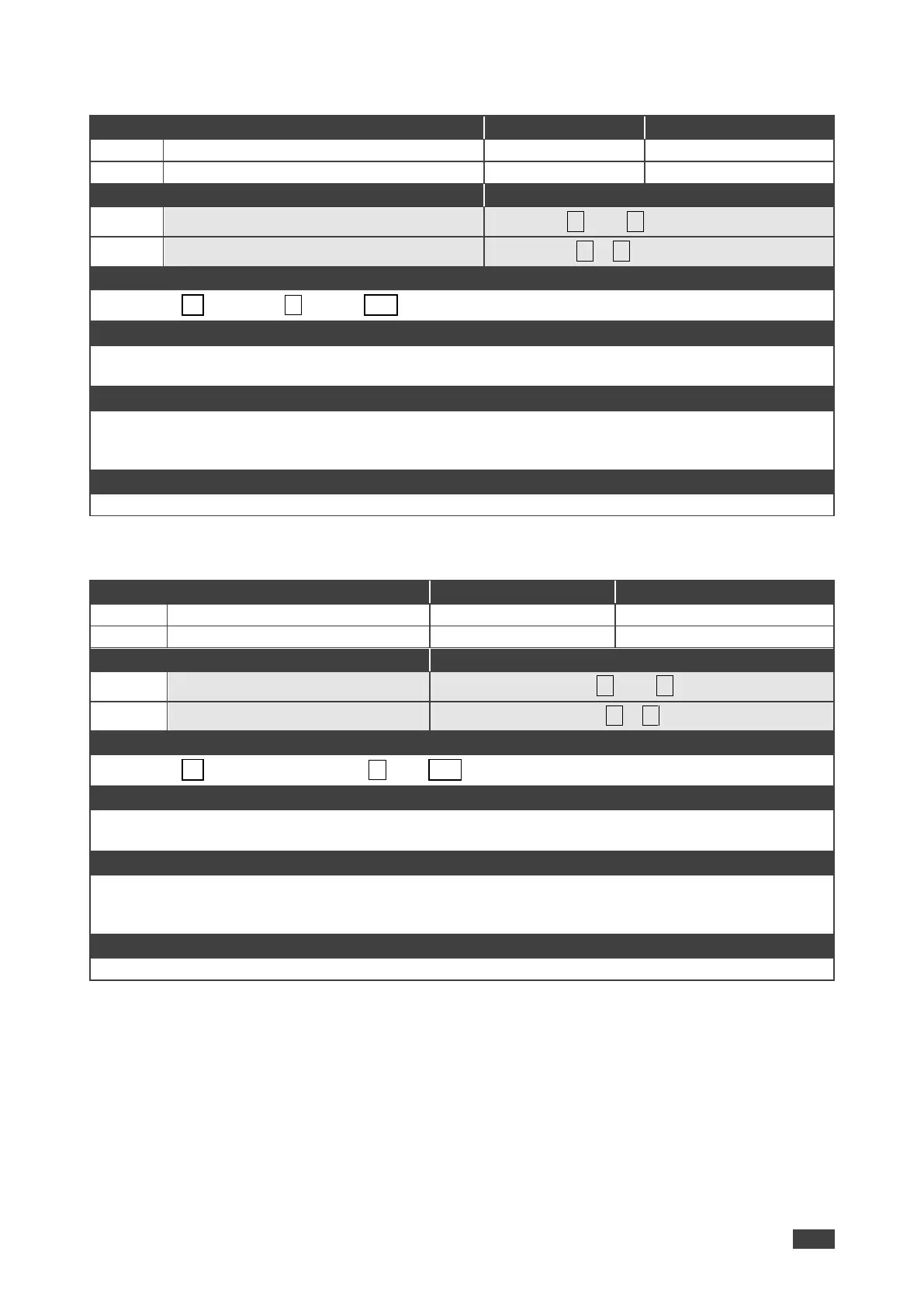
Set the auto sync off timer
Get the auto sync off timer definition
Set / Get: ~ nn@SCLR-AS␠P1,P2….␍␊
P1 (Scaler Number) –1=Scaler
P2 (Off/On) – 0=Off; 1=Fast; 2=Slow
Response is sent to the com port from which the Set (before execution) / Get command was received
After execution, response is sent to all com ports if CMD-NAME was set any other external control device
(button press, device menu and similar) or genlock status was changed
Sets the Auto Sync features for the selected Scaler
Set the scaler audio delay
Get the scaler audio delay
Set / Get: ~ nn@SCLR-AUDIO-DELAY␠P1,P2␍␊
P1 (Audio output number) –1=Scaler
P2 (Level selection) – 0=Off; 1=40ms; 2=110ms; 3=150ms
Response is sent to the com port from which the Set (before execution) / Get command was received
After execution, response is sent to all com ports if CMD-NAME was set any other external control device
(button press, device menu and similar) or genlock status was changed
Sets the audio delay for the selected audio output



 To Next Page