VII - 2
Control unit Medium
7.2 Preparing for Use
Attach the control unit on the tractor in a place where it is
clearly visible to the driver.
Connect the power supply (12V).
Check for correct polarity!
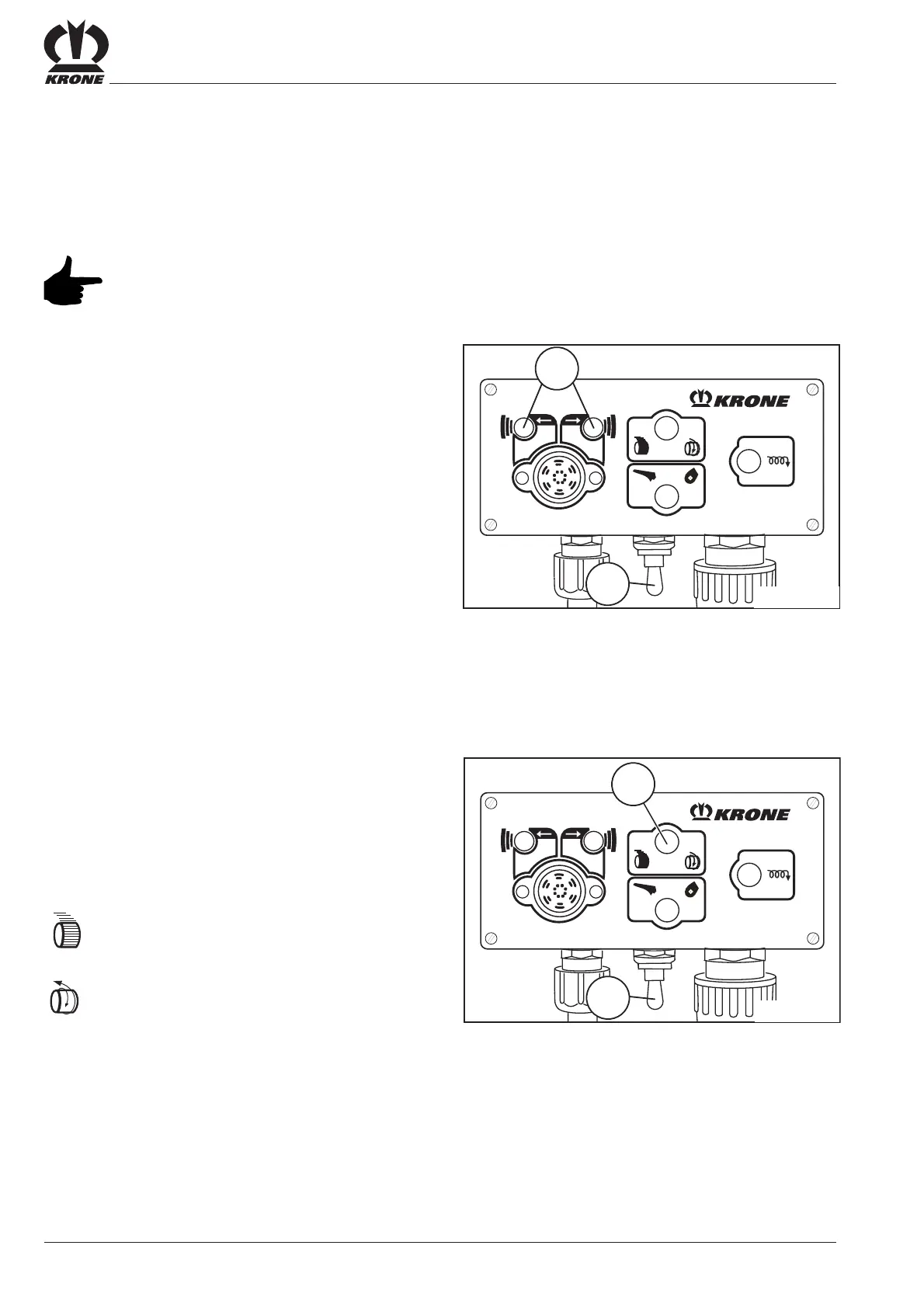
Switch on the control unit using the ON/OFF
switch (1).
The indicator lights (5) should light up and the motor
should run in basic setting.
If this is not the case:
1. Check the power supply.
2. Check the setting on the baling pressure gauge
(set to the 0 position).
7.3 Operation
7.3.1 Selecting Wrapping Mode
• Actuate the ON/OFF switch (1).
Select twine or net wrapping
Use switch (6) to select the tying mode.
= Net wrapping
= Twine wrapping
Setting the number of net wraps is on the right hand side
of the machine (see "Selecting the number of bale wraps"
chapter).
If “twine” is selected, the number of wraps must be set on
the step drive pulley (see “Twine Wrapping” Chapter)
1
5
RP600007
1
RP600008
6







 To Next Page