VIII - 8
Control unit Comfort
If the twine or net wrapping process is complete, a
continuous audio signal will sound for approximately
3 seconds.
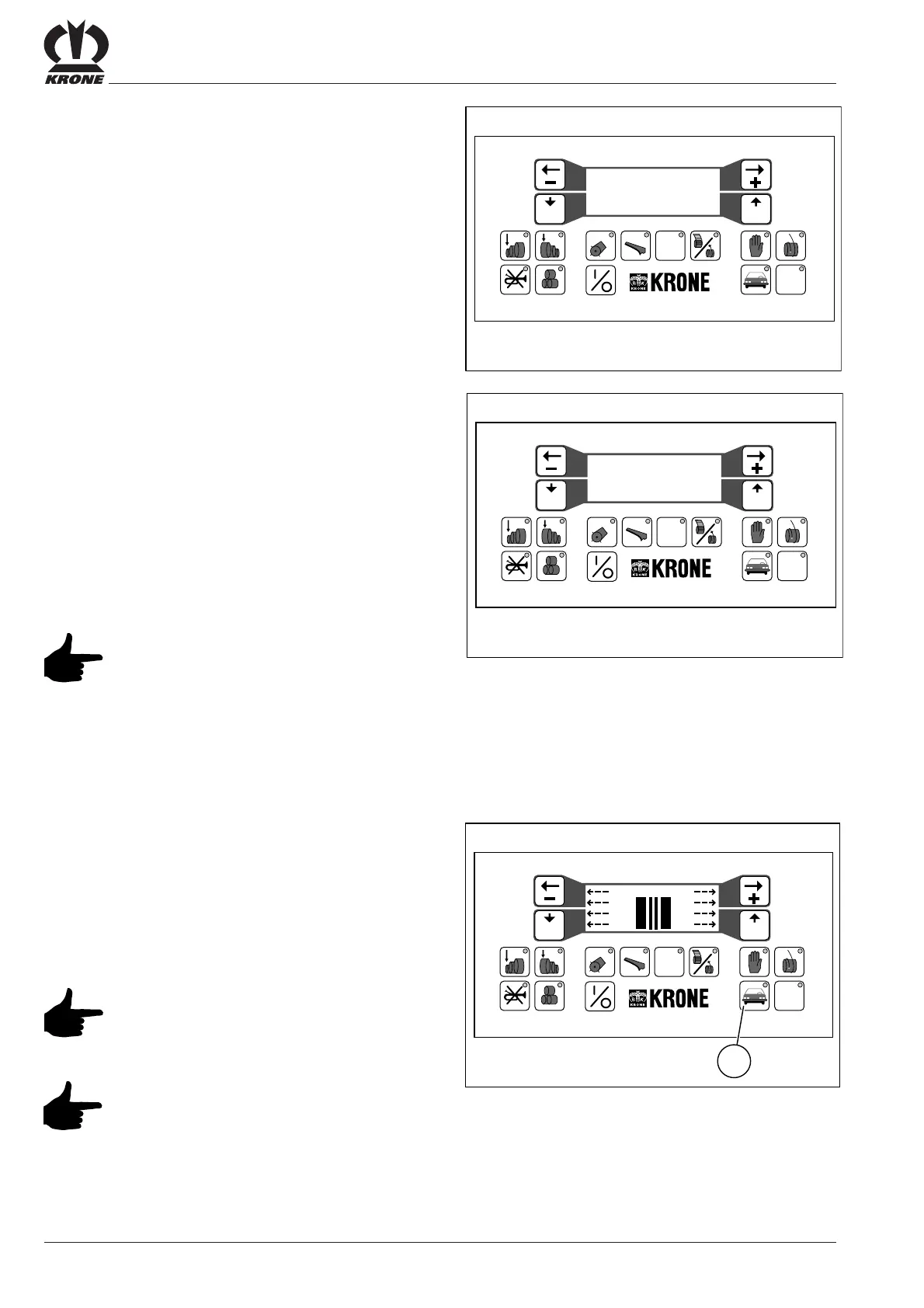
The following message appears on the display screen:
- Binding process --
---- finished ! ----
Eject the round bale by opening the bale chamber.
The following message appears on the display screen:
--- Bale chamber ---
------ open ! ------
Following ejection and proper closing of the bale chamber,
the program automatically resets to the initial condition.
The preselected bale density appears on the display
screen.
The message “Bale chamber open !”
appears whenever the bale chamber is
open or improperly locked.
Starting the twine/wrapping process automatically
If automatic start-up of the twine or net wrapping process
has been selected by pressing button (19), the program
automatically starts the twine or net wrapping process
when the preset bale density has been reached.
What follows is the same as when the twine or net
wrapping process is manually activated.
Pressing (0) at any time will start the
twine or net wrapping process, even if
“automatic wrapping” was preselected.
The program will not reset if the comfort
controls are switched off during or after
the twine or net wrapping process before
the bale chamber has been opened.
When the controls are switched back on,
a twine or net wrapping process will be
started immediately.
Prog Quit
#
12 5678 90
34
VP-1-033
STOP
- Binding process --
---- finished ! ----
Prog Quit
#
12 5678 9 0
34
VP-1-018
STOP
--- Bale chamber ---
------ open ! ------
Prog Quit
#
12 5 678 9 0
34
VP-3-005
19
STOP
90 90







 To Next Page