Printer Settings
2-43
Hard Disk Operation
If the optional hard disk is installed in this machine, the following operations are available.
• Reading Data
• Reading Program
• Writing Data
• Deleting Data
• Deleting Font Data
• Deleting Program Data
• Deleting Macro Data
• Deleting Language Data
• Formatting Hard Disk
• Printing a Partition List
1
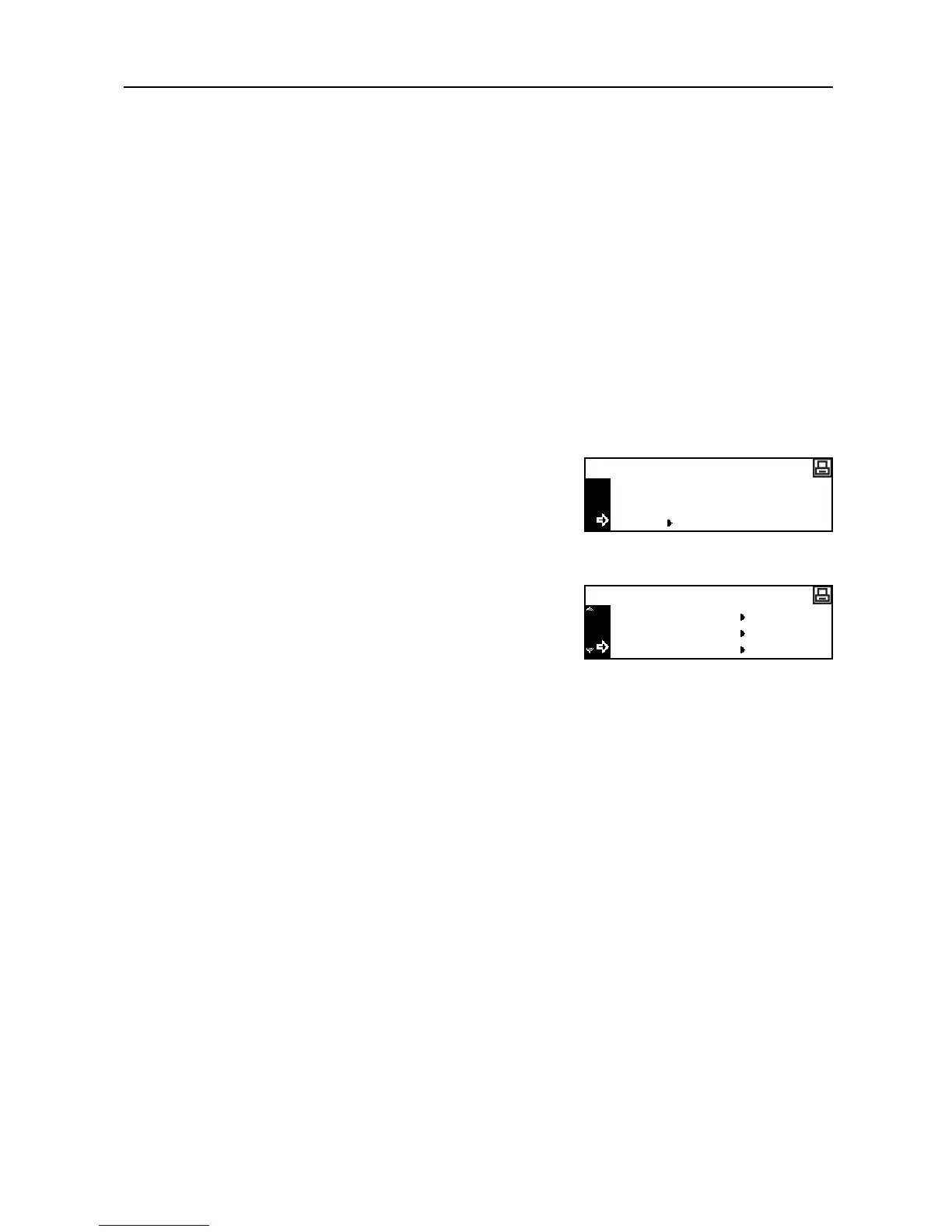
Press the Printer key.
2
Press the S key or the T key to select MENU.
3
Press the Enter key.
4
Press the S key or the T key to select HARD DISK.
5
Press the Enter key.
The operation procedure of each item is the same as that of the memory card operation. See
Memory Card Operation on page 2-37.
GO
CANCEL
Ready
MENU
Menu
Page Set
Print Quality
HARD DISK




 To Next Page