USER’S MANUAL OF LK-330E
LABEL & MARK INDUSTRIES COMPANY
16
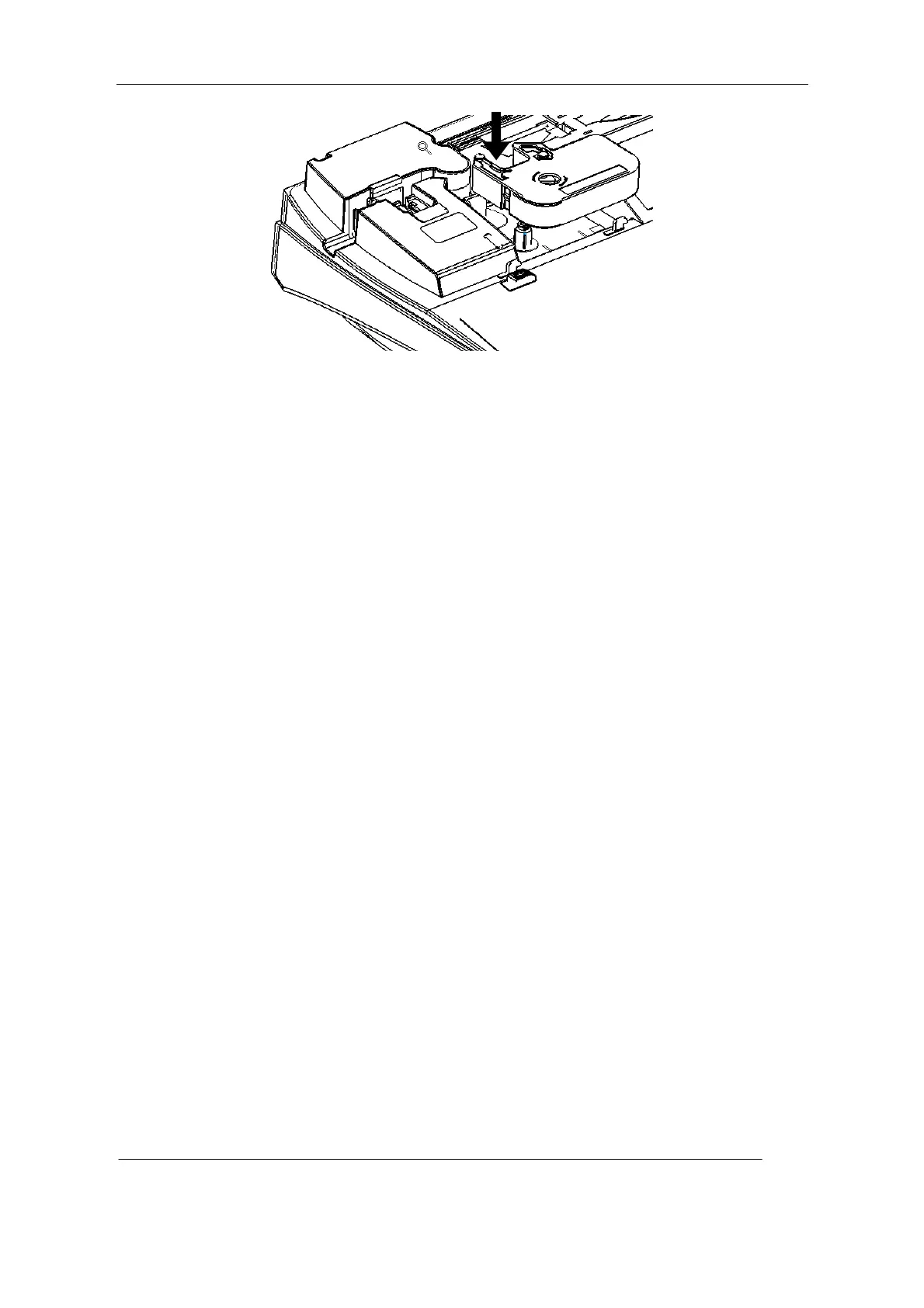
Installation of Ribbon
[Attention]
The Ribbon can not be detected by the printer if it is not properly installed. Therefore see
that the Ribbon is placed into the correct place. If the Ribbon becomes loose, the machine
may be unable to detect the Ribbon and the ribbon is prone to be torn broken or corrugated.
So be sure to roll tight the ribbon prior to installation.
4.Close the protective cover
Removal of Ribbon
1.Open the protective cover
★ Make sure the print head is not pressed on the print rubber roll, in other words make
sure the print head is released;
[Attention]
If the print head is found pressed upon the rubber roll, please close the protective cover and
switch off the power and then switch on the printer about 3 seconds later. In this way, the
printer will initialize anew and the print head will return to a proper place.
2.Raise the Ribbon and take it off carefully.



 To Next Page