USER’S MANUAL OF LK-330E
LABEL & MARK INDUSTRIES COMPANY
18
Installation of Label cassette
3.Close the protective cover
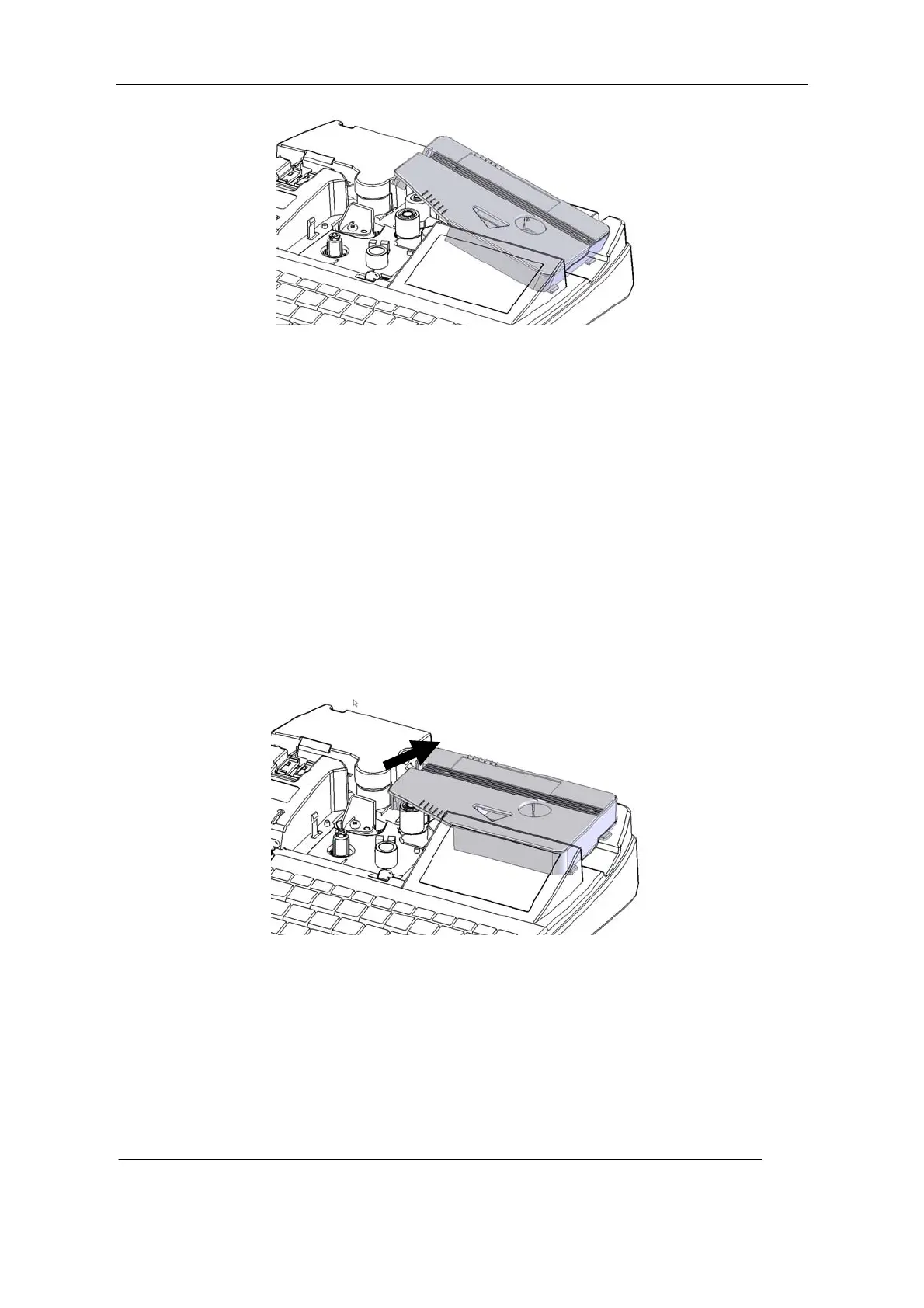
Removal of printing material cassette
1. Prior to removing printing material cassette, please press [Reverse] key and then press
(Yes) and then press [Enter] key to roll back the printing material (cf. 4.2.27
[Reverse]).
2. Open the protective cover.
3. Press the left cassette tongue and at the same time raise the printing material cassette.
4. Pull out the tongue on the right side of the cassette from the trough on the cassette
holder.
Removal of Printing Material cassette
5. Close the protective cover.
2.3.3 Installation of sleeve tube guide
1. Open the protective cover



 To Next Page