USER’S MANUAL OF LK-330E
LABEL & MARK INDUSTRIES COMPANY
49
4.2.26 Language
This key is used to shift among different language. Now the manchine can use
English and Chinese. The initial setting is English upper case input.
Press [language] to select and current entry status will be displayed on the left lower
corner on the screen. CH indicates Chinese pinyin entry method; En indicates English
entry method;
4.2.27 Back Off
This key is used to reverse the rubber roll to take off the label or tube. Due to material
difference or miss operation, the printing material may be jammed on the rubber roll.
Press this key to reverse the roll and help remove the jammed material.
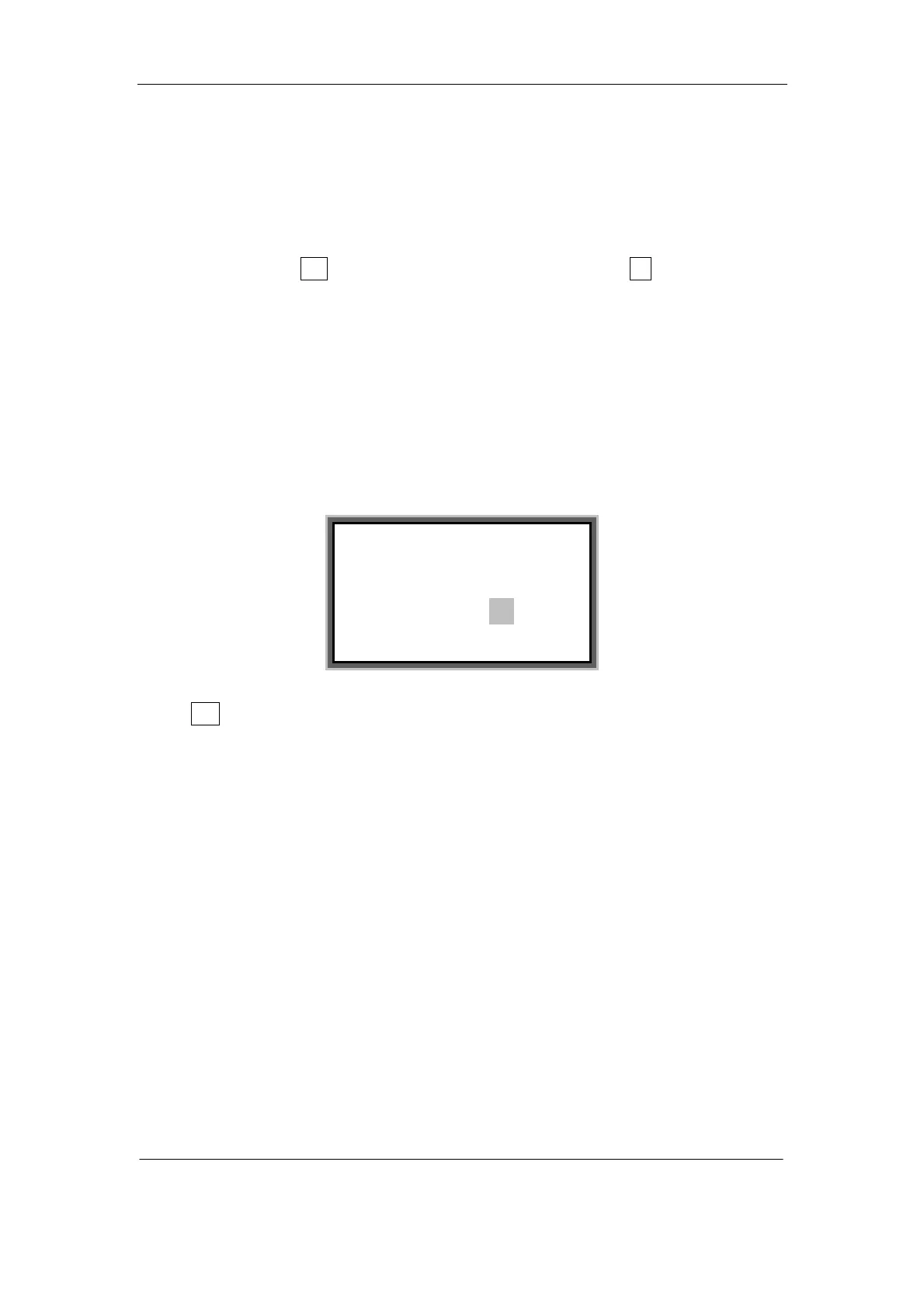
Press [Back off] key and the screen will display as follows:
Select Yes and press [Enter], then the rubber roll will be reversed. This operation can
be repeated until the jammed material is taken out.
Note:
Before Reverse operation, be sure that the print head is released and the color
ribbon is removed.
4.2.28 Backspace
This function is provided to delete the character before the cursor.
Move the cursor behind the character you want to delete and press [Backspace], and
then the character before the cursor will be deleted.
Pressing [Backspace] continuously will delete all the characters in the page; however
the page number will not be deleted. The blank page will not be printed.
To delete a page, please use [Delete] key.
Please confirm the ribbon
has been removed:
Yes No



 To Next Page