USER’S MANUAL OF LK-330E
LABEL & MARK INDUSTRIES COMPANY
45
4.2.17 Cancel
To cancel the setting or operation in progress or to cancel incorrect statement, to
return to the menu of immediately superior level or to return to text entry interface
4.2.18 Superscript
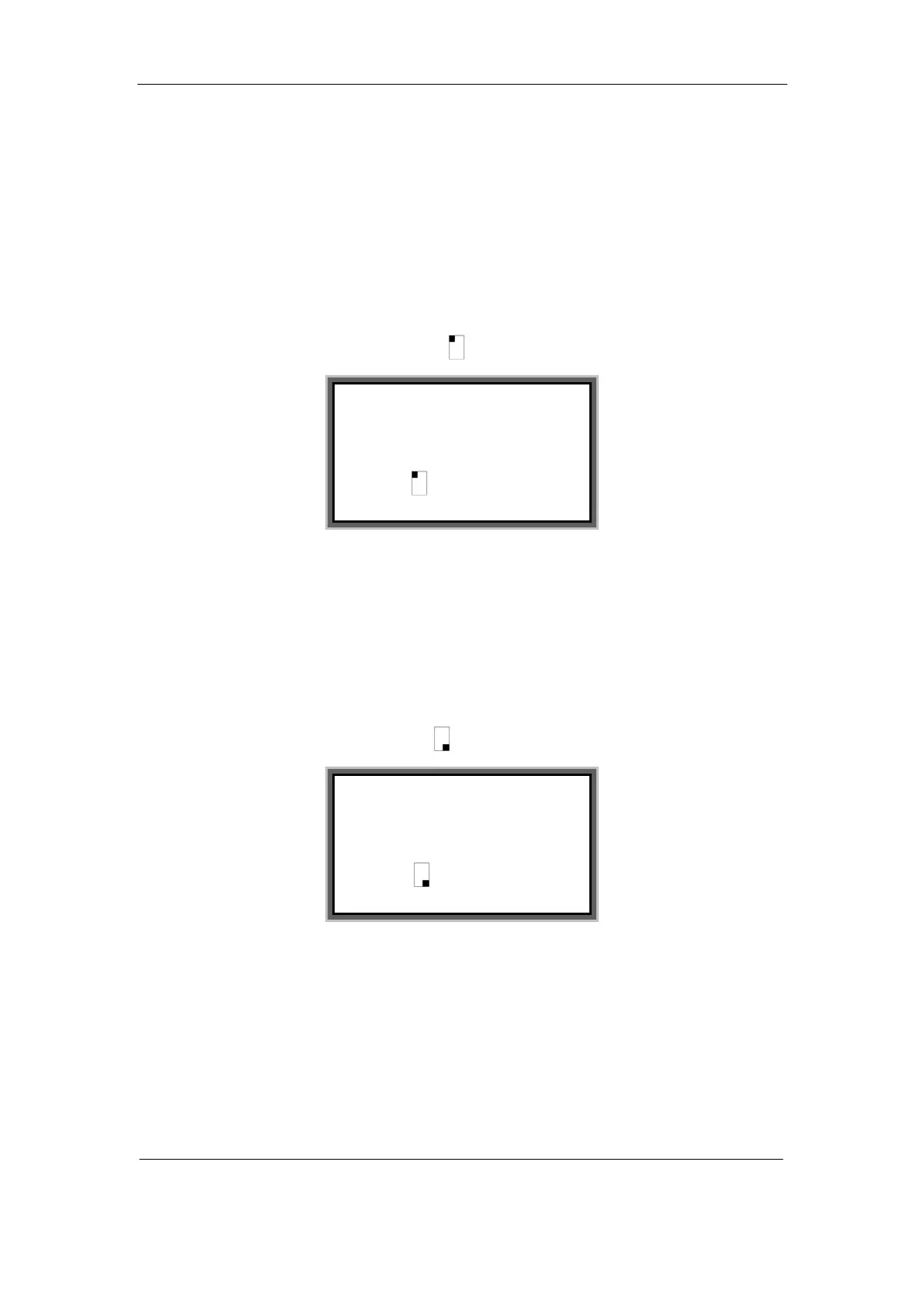
Move the cursor behind the character where you want to input superscript and press
[Superscript], then a superscript symbol appears behind this character.
Then enter the superscript character. For instance: to put superscript 2 behind the
number 6, then the print-out will be 6².
4.2.19 Subscript
Move the cursor behind the character where you want to input subscript and press
[Subscript], then a superscript symbol appears behind this character.
Then enter the subscript character. For instance: to put superscript 2 behind the letter
B, then the print-out will be B
2
.
Note:
Press the superscript or subscript key will only generate one superscript or
subscript character. To have more than one superscript or subscript character, you
1
:
AA1
2
:
AA2
3
:
6 2
1
:
AA1
2
:
AA2
3
:
B 2



 To Next Page