USER’S MANUAL OF LK-330E
LABEL & MARK INDUSTRIES COMPANY
29
4.2 Instructions for Function Keys
4.2.1 Medium
You may choose label, PVC sleeve tube, or heat shrink tube as the material to be
printed on.
Be sure to select the correct material before printing; after replacing the
printing material, be sure to change the settings of the tube printer so
that they are compatible with the new printing material; otherwise it may
compromise the printing quality, result in printing error or damage the
print head.
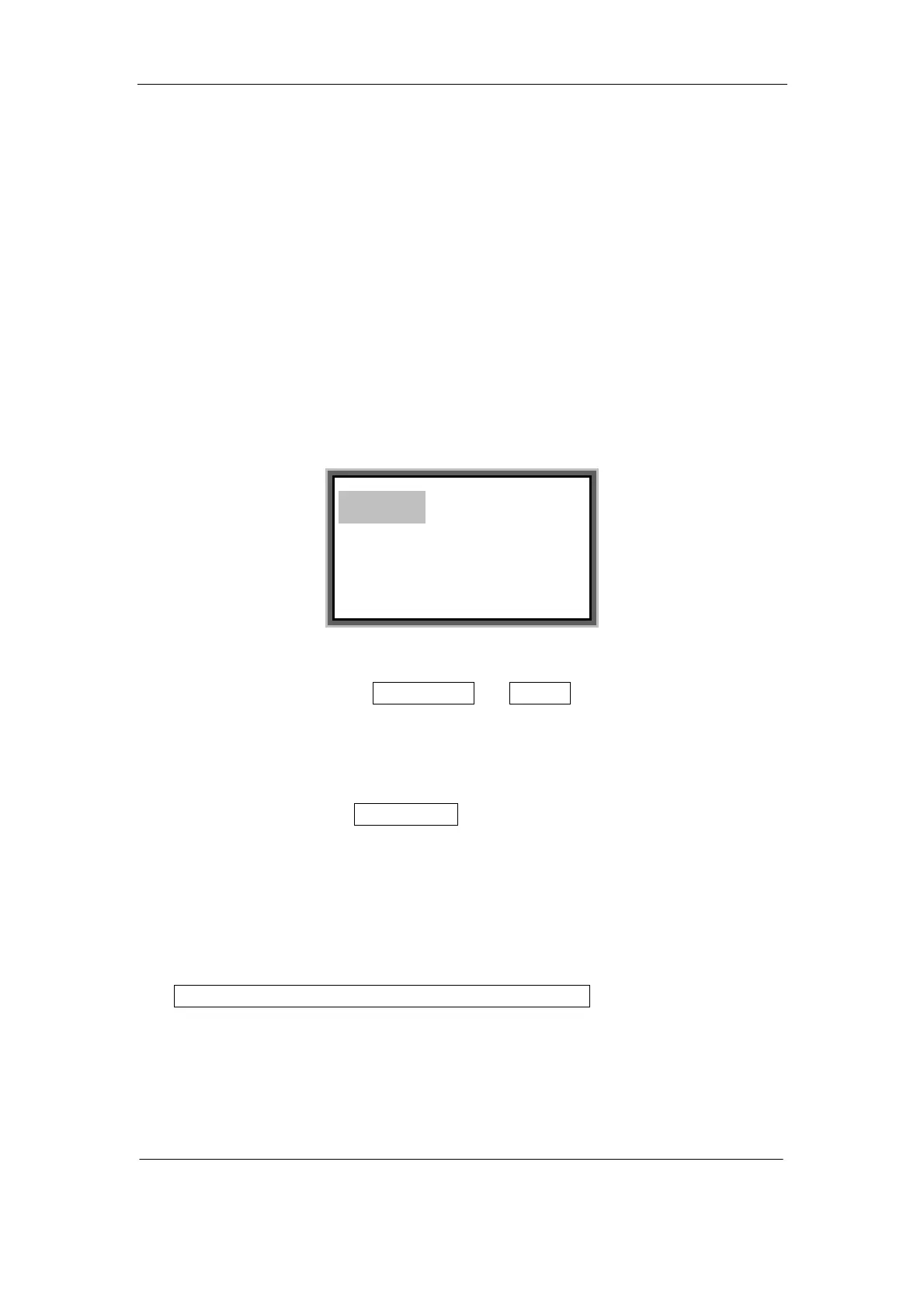
Press [Material] key, and the screen display will be as follows:
Press [→] or [←] to choose PVC Tube or Label , and press [Enter]. Then a
window will be displayed to select the specific material specifications. Press [→] or
[←] to select the desired specification and press [Enter], then you will enter into the
text editing window.
Press [→] or [←]to choose Shrink tube , and press [Enter], then you will enter into
the text editing window.
Note:
● After selecting the printing material, if you choose a font size that is too large for
the material, the screen will display as below:
Font exceeds the limits of
medium. Any key to return!
PVC Tube
Label
Shrink Tube



 To Next Page