USER’S MANUAL OF LK-330E
LABEL & MARK INDUSTRIES COMPANY
15
[Caps Lock] ( page 49 )
This key is used to switch between upper-case input mode and lower-case input mode.
[Print Scope] ( page 47 )
This key is used to print selected pages in the text
[Cutting Set ] ( page 46 )
This key is used to choose half-cutting, cut line, or wiyhout either half-cutting or cut line
[Cut Depth] ( page 46 )
This key is used to adjust the cutting depth of full-cut or half-cut
[Backspace] ( page 49 )
This key is used to delete the character that precedes the cursor
[Back Off] ( page 48 )
This key is used to remove the tube or the label tape.
2.3 Installation
2.3.1 Installation and removal of Ribbon
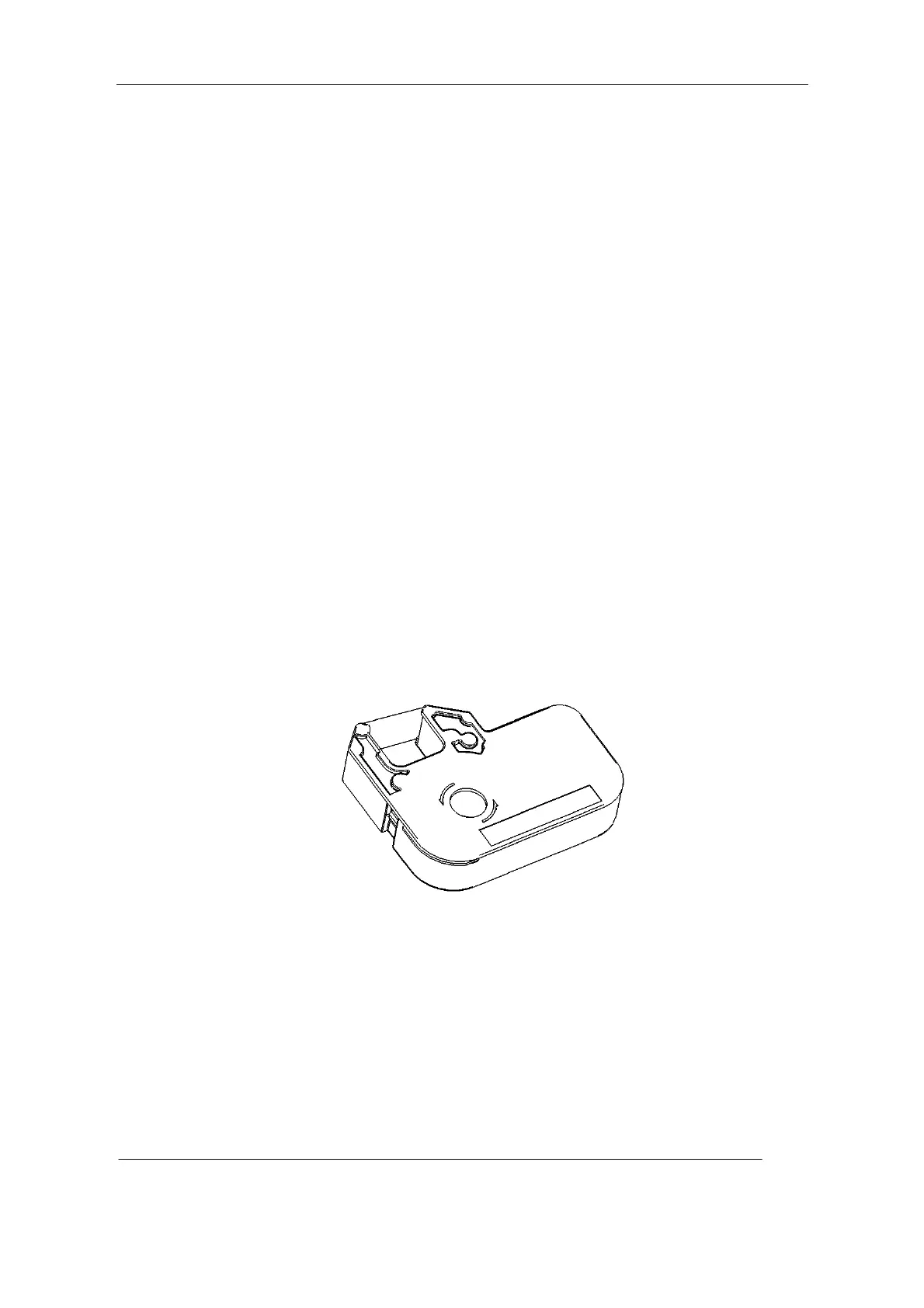
Installation of Ribbon
1.Open the protective cover
2.See the picture below; roll the ribbon tightly and neatly in the direction as shown.
3.Place the Ribbon in the ribbon holder, as shown in the picture. You will hear a “crack”
sound when it is properly located in its position.



 To Next Page