USER’S MANUAL OF LK-330E
LABEL & MARK INDUSTRIES COMPANY
31
Automatic page length
This function will generate a page length automatically depending on the letters,
symbols, character spacing, and font size.
Select Automatic length , and press [Enter], then the page in which the cursor exists
and all the pages behind it will assume an automatic length. Then, the screen will
show the text editing window automatically.
After you set an automatic font size, if you select Automatic length and press
[Enter], the following message will be shown:
Font size is auto, can’t set auto length. Any key to return!
4.2.3
[
]
Orientation
This function is provided to set the printing orientation. The initial setting is
horizontal printing.
Press [
] key and then the page in which the cursor exists and all the pages
behind it will be printed in horizontal or vertical orientation as appropriate.
You are advised to make this setting before you enter the contents. Otherwise, it may
display Page contents too long! message.
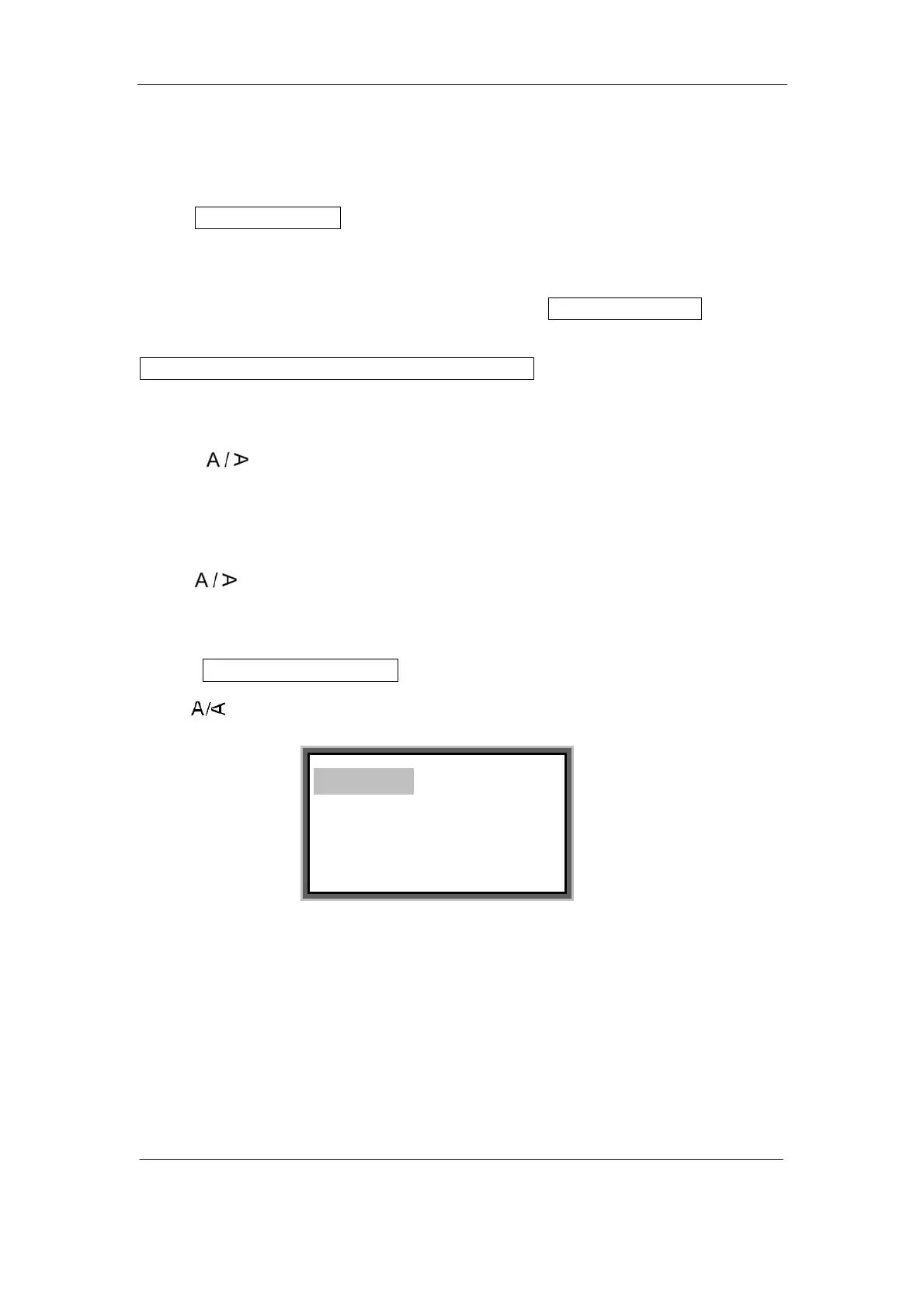
Press [ ]] key, and the screen will display:
Press [↑] or [↓] to select and the press [Enter], then the page in which the cursor
exists and all the pages behind it will be printed in the orientation you selected. Then,
the screen will return to the text editing window automatically.
Note:
Reverting from horizontal to vertical printing may result in incorrect print out;
this depends on character number, font size, and font setting. If the contents are
Horizontal
Vertical
Current—horizontal



 To Next Page