USER’S MANUAL OF LK-330E
LABEL & MARK INDUSTRIES COMPANY
56
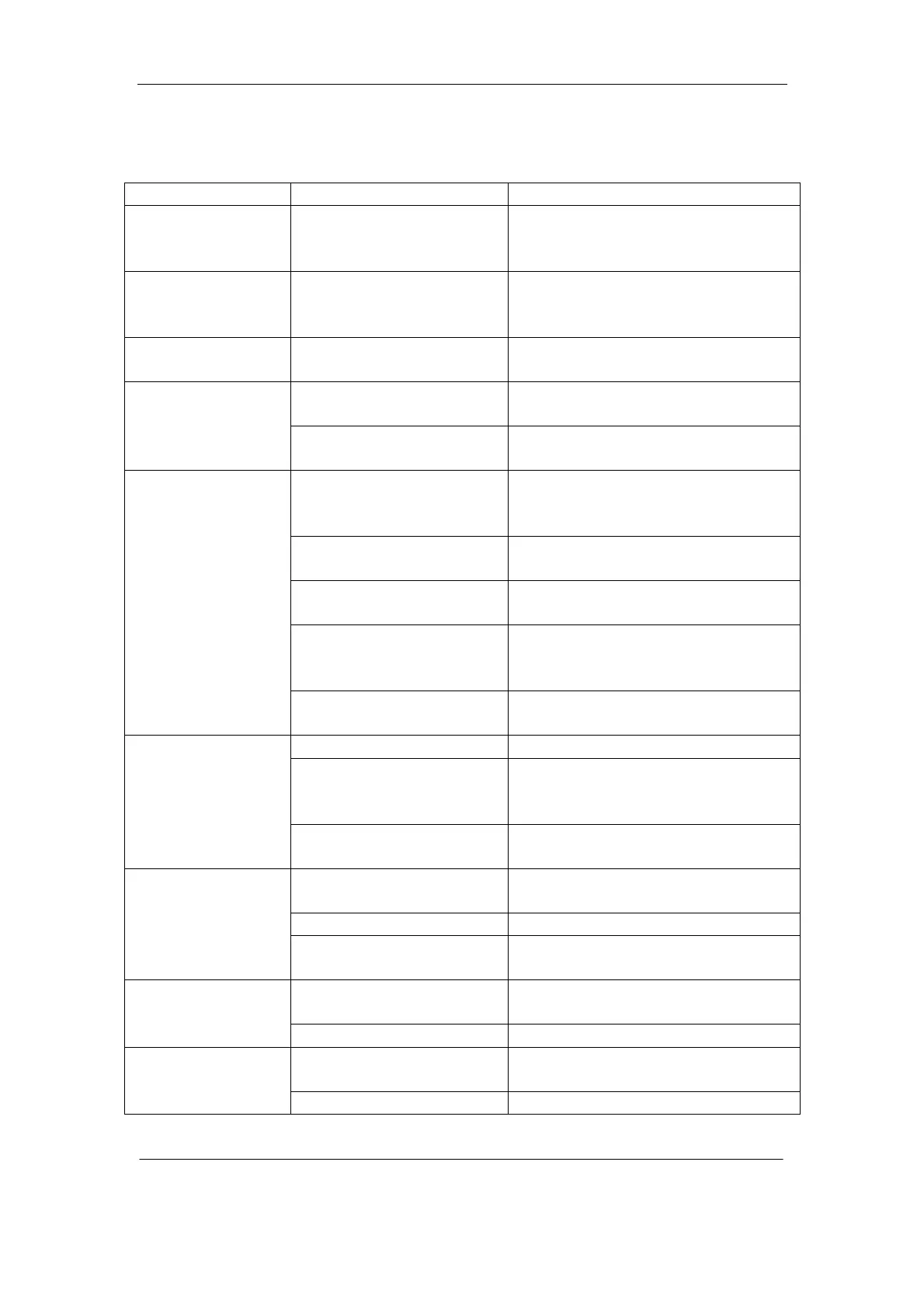
6.2 Simple Trouble-shooting
Problem Cause Solution
Text is not center
aligned after
semi-cutting
Material difference
Please use “Fine adjustment” to
adjust the text alignment.
Actual page length
differs from the
specified value
Material difference Please use “Correct” function.
Poor semi-cutting
quality
Semi-cutting blade has
been worn out
Please replace the semi-cutting
blade
Driver software not
installed
Please install driver software On-line printing
operation is not
responding
The main unit is not in
text editing window
Please enter into text editing
window on the main unit.
Sleeve tube is too hard;
Stained sleeve tube
surface
Please clean the tube or use an
acceptable tube.
Ink ribbon crimped
Take out the ribbon or tidy it up, or
replace it by a new one.
Print head worn out or
scratched
Change the print head
Material configuration not
matching
Please change material
configuration to ensure it agrees
with the materials used.
Printing not clear
Ambient temperature to
low or too high
Please adjust the print color strength
or change the ambient temperature.
Font size too large Use a smaller font size.
Material specifications not
properly set
On the machine, please set the
material specifications to be
compatible with the materials used.
Incomplete printing
characters
Print head worn out or
scratched
Change the print head
Print head connection line
is improperly connected
Please connect the print head
connection line properly
Print head damaged Change the print head
The machine is
printing, but there
is not print out
Semi-cutting not deep
enough
Please adjust the semi-cutting depth
Semi-cutting depth is too
large
Please select a smaller semi-cutting
depth
label sticks to the
blade
The cutting edge is glued Please clear the cutting edge of glue.
Problem with sleeve tube
guide
Please replace the sleeve tube guide.
Ink ribbon slanted
and curled in edges
Problem with ink ribbon Please replace the ink ribbon.



 To Next Page