USER’S MANUAL OF LK-330E
LABEL & MARK INDUSTRIES COMPANY
33
Note:
After you have chosen automatic page length function, automatic font size
function will become invalidated. After you have chosen automatic page length
function, if you attempt to set font size and press [Enter], then the following
message will be displayed:
Page length too long! Press [Cancel] to return.
4.2.5 Spacing
This function is provided to set the spacing between characters.
This setting is valid for all the contents to be printed.
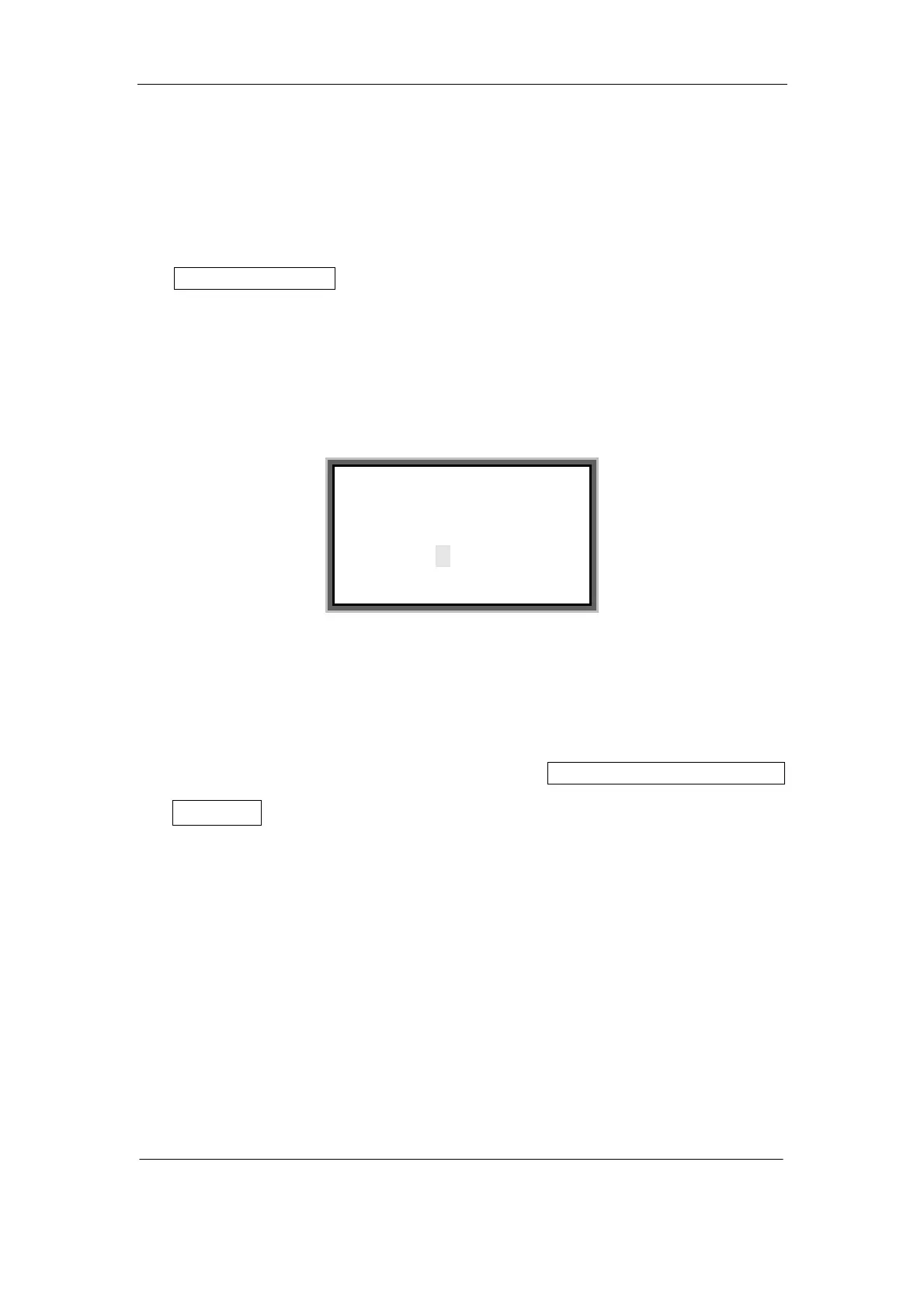
Press [Spacing] and the screen will display as follows:
Enter the value you want and press [Enter], and then the screen will return to the text
editing window automatically.
Note:
If the spacing is too large, the screen will display Exceeds the limits! Adjustment
is invalid!
The spacing is 1—20 in an ascending order.
4.2.6 Density
This function is provided to set the printing density.
This setting is valid for all the contents to be printed.
Press [Density] key and the screen will display as follows:
Spacing (1—20),
Current is 1;
Change to:



 To Next Page