USER’S MANUAL OF LK-330E
LABEL & MARK INDUSTRIES COMPANY
41
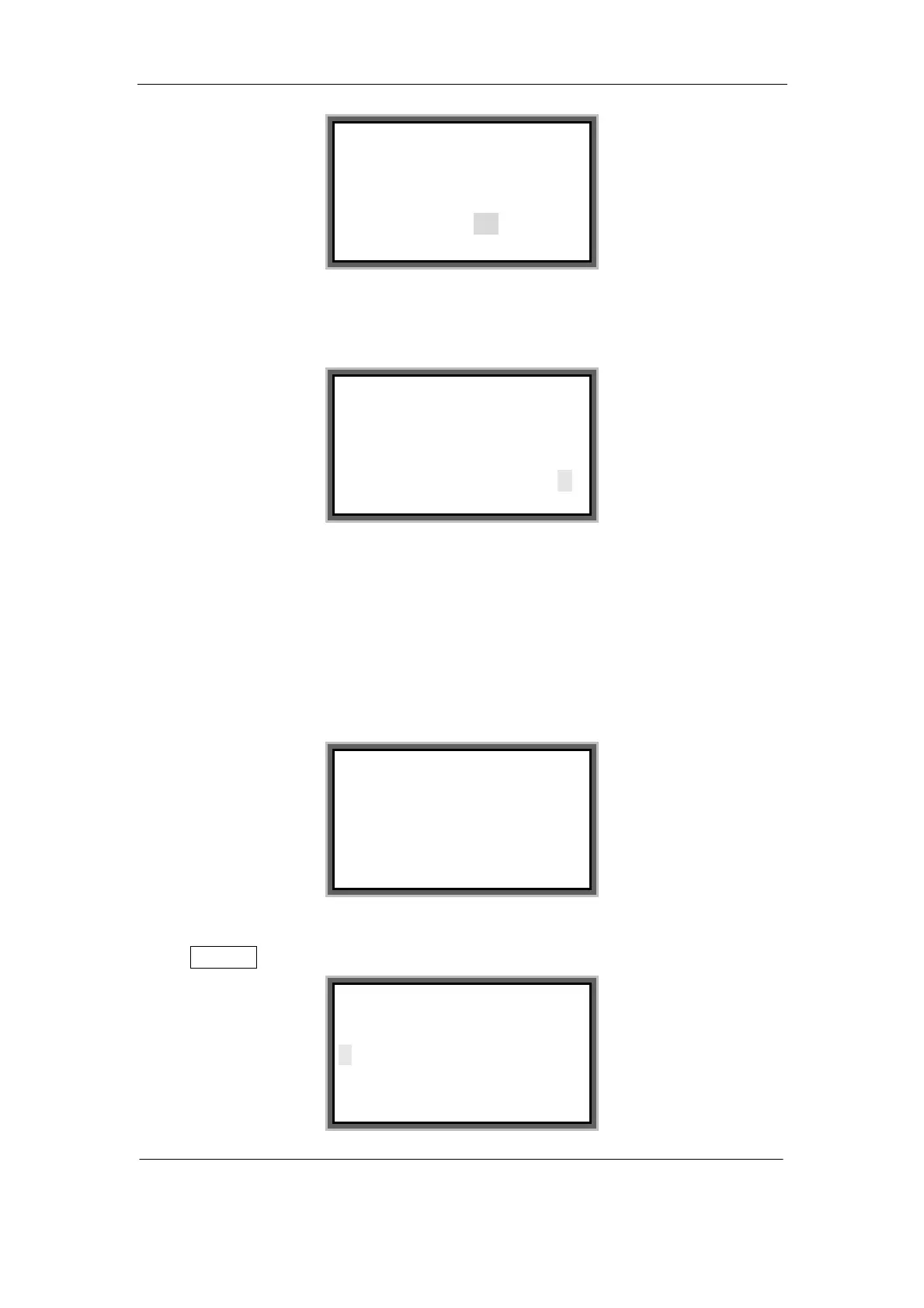
Press [→] or [←] to select the “Yes” or “No” and press [Enter]. If select “Yes” and
pressed [Enter] then the screen will display as follows:
4.2.13 File
Use this function you can save all the input contents as a files in the machine’s
internal memory. To save it as a file, you need to give it a mane. You can open or
delete saved files.
Press [File] and the screen will display as follows:
Save file
Select Save file and press [Enter], then the screen will be displayed as follows:
Please confirm to connect
with the PC
Yes No
Keyboard have been locked
If want to release it,
Please restart the printer
Save File
Open File
Delete File
Input file name:



 To Next Page