Create a New 384:1536 Protocol Definition
Create a new 384:1536 protocol definition using the stacking features of the Add New Protocol wizard. Reagent from four 384-well
source plates can be transferred to a single 1536-well destination plate.
Note: If the new liquid transfer protocol requires a new destination microplate definition, create it before running the Add
New Protocol wizard. See Manage Labware Specifications.
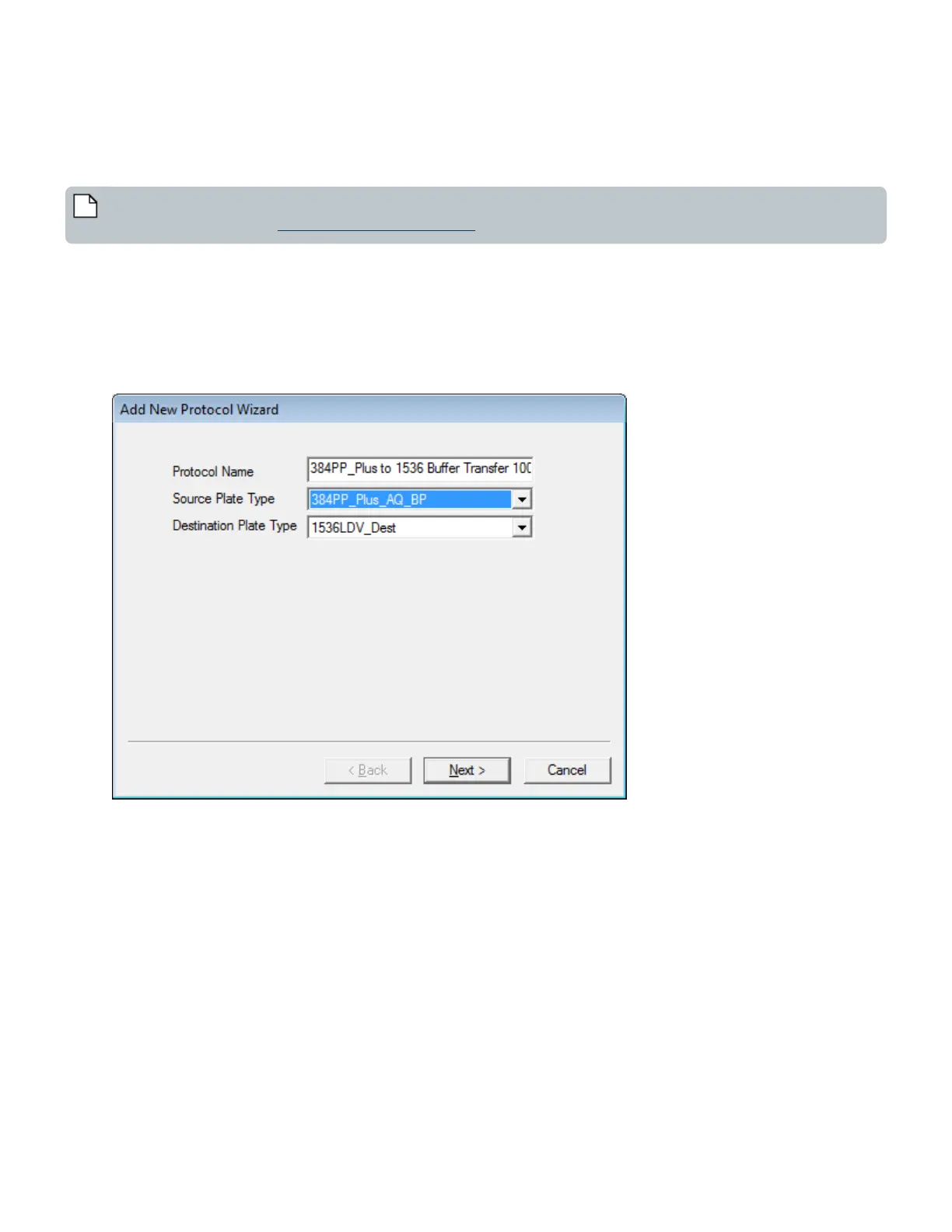
1. Click the Add button to start the Add New Protocol wizard. Enter the protocol name (for example, 384PP Buffer Transfer)
and select the source and destination microplate types from the drop-down lists as shown below:
l Protocol Name: Enter a name for the new protocol. It must not already be in use.
l Source Plate Type: Select a source plate type from the first drop-down list.
l Destination Plate Type: Select a destination plate type from the second drop down list. The destination plate
definition must already exist in the Echo database.
Figure 56: Add new protocol wizard, page 1 of 3
97 PN | 001-11665
USER GUIDE | Echo® 525 Liquid Handler User Guide Echo Liquid Handler Software



 To Next Page