Controls and Indicators 69
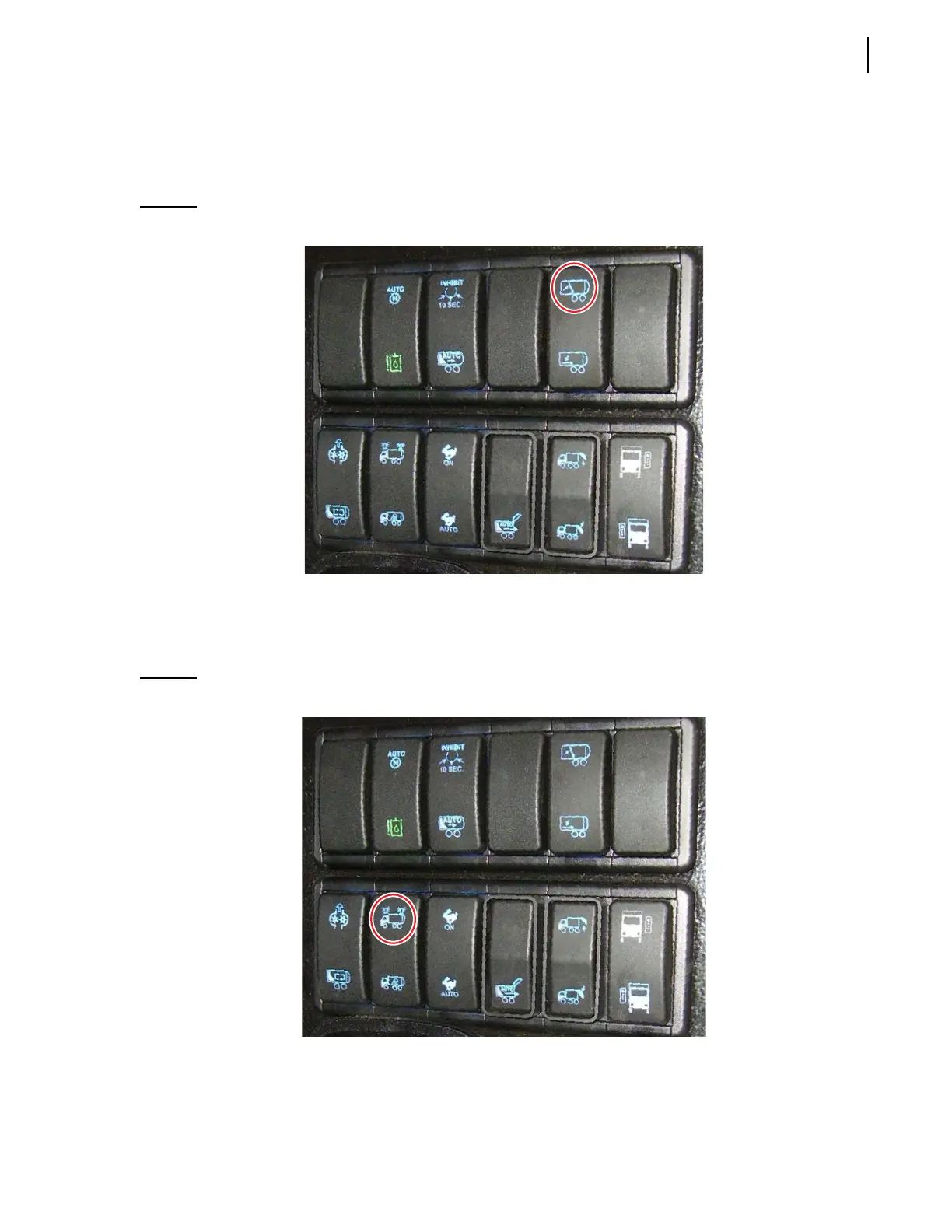
Crusher Panel Up Switch (optional)
Press and keep down this switch to raise the crusher panel. When pushed, this switch becomes green
lighted.
Figure 3-31
Crusher panel up switch
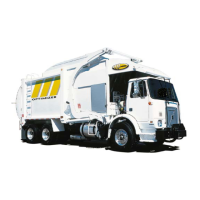
Strobe Light Switch
This switch activates and deactivates strobe lights and amber flashing lights.
Figure 3-32
Strobe light switch
Press this switch once to turn ON strobe lights and amber flashing lights (switch turns green).
Press this switch again to turn OFF strobe lights and amber flashing lights (switch turns blue).



 To Next Page