LaCie 5big Network 2 • DESIGN BY NEIL POULTON Connecting to a Network
User Manual page 17
2.5. Power Button Functions
The multi-function front LED/button allows you to activate/deacti-
vate sleep mode and reset to default.
✦ Activate sleep mode: This mode can be triggered by either:
a. If Deep Sleep Mode is enabled in Dashboard > Eco Man-
agement, by clicking and holding the blue button.
b. Alternatively, if Deep Sleep Mode is enabled in Dashboard
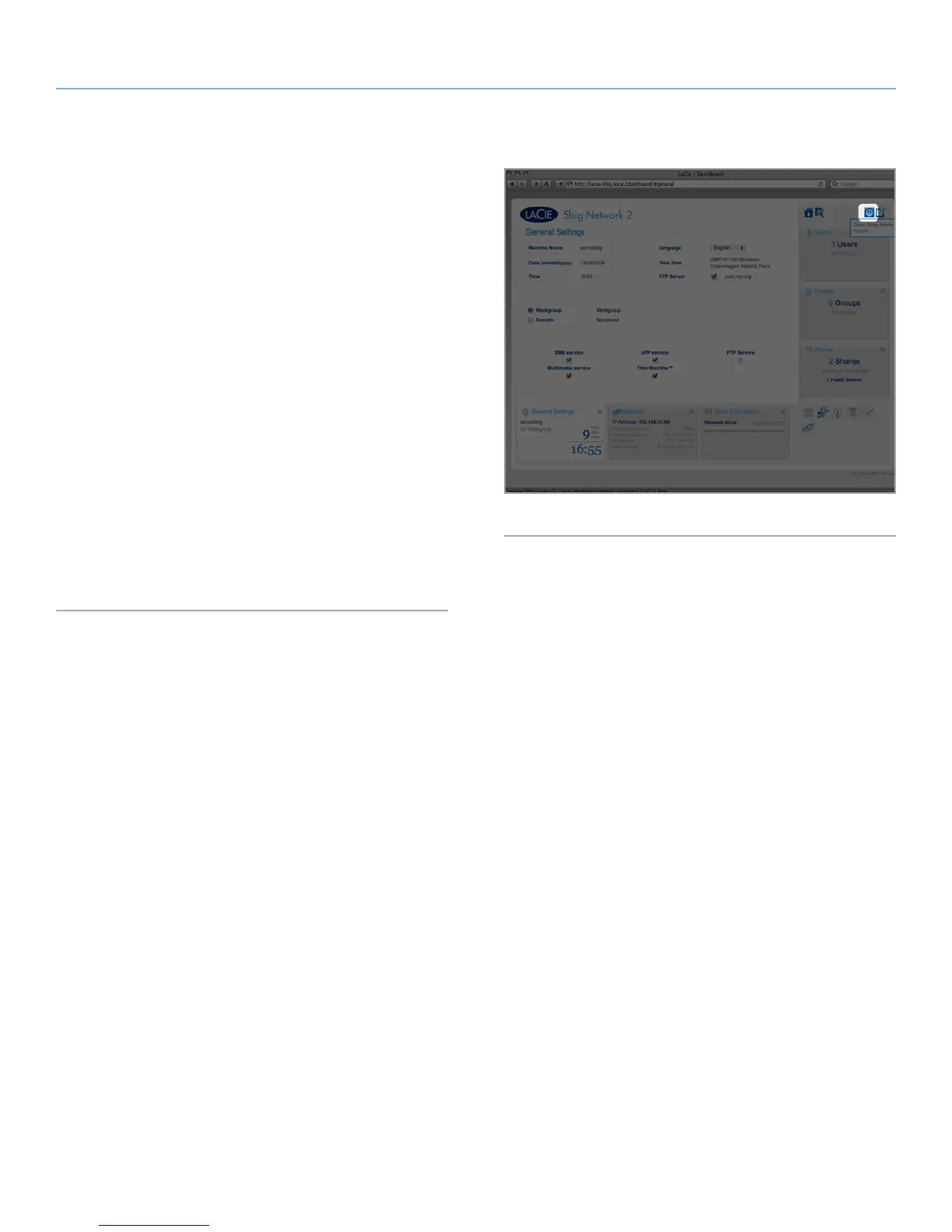
> Eco Management, by clicking the Shut Down button in
the upper-right hand corner of the Dashboard then Deep
Sleep Mode (Fig. 14).
✦ Wake from sleep mode: Press the blue button (but do not hold
it down).
To wake the drive from Deep Sleep Mode, press the blue but-
ton or use the Wake on LAN function in the LaCie Network As-
sistant (see 4.12.2. Wake on LAN) (see 4.12. Dashboard: Eco
Management).
✦ Reset to default: This process is explain in section 4.19. Reset
to Factory.
Fig. 14








 To Next Page