LaCie 5big Network 2 • DESIGN BY NEIL POULTON Administering Your LaCie 5big Network 2
User Manual page 53
Fig. 75
Fig. 76
Fig. 77
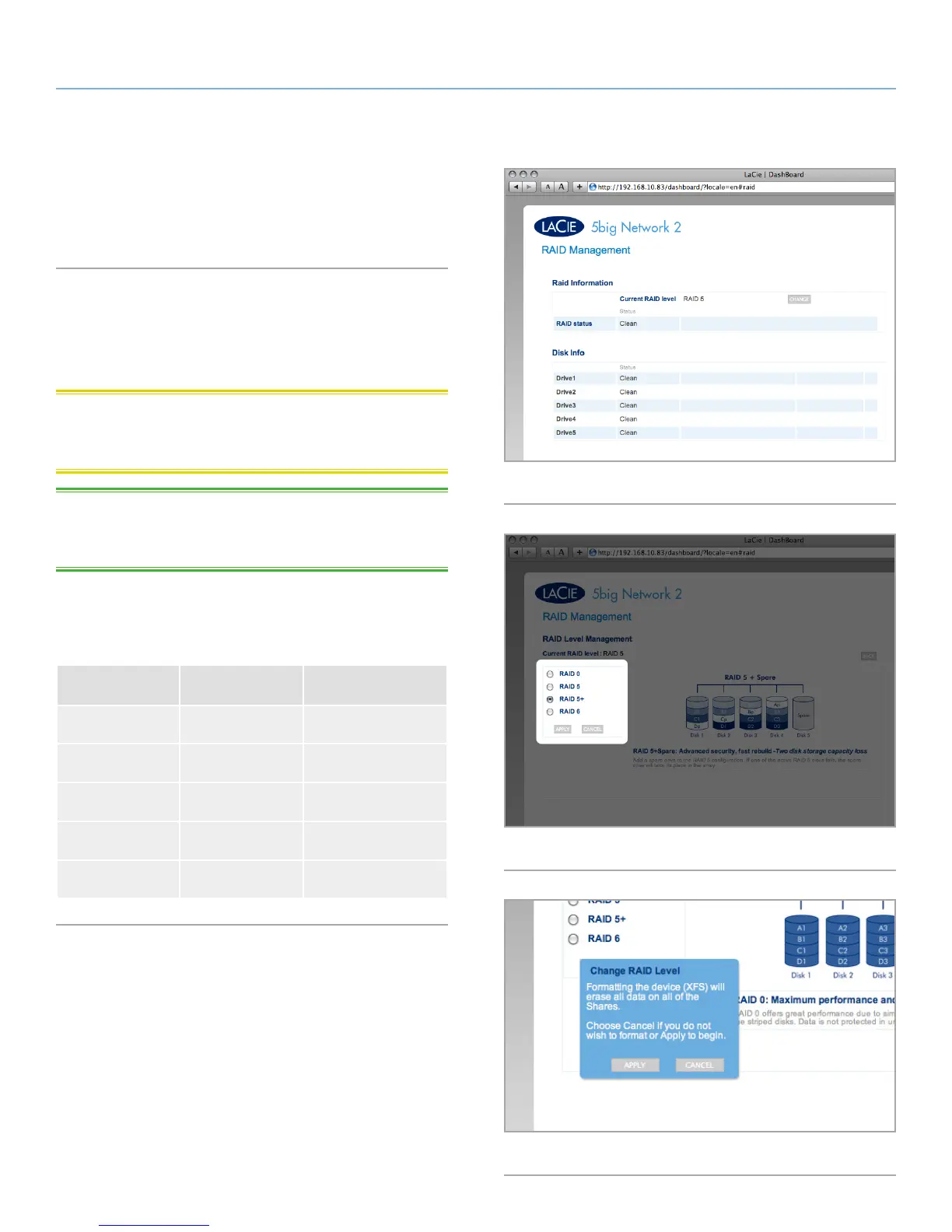
4.17. Dashboard: RAID
This page will allow you to monitor and change the RAID array (Fig.
75).
4.17.1. Modify RAID Mode
To modify the RAID mode, click the Change button. Then, choose
which RAID mode and click Apply (Fig. 76). Finally, confirm the ac-
tion in the dialogue window.
CAUTION : Changing the RAID mode destroys all data stored on
the LaCie 5big. If you have saved data on the drives, back up data
before following these steps.
TECHNICAL NOTE: Before you change the RAID mode of the
LaCie 5big, familiarize yourself with the 5big’s RAID modes. See
section 4.17.2. About RAID Modes.
Rebuild times:
The following chart shows the approximate time it takes to convert
from a RAID 0 array to another mode.
New Mode Total Size Approx. Time
RAID 5 2.5TB 10 hours
RAID 5 5TB 20 hours
RAID 5 7.5TB 30 hours
RAID 5+Spare 2.5TB 10 hours
RAID 6 5TB 30 hours













 To Next Page