LaCie 5big Network 2 • DESIGN BY NEIL POULTON Administering Your LaCie 5big Network 2
User Manual page 50
4.15. Dashboard: Copy
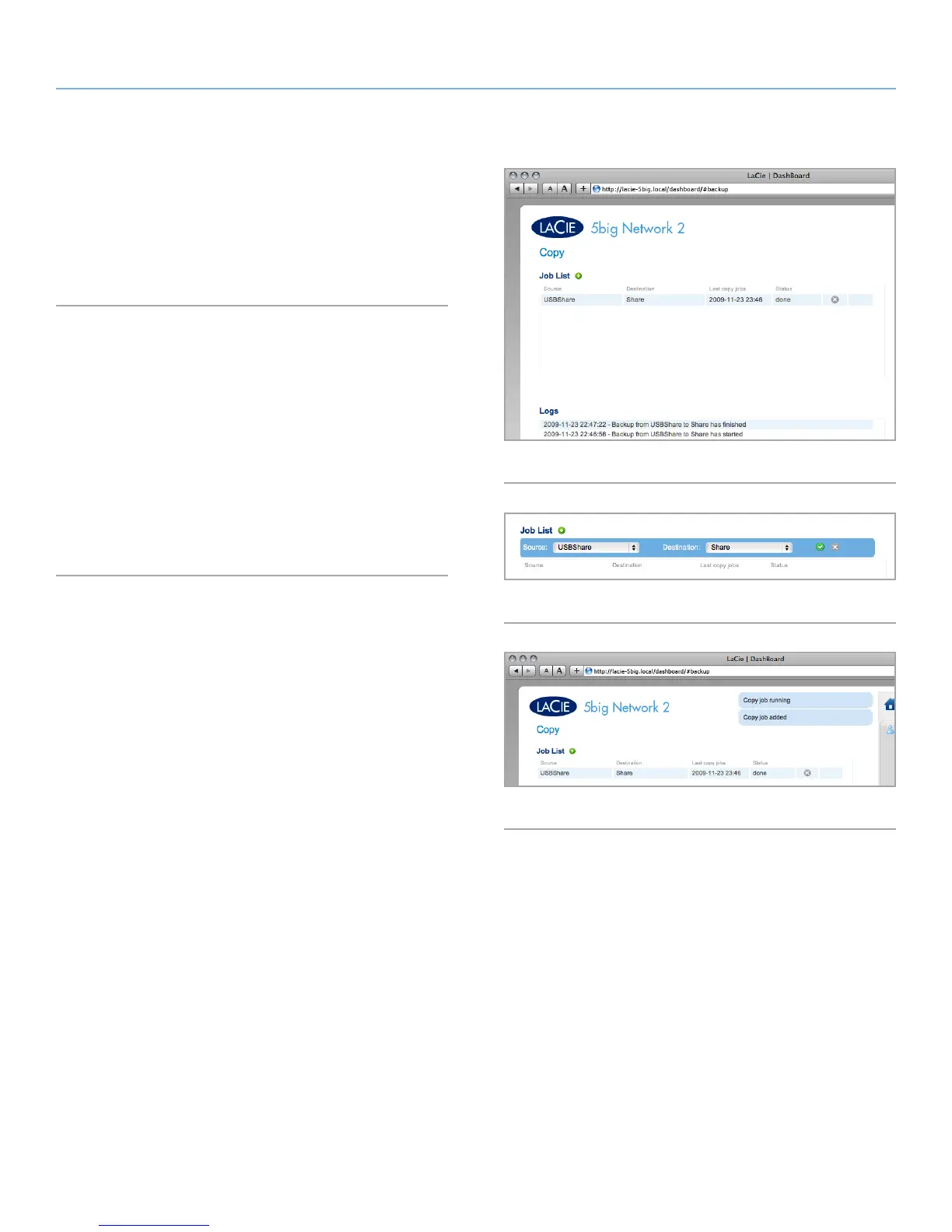
This page will allow administrators to set up backups (Fig. 70). In
order to use a share for a backup, the user initiating the backup
must have Read/Write privileges for that share, or the share must
be Public.
4.15.1. Creating a Backup Job
1. Click the green plus sign to the right of the page title (“Jobs
List”) (Fig. 71).
2. Set a Source share (what you want to back up) in the left menu
and a Destination share (where you want to save the backup)
in the right menu.
3. After a moment, a message will appear saying that the backup
has begun (Fig. 72).
4. A message will notify you when the backup is finished.
Fig. 70
Fig. 72
Fig. 71













 To Next Page