LaCie 5big Network 2 • DESIGN BY NEIL POULTON Accessing & Transferring Files
User Manual page 27
3.6. Multimedia Server
Once you have established the network connection between your
computer and the 5big Network 2, you can configure your 5big
Network 2 to act as a UPnP multimedia server. Follow these steps:
1. Make sure the 5big Network 2 is properly connected to your
home network as described in section 2. Connecting to a Net-
work.
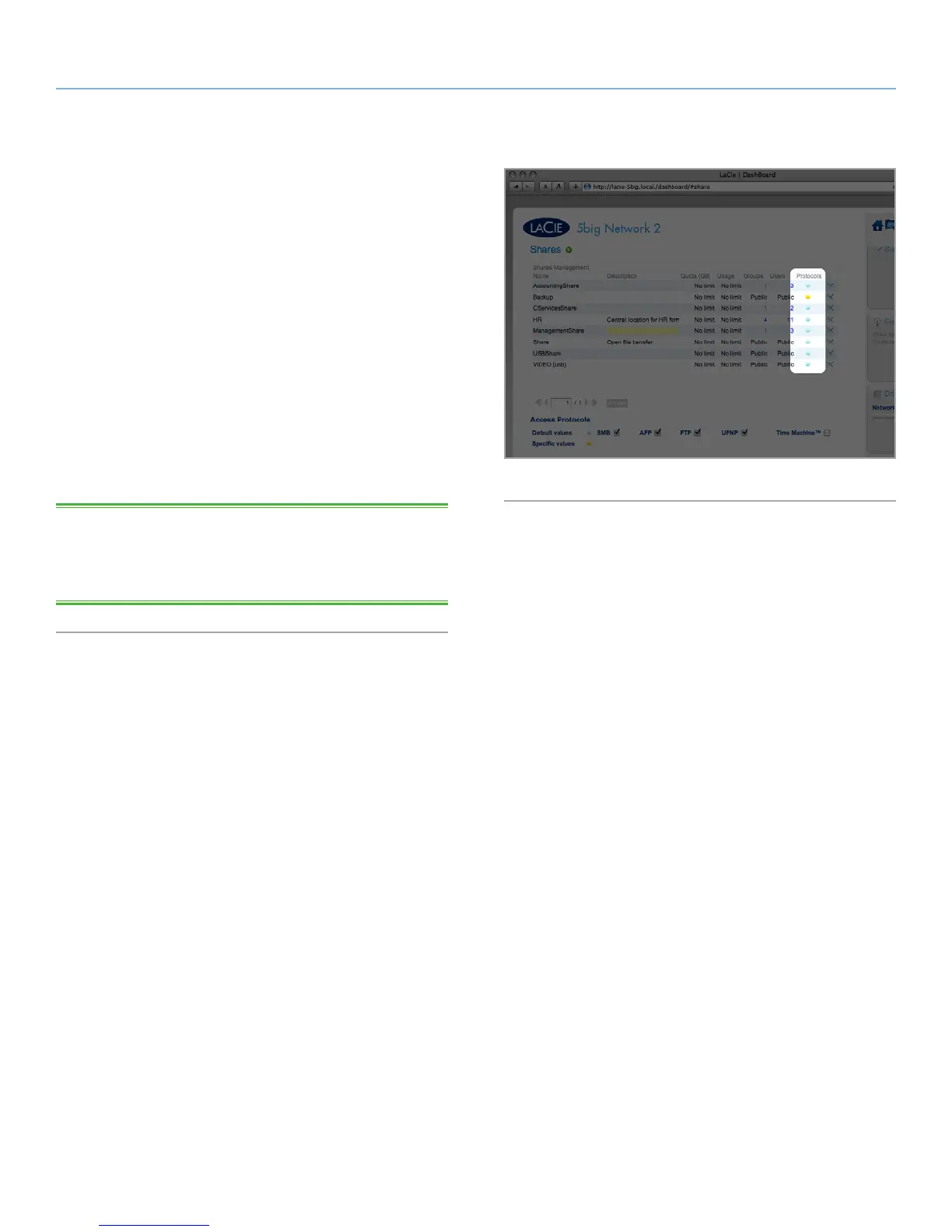
2. Choose which share(s) will be available to DLNA/UPnP devices,
then enable UPnP for that share on the 5big Network 2 Dash-
board (see section 4.6. Dashboard: General Settings) (Fig. 27).
3. Now you will be able to play files located on public shares on
your 5big Network 2 on any other UPnP/DLNA-certified player/
adapter (such as an XBox 360, Play Station 3, a DLNA mobile
phone, etc.).
TECHNICAL NOTE: If you want your DLNA devices to be able to
access files on your external USB hard drive connected to the expan-
sion port on the 5big Network 2, select Multimedia Indexation on
the Dashboard: External Ports page.
Fig. 27



 To Next Page