LaCie 5big Network 2 • DESIGN BY NEIL POULTON Administering Your LaCie 5big Network 2
User Manual page 36
4.7.2. Deleting a User
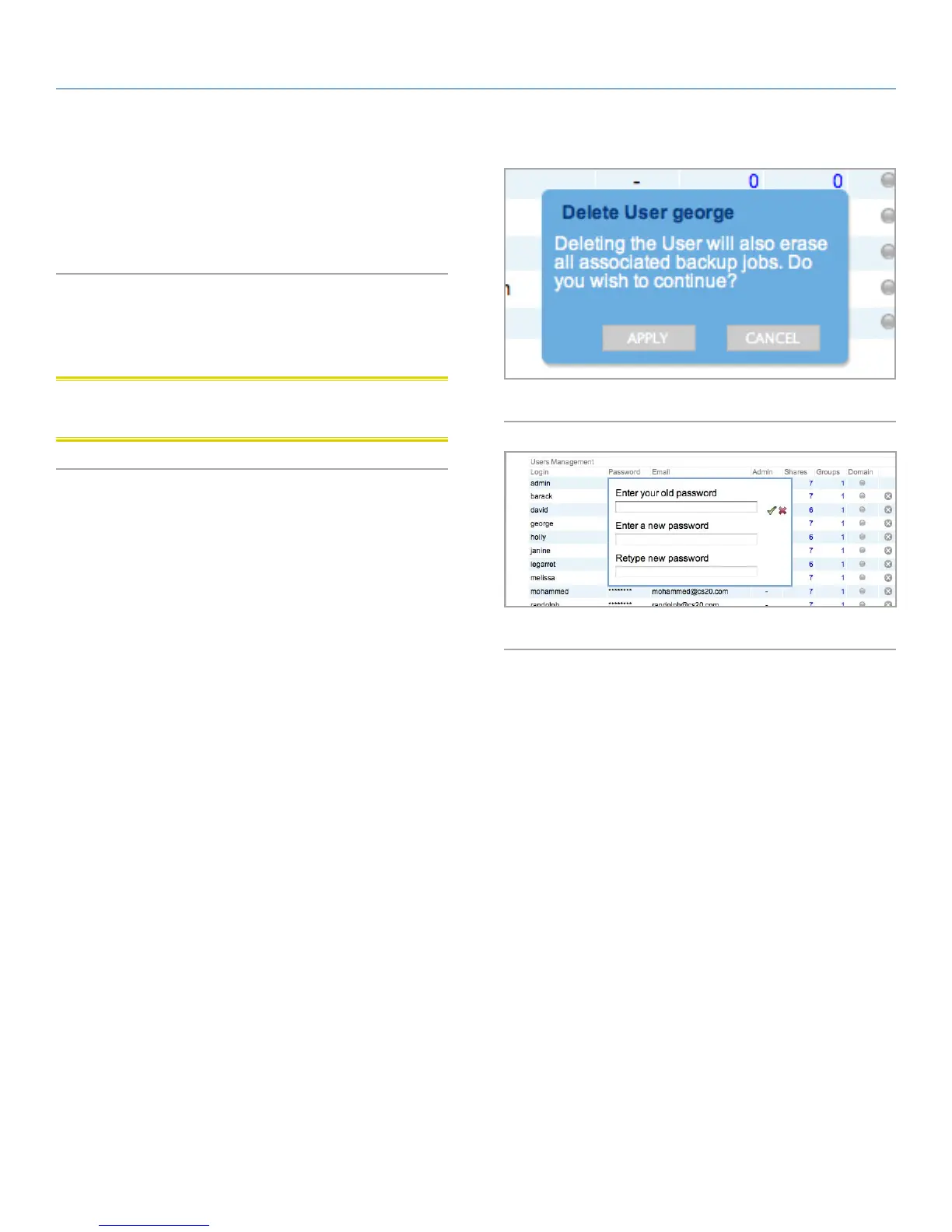
1. Click the gray “x” to the right of the user listing in the table.
2. In the confirmation box, click Delete (Fig. 41).
4.7.3. Editing a User
1. Click on the text in any field in the user table to modify a value
(Fig. 42).
CAUTION: Decreasing the capacity of a quota can cause data to
be deleted.
Fig. 41
Fig. 42













 To Next Page