5.6.1 Monitor Units 79
| www.lakeshore.com
5.6.1.1 Polarity and Monitor Out Scaling Parameters
In the Monitor Out and Open Loop modes, the unpowered analog outputs can be con-
figured as either unipolar (0 V to +10 V) or bipolar (–10 V to +10 V) outputs. In bipolar
mode, the Monitor Out –10 V setting determines the temperature or sensor value at
which the output should be –10 V. In unipolar mode, the Monitor Out 0 V setting
determines the temperature or sensor value at which the output should be 0 V. The
Monitor Out +10 V setting determines the temperature or sensor value at which the
output should be +10 V in either unipolar or bipolar modes.
For example, if Polarity is set to Bipolar, then setting the Monitor Out –10 V parameter
to 0 K and the Monitor Out +10 V parameter to 100 K will cause the analog output to
correspond to the input temperature as shown in FIGURE 5-3. In this case if the actual
reading was 50 K, then the output would be at 0 V (middle of the scale).
If we set the Polarity parameter to Unipolar, the output would be as shown in
FIGURE 5-4. In this case if the actual reading was 50 K, the analog output would be
+5 V (middle of the scale).
Menu Navigation:
Output SetupQOutput (3 or 4)QPolarityQ(Unipolar or Bipolar)
Output SetupQOutput (3 or 4)QMonitor Out –10 VQ(See note below)
Output SetupQOutput (3 or 4)QMonitor Out 0 VQ(See note below)
Output SetupQ Output (3 or 4)QMonitor Out +10 VQ(See note below)
Monitor Out -10 V, 0 V, and +10 V settings depend on the Monitor Units selected, and are
limited to the acceptable values of the selected units.
Default: PolarityQUnipolar
Monitor Out -10 VQ0.0000 K
Monitor Out 0 VQ0.0000 K
Monitor Out +10 VQ1000 K
Interface Command: ANALOG
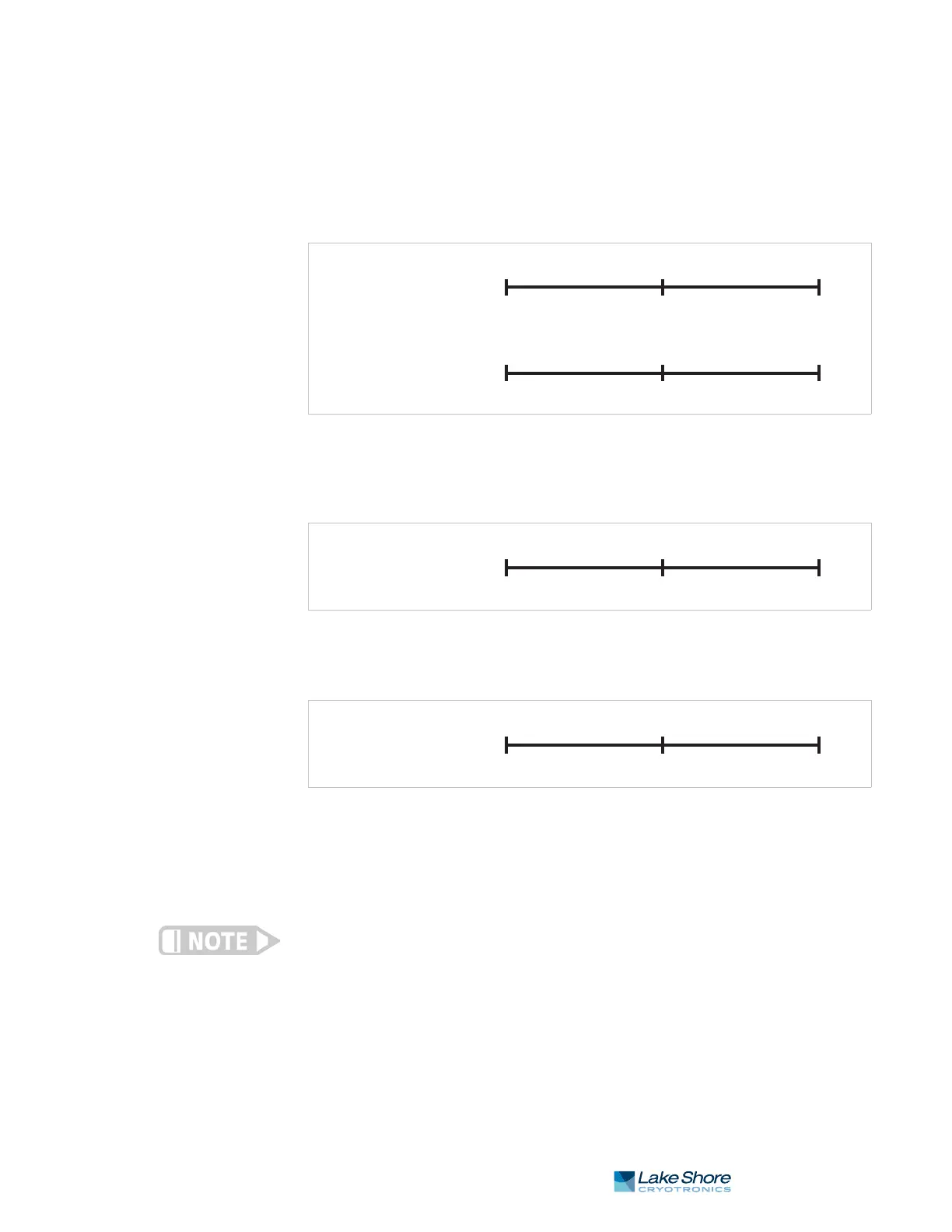
FIGURE 5-2 Unipolar and bipolar mode
FIGURE 5-3 Analog output with polarity set to bipolar
FIGURE 5-4 Output with polarity parameter set to unipolar
Bipolar
Lowest Middle Highest
–10 V 0 V +10 V
0 V +5 V +10 V
Lowest Middle Highest
Input mode
Input
Output
Input
Output
Unipolar
Bipolar
0 K 50 K 100 K
–10 V 0 V +10 V
Input
Output
0 V +5 V +10 V
0 K 50 K 100 K
Input
Output
Unipolar



 To Next Page