84 cHAPTER 5: Advanced Operation
Model 336 Temperature Controller
Setting resolution is also six digits in sensor units. The curve format parameter
defines the range and resolution in sensor units as shown in TABLE 5-3. The sensor
type determines the practical setting resolution. TABLE 5-4 lists recommended sen-
sor units resolutions.
Enter the breakpoints with the sensor units value increasing as point number
increases. There should not be any breakpoint locations left blank in the middle of a
curve. The search routine in the Model 336 interprets a blank breakpoint as the end of
the curve.
5.9 Front Panel
Curve Entry
Operations
There are five operations associated with front panel curve entry: Edit curve, View
Curve, Erase Curve, Copy Curve, and SoftCal; as detailed below.
Menu Navigation:
Curve EntryQ(Edit Curve, View Curve, Erase Curve, Copy Curve, SoftCal)
5.9.1 Edit Curve
Use the Edit Curve operation to enter a new curve or edit an existing user curve. Only
user curves (21 to 59) can be edited. Entering the identification parameters associ-
ated with the curve is as important as entering the breakpoints. Curve header param-
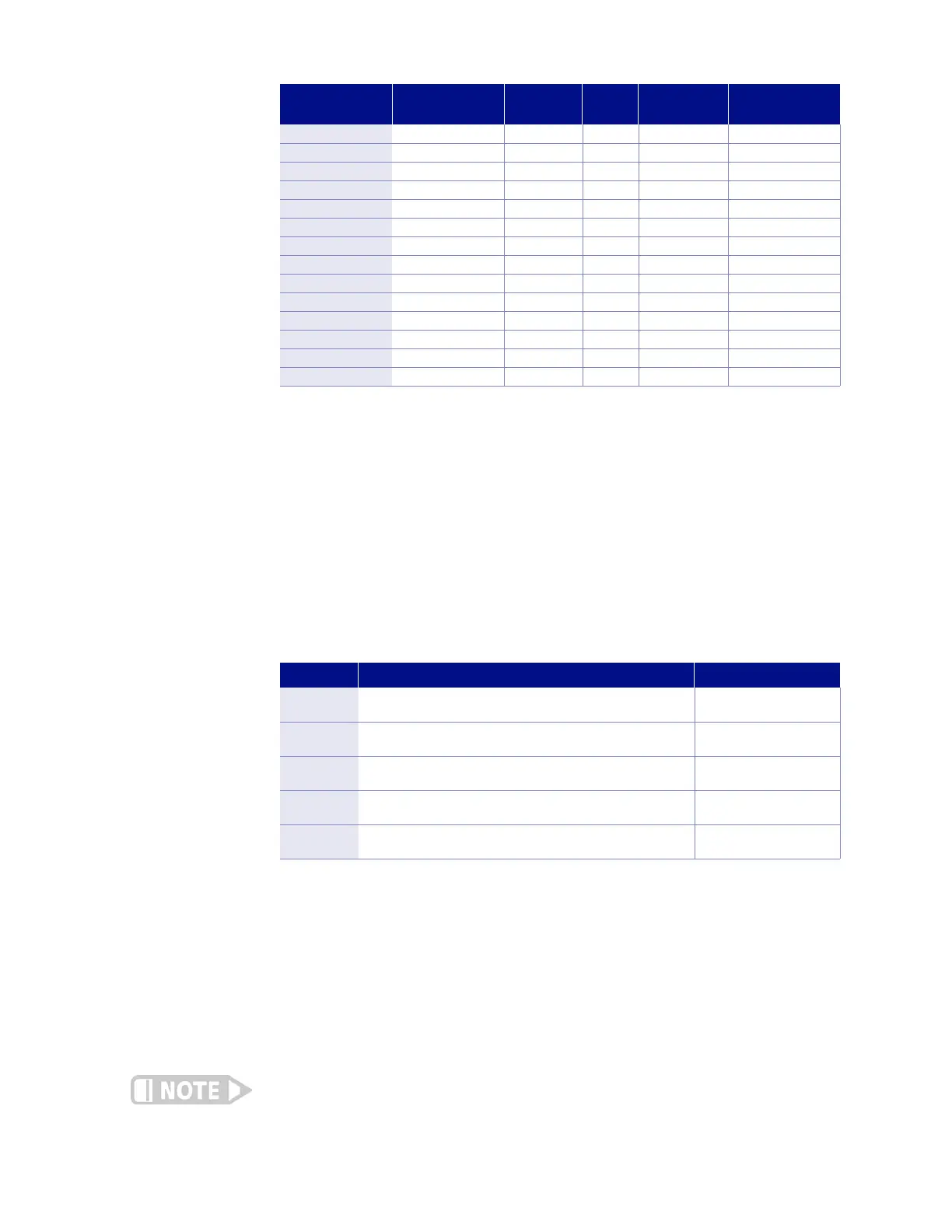
eters are listed in TABLE 5-3. Typical curve parameters for common sensors are listed
in TABLE 5-4. Read this section completely and gather all necessary data before
beginning the process.
If the curve you wish to enter has similar parameters as an existing curve, first copy the
similar curve (as described in Section 5.2.4) to a new location, then edit the curve to the
desired parameters.
Sensor Type
Typical Lake Shore
Model
Format Limit (K)
Te m pe r a tu r e
Coefficient
Typical Sensor
Resolution
Silicon Diode DT-670 V/K 475 Negative 0.00001 V
GaAlAs Diode TG-120 V/K 325 Negative 0.00001 V
Platinum 100 PT-100 )/K 800 Positive 0.001 )
Platinum 1000 –* )/K 800 Positive 0.01 )
Rhodium-Iron RF-800 )/K 325 Positive 0.001 )
Carbon-Glass CGR-1-1000 log )/K 325 Negative 0.00001 log )
Cernox™ CX-1050 log )/K 325 Negative 0.00001 log )
Germanium GR-200A-100 log )/K 325 Negative 0.00001 log )
Rox™ RX-102A log )/K 40 Negative 0.00001 log )
Type K 9006-005 mV/K 1500 Positive 0.0001 mV
Type E 9006-003 mV/K 930 Positive 0.0001 mV
Type T 9006-007 mV/K 673 Positive 0.0001 mV
Au-Fe 0.03% –* mV/K 500 Positive 0.0001 mV
Au-Fe 0.07% 9006-001 mV/K 610 Positive 0.0001 (mV)
*Not offered by Lake Shore
TABLE 5-4 Typical curve parameters
Operation Description Refer to section:
Edit Curve
Edit Curve allows you to edit curves at any user curve location. Stan-
dard curves cannot be changed.
5.9.1
View Curve
View Curve allows you to view any curve at any curve location. No
curves can be changed.
5.9.2
Erase Curve
Erase Curve allows you to delete a curve from any user curve location.
Standard curves cannot be erased.
5.9.3
Copy Curve
Copy Curve allows you to copy a curve from any location to any user
curve location. Curves cannot be copied into standard curve locations.
5.9.4
SoftCal
SoftCal allows you to create a new temperature curve from a standard
curve and known data points entered by the user.
5.10
TABLE 5-5 Front panel curve entry operations



 To Next Page