35
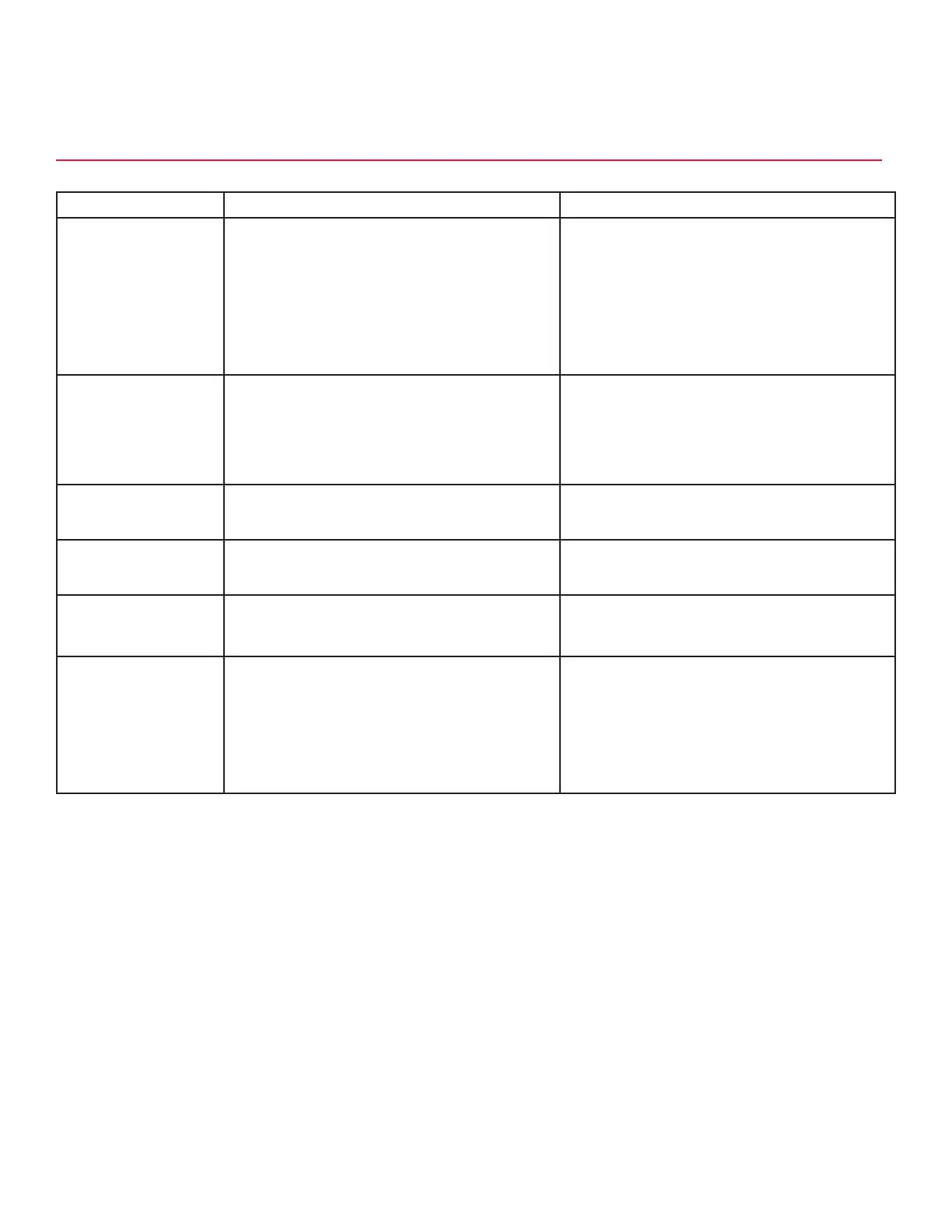
TROUBLE CAUSE REMEDY
No product when switch
is activated.
1. No power.
2. Malfunctioning power supply.
3. Malfunctioning SBC.
4. Malfunctioning screen.
5. Key switch is in sleep mode.
6. Dispenser in sleep mode.
1. Replace Single-Board Computer (SBC).
2. Replace SBC.
3. Replace SBC.
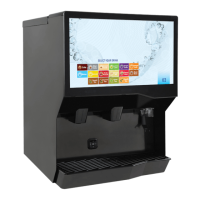
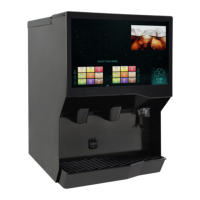
4. Replace screen.
5. Turn key switch to on position.
6. Touch screen, wait, enter code if prompted.
No product when
illuminated pour button
is pressed.
1. No power to valve boards.
2. Malfunctioning power supply.
3. Malfunctioning UDC2 PCB board.
4. Malfunctioning LFCV valve module.
1. Check internal breaker and incoming power.
2. Check voltage to power supply. Check fuses.
3. Replace UDP2 PCB board.
4. Replace module.
Water in ice bin. 1. Coldplate drain is obstructed. 1. Remove splash plate and drip tray to obtain
access to drain tubes and clear accordingly.
Water leakage around
nozzle.
1. Damaged or improperly installed O-ring on
nozzle.
1. If damaged, replace. If improperly installed,
adjust.
Miscellaneous leakage. 1. Gap between parts.
2. Damaged or improperly installed O-rings.
1. Tighten appropriate retaining screws.
2. Replace or adjust appropriate O-rings.
Insufficient soda flow
(carbonated drinks).
1. Insufficient CO
2
supply pressure.
2. Shutoff on mounting block is not fully open.
3. Foreign debris in soda flow control.
1. Verify incoming CO
2
pressure is between 70
psi (0.483 MPa) and 80 psi (0.552 MPa).
2. Open shutoff fully.
3. Remove soda flow control from valve and
clean out any foreign material to ensure
smooth spool movement.
TROUBLESHOOTING
Valve, Syrup/Flavor Line Troubleshooting



 To Next Page