PLMNL0199 REV. J Effective Date: 08/05/21 39 FiberCUT
®
ST Operation Manual
To begin watching for a fault, click the Start
button ( ) in the toolbar. Once the
Status reads Ready, data collection will
trigger on the next change of state of the
CRASH bit.
The Status will change to Triggered
once a fault is detected, and data will
appear on the graph showing the
output voltage of the height sensor and
linear potentiometer after
approximately two seconds.
If necessary, data collection can also
be triggered manually by clicking the
Trigger button ( ) in the toolbar.
Full data can then be saved to a .csv
file by clicking the Save button ( )
in the toolbar.
To recover from a fault, click the Reset
button ( ) in the toolbar. The above
procedure can then be repeated.
5.9 FiberCUT
®
Monitor System
Identification Information
The hardware and interface are specific to
your system. Therefore, version and serial
numbers are critical in order for Laser
Mechanisms to provide support.
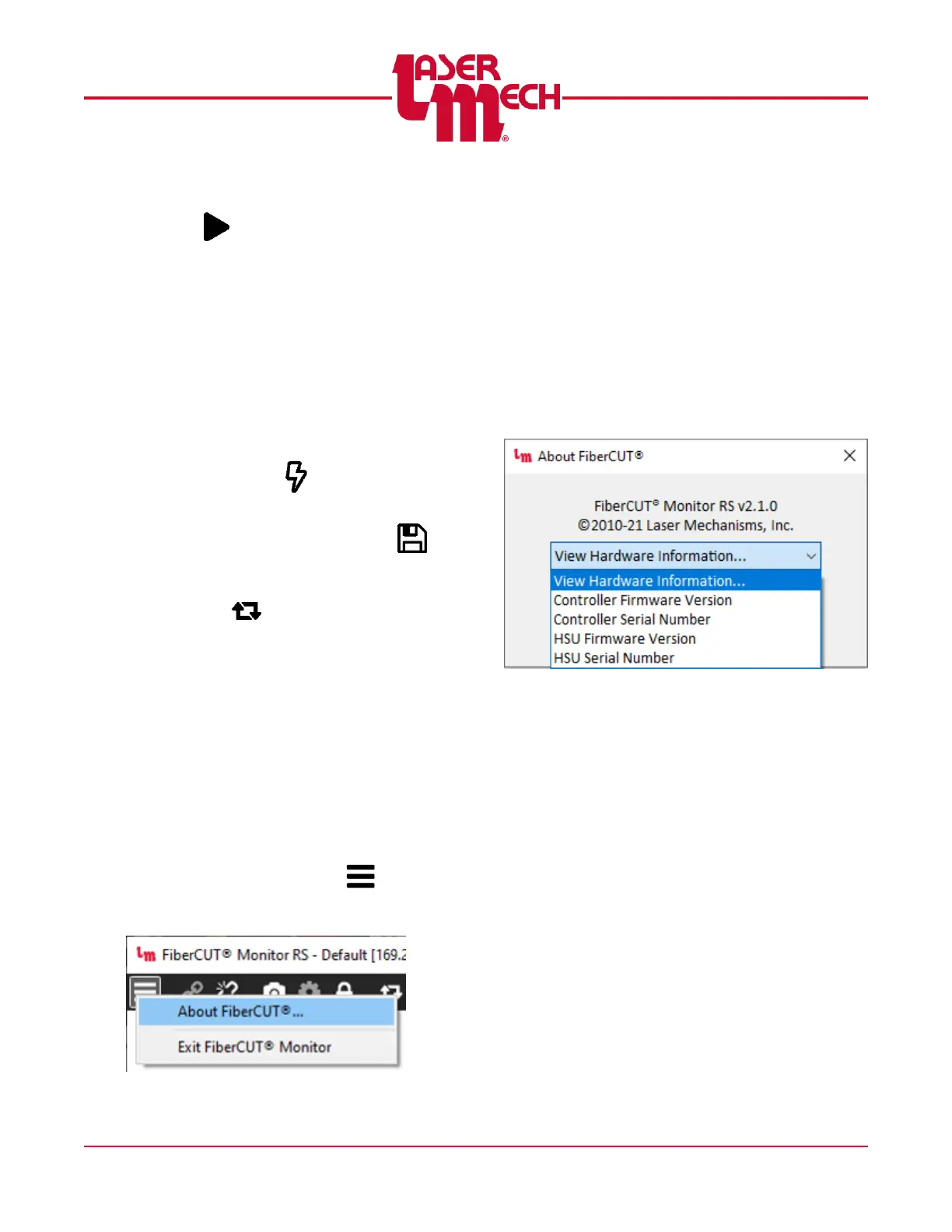
To display system information:
1. Connect to the system using Standard
View.
2. Click the Menu button ( ) in the
toolbar and select About FiberCUT
®
....
See Figure 47.
Figure 47
For steps 2 to 5, see Figure 48.
3. Click on the View Hardware
Information drop down menu in the
pop up box that appears and the
image shown in Figure 48 will appear.
4. Click on the appropriate line to view
the identifying information for the
desired item.
5. Repeat steps 2 and 3 as needed.
6. Click OK to exit the About FiberCUT
®
screen.
Figure 48



 To Next Page