About X-431 Station
DiagnosticsToolbox & AppsFAQ
Initial Use
115
www.x431.com +86 755 8455 7891
LAUNCH
Station
User's Guide
4.6.2 How to Obtain Wallet Tokens
There are 3 ways available to gain the points.
Approach 1: Activate the device and register a Wallet account
Refer to Chapter 2.3 Register & Download Diagnostic Software for detailed user registration operation.
Approach 2: Recommend the car owner to download and register Wallet App
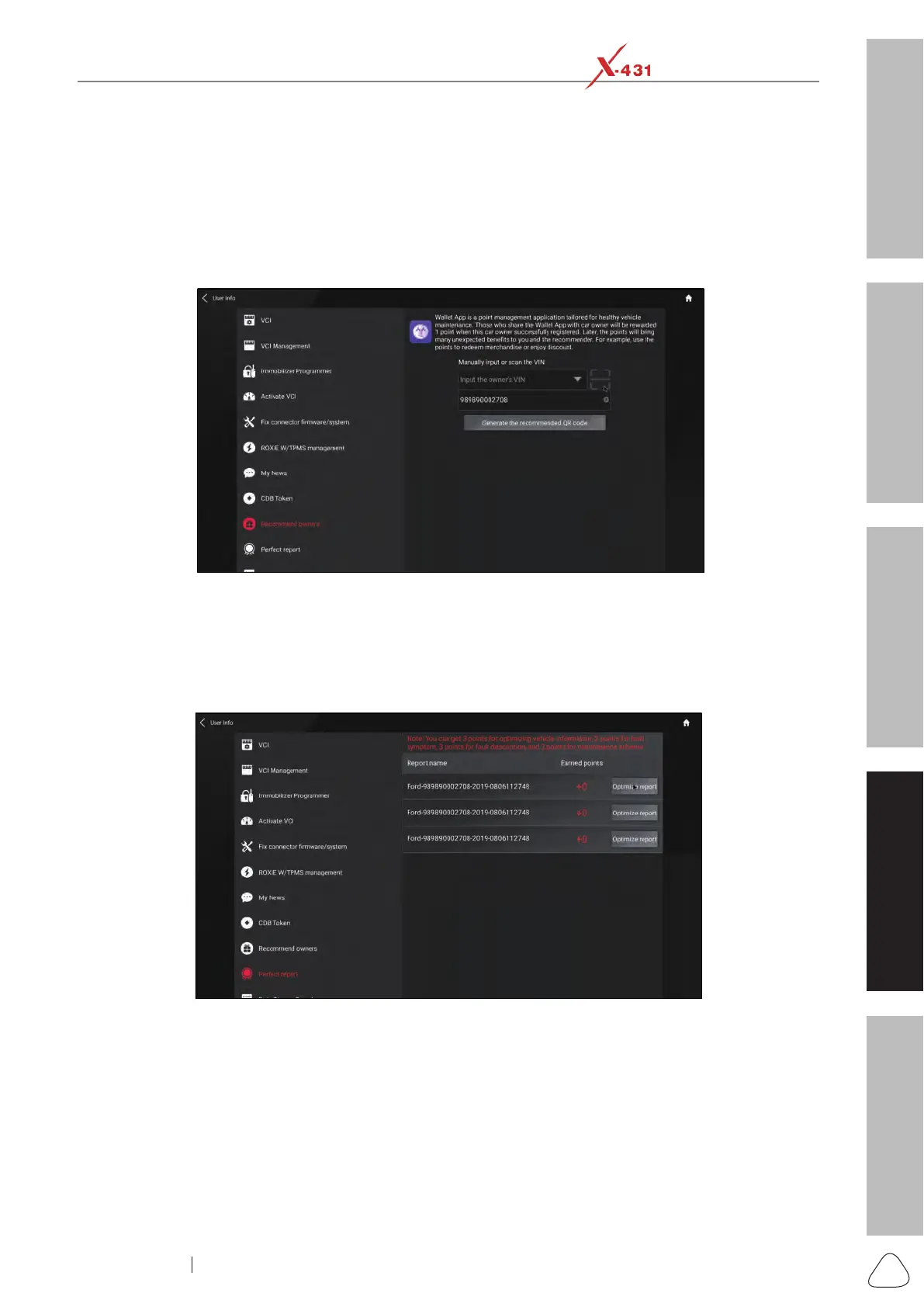
1. Go to "User Info", tap “Recommend owners”, enter the VIN manually in the input box.
Recommend owners to gain tokens
2. Tap or click “Generate the recommended QR code”, and then inform the car owner to scan it to sign up.
Approach 3: Perfect report
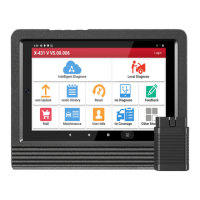
Go to "User Info", tap “Perfect Report”, then tap “Optimize report” to ll in the fault symptom, description and
repair resolution.
Optimize report to gain tokens
4.6.3 Checking Wallet Tokens
Approach 1:
Go to “User Info”, tap “CDB Token” to check the total token.




 To Next Page