About X-431 Station
DiagnosticsToolbox & AppsFAQ
Initial Use
3
www.x431.com +86 755 8455 7891
LAUNCH
Station
User's Guide
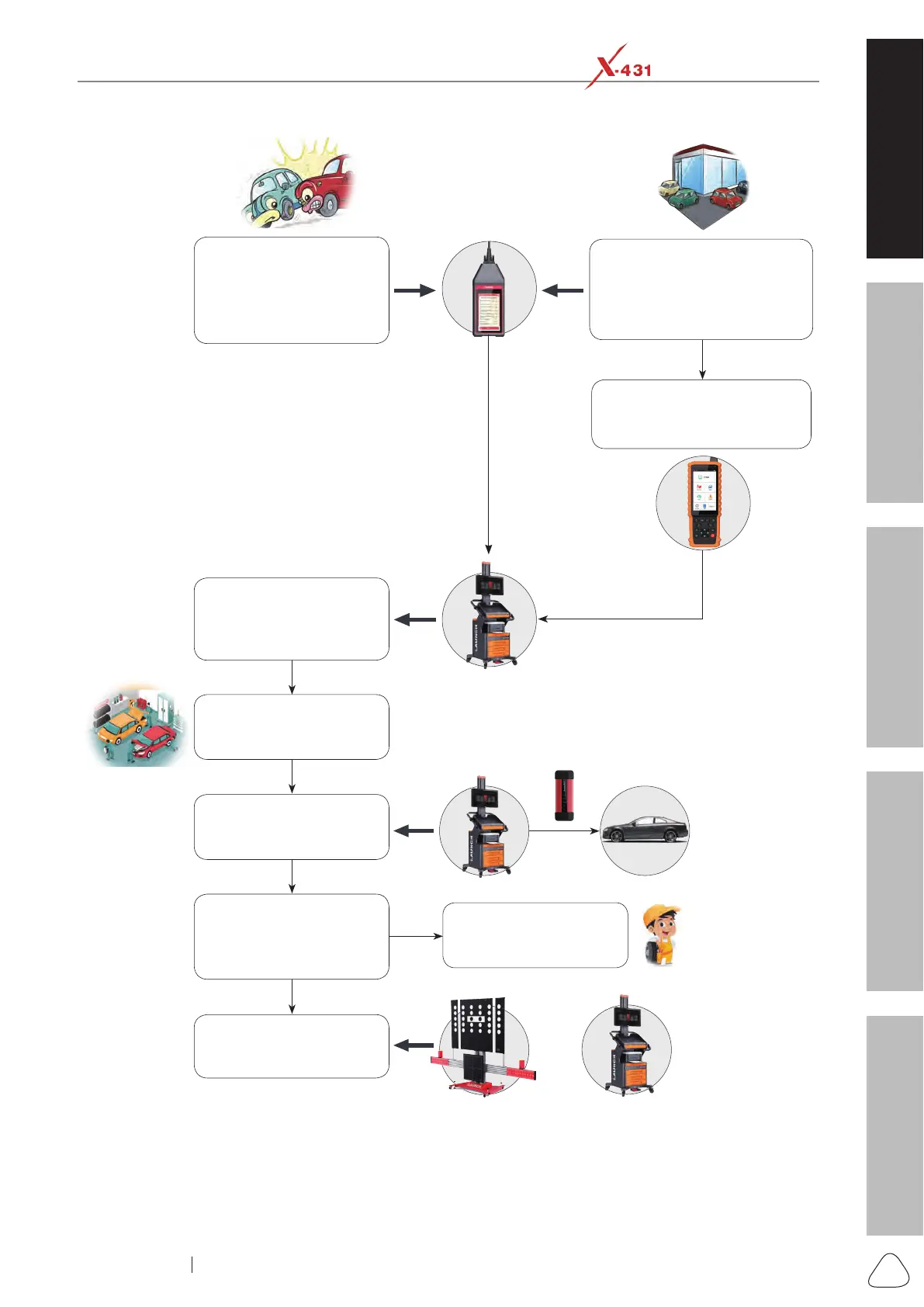
In case of a faulty vehicle
outdoors, the technician
rst uses the Roxie W to
perform an intelligent full-
system inspection.
When a vehicle enters the
shop, the pick-up personnel
rst uses the Roxie W to
do an intelligent full-system
inspection.
TPMS Check
(
If the vehicle is equipped
with TPMS system
)
After the test is completed,
the test reports are
automatically pushed to the
X-431 Station and reminded.
View the reports and
make a good preparation
for an overall service
strategy.
Car owner conrms to
have it serviced, drive it
to the repair workstation.
Combine all available
reports into one report
and print it out via the
laser printer.
Use the X-431 Station
to further diagnose the
vehicle.
If ADAS-related DTCs
are found, use the X-431
ADAS tool to calibrate it
.
Verify DTCs and start
repair based on the
diagnostic report.
+
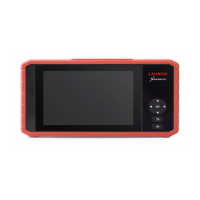
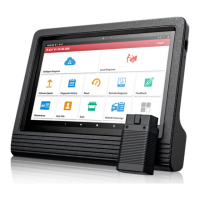
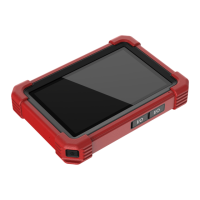
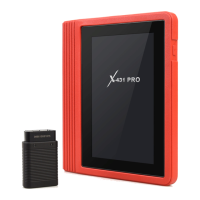
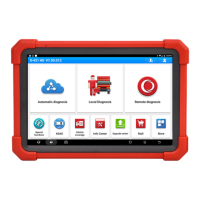
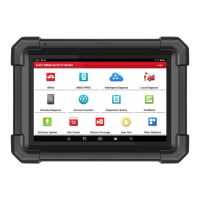
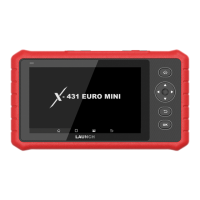
X-431 Station provides users with one-stop vehicle diagnosis solutions to meet the various business needs
of daily vehicle maintenance (It can be tailored for various elds in auto industry, ranging from OEMs, 4S
shops, repair workshops, auto maintenance/parts enterprises, insurance companies to used car companies
etc. together with SAAS or customized APPs and so on).




 To Next Page