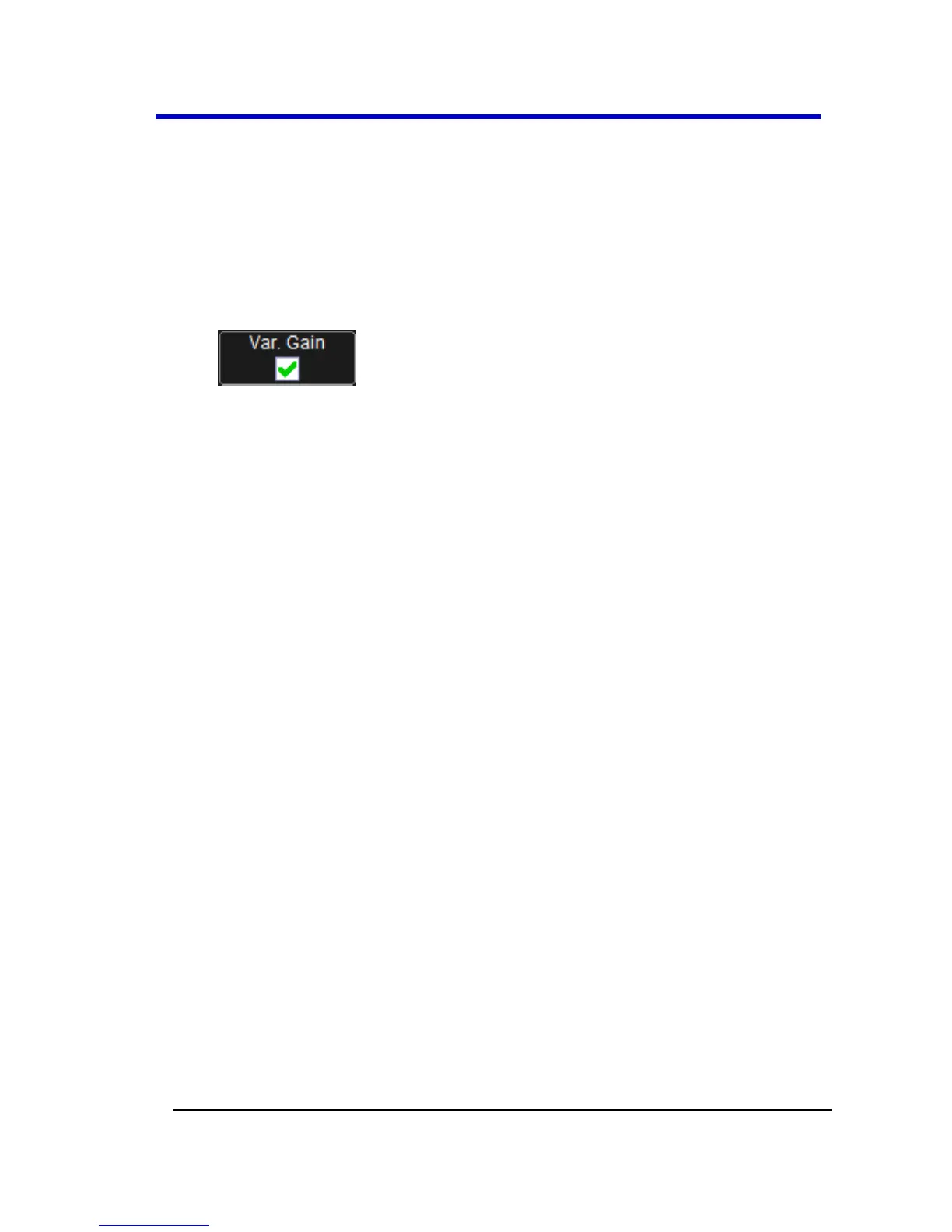
However, when Variable Gain is enabled, you can increase or decrease
the gain in increments as small as 0.1 mV/div, depending on the
waveform scale.
Enabling Variable Gain
1. Touch the descriptor label for the waveform whose gain you want
to vary.
2. Touch the Variable Gain checkbox.
Channel Deskew
Unlike the Deskew math function, channel Deskew does no resampling,
but instead adjusts the horizontal offset by the amount that you enter.
The valid range is dependent on the current timebase +/- 9 divisions.
Channel Deskew Setup
1. In the menu bar, touch Vertical; from the drop-down menu, select
a channel to set up.
2. Touch inside the Deskew data entry control and provide a value
using your preferred input control method - for more information
regarding the touch screen controls, refer to Dialog Area (on page
46).





 To Next Page