Some additional controls and dialogs for triggers that differ are
provided in the following topics as examples.
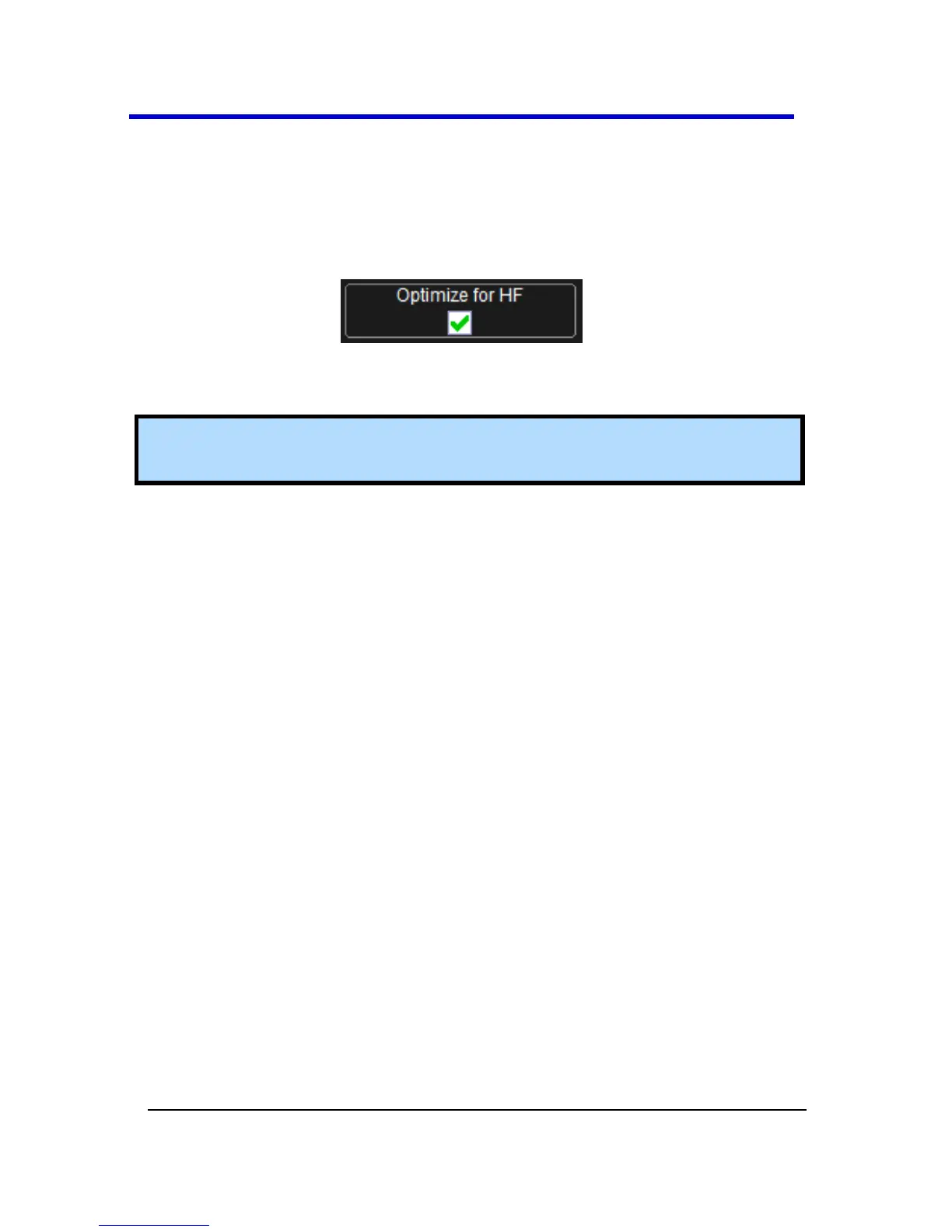
Optimize for HF
The Optimize for HF checkbox can be used on an Edge trigger to reject
high or low frequencies.
The checkbox is marked by default; meaning, the instrument is optimized
for high-frequency waveforms.
Note: If you are measuring a waveform that is 10 MHz or slower, be
sure to unmark the checkbox to avoid triggering on an incorrect slope.





 To Next Page