Vertical
Adjusting Sensitivity and Position
You can make adjustments to both the sensitivity ad the positioning of
displayed waveforms.
Adjusting Sensitivity
1. Press the appropriate channel push button (channel 1, for
example).
OR
Touch Vertical → Channel 1 Setup... from the menu bar.
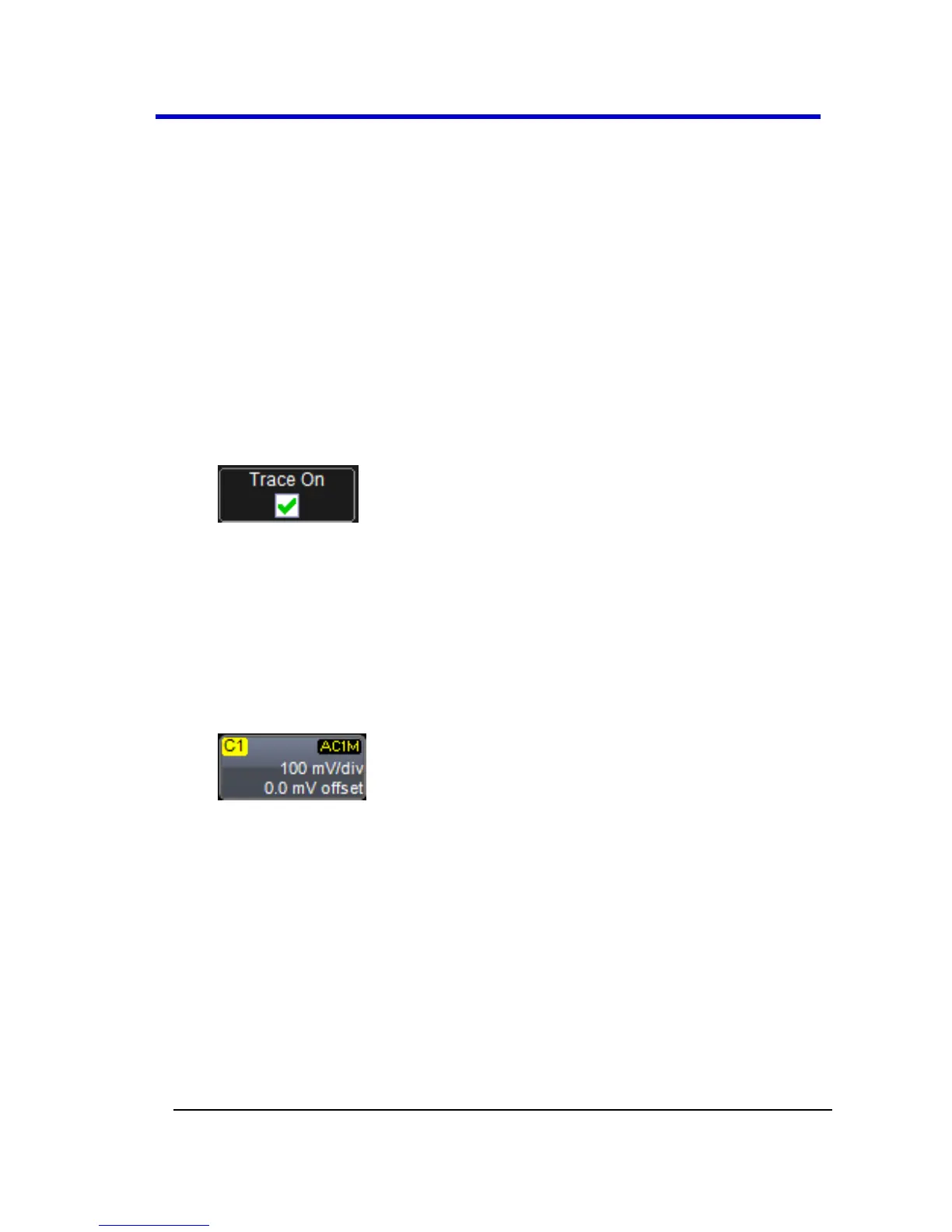
2. Touch inside the Trace On checkbox to display the trace.
3. Turn the VERTICAL GAIN front panel knob for the selected channel.
OR
Touch inside the Volts/Div field and enter a value. Click the
keypad button to enter a value using the pop-up keypad, or use
the up/down arrows.
The set voltage is shown on the trace descriptor label and in the
Volts/Div field in the dialog.
Adjusting the Waveform's Position
Turn the VERTICAL OFFSET adjust front panel knob directly above the
channel button whose waveform you want to move vertically. Or you can
touch inside the Offset field and type in a value on the pop-up keypad.
To set the vertical offset to zero, touch the Zero Offset button directly
below the Offset field.





 To Next Page