Operation
28 M320 Ref. 10734261 / Version 03 M320 Ref. 10734261 / Version 03 29
8.4 Adjusting the illumination
WARNING
Danger of retinal damage!
X
Do not shine lights in anyone's eyes.
1
X
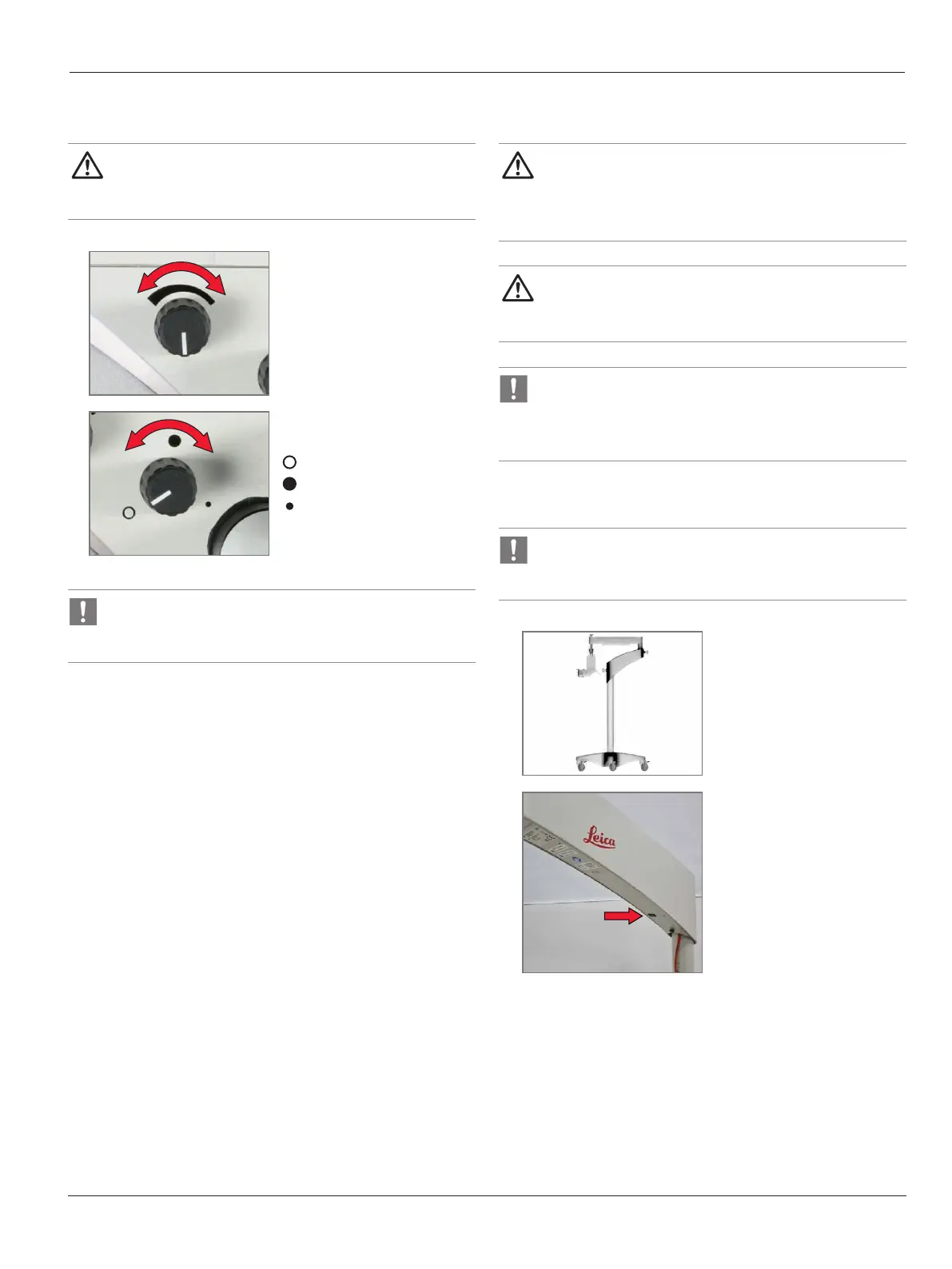
Set the desired illuminance.
2
X
Select the desired filter or
diaphragm function:
White light
Orange filter
Spot illumination
In case of an illumination cooling fan failure an acoustic
alarm appears (short beep every 5 seconds, lasting for
5minutes).
8.5 Re-equipping during operation
WARNING
X
Before re-equipping during the operation, rst swing
the microscope away from the operating eld and lock
the swing arm.
WARNING
X
After re-equipping, always re-balance the microscope
on the swing arm.
In case of a thermistor on the 2 LED array reaches 85 °C an
acoustic alarm appears (2short beeps every 5seconds) and
after 5minutes of alarm the main illumination of the 2 LEDs
is cut off.
8.6 Decommissioning
Possible loss of data!
X
Before decommissioning the surgical microscope, end
the video recording procedure.
1
Bring the surgical microscope
into transport position (see 7.1,
"Transportation").
2
Switch off the surgical
microscope at the main switch.


 To Next Page