Introduction
2 M320 Ref. 10734261 / Version 03 M320 Ref. 10734261 / Version 03 3
1 Introduction
1.1 About this user manual
In this user manual the surgical microscope M320 is described. The
present user manual applies to the M320 with the following
stand variants: F12, C12, W12, FP12, TC12, LW12 and TP12.
In addition to notes on the use of the instruments this
user manual gives important safety information (see
chapter 3, "Safety notes").
X
Read this user manual carefully before operating the
product.
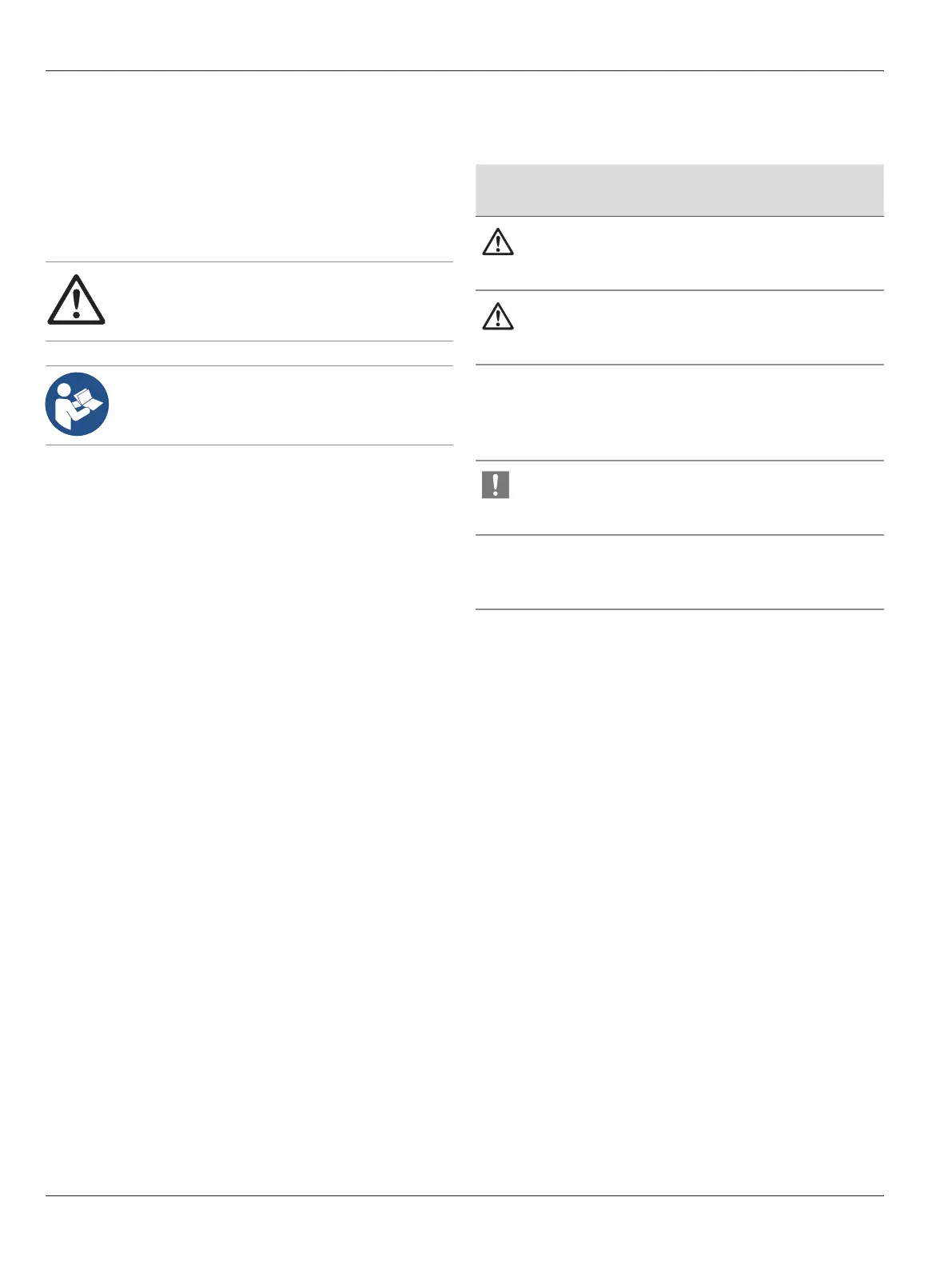
1.2 Symbols in this user manual
The symbols used in this user manual have the following meaning:
Symbol Warning
word
Meaning
Warning
Indicates a potentially hazardous situation
or improper use that could result in serious
personal injuries or death.
Caution
Indicates a potentially hazardous situation
or improper use which, if not avoided, may
result in minor or moderate injury.
Note
Indicates a potentially hazardous situation
or improper use which, if not avoided, may
result in appreciable material, financial
and environmental damage
Information about use that helps the user
to employ the product in a technically
correct and efficient way.
X
Action required; this symbol indicates that
you need to perform a specific action or
series of actions.
1.3 Required tools
Allen keys:
•
Size 2.5 for installing accessories (dovetail interface)
•
Size 3 for optimizing the balance of the optics carrier
•
Size 4 for handle holder
•
Size 8 for balancing the swing arm
Provided brake knob



 To Next Page