Key Description
Back To return to the last active screen.
Store To store and link the field sketch.
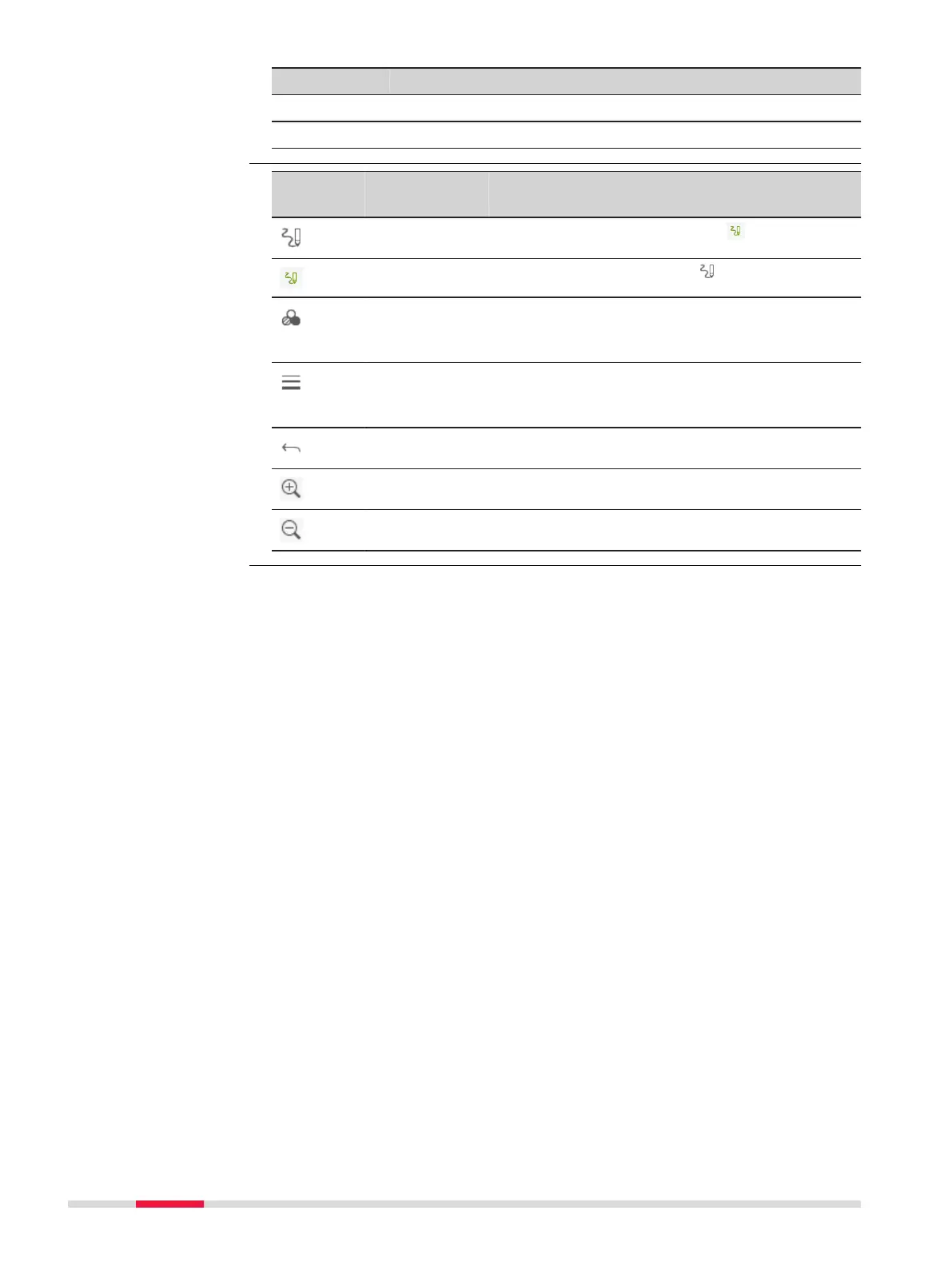
Icon Key or
Softkey
Description
- To activate sketching. The icon is displayed:
- To quit sketching. The icon is displayed.
- To change the line colour. Tap the icon to open
a window displaying line colours for selection.
The selected line colour is remembered.
- To change the line width. Tap the icon to open
a window displaying line widths for selection.
The selected line width is remembered.
- To undo all changes since the last saving.
Zoom + To zoom into the image.
Zoom - To zoom out of the image.
Overview of keys,
softkeys and icons for
sketching
152 Favourites



 To Next Page