For the Local Resection method, Cont continues to the Meas. Pt1:
Origin (0/0/0) screen. The first point measured is the origin of the
coordinate system. The second point measured is, depending on the
setting, either the North or East direction of the coordinate system.
4. Enter Target Point: Enter the PtID of the target. Press Cont to
search for the point in the current job. Select the desired point or
enter new coordinates and continue to the Sight target point!
screen. Refer to "7.2.2 Measuring the Target Points", "Sight target
point".
Optional for TS07.
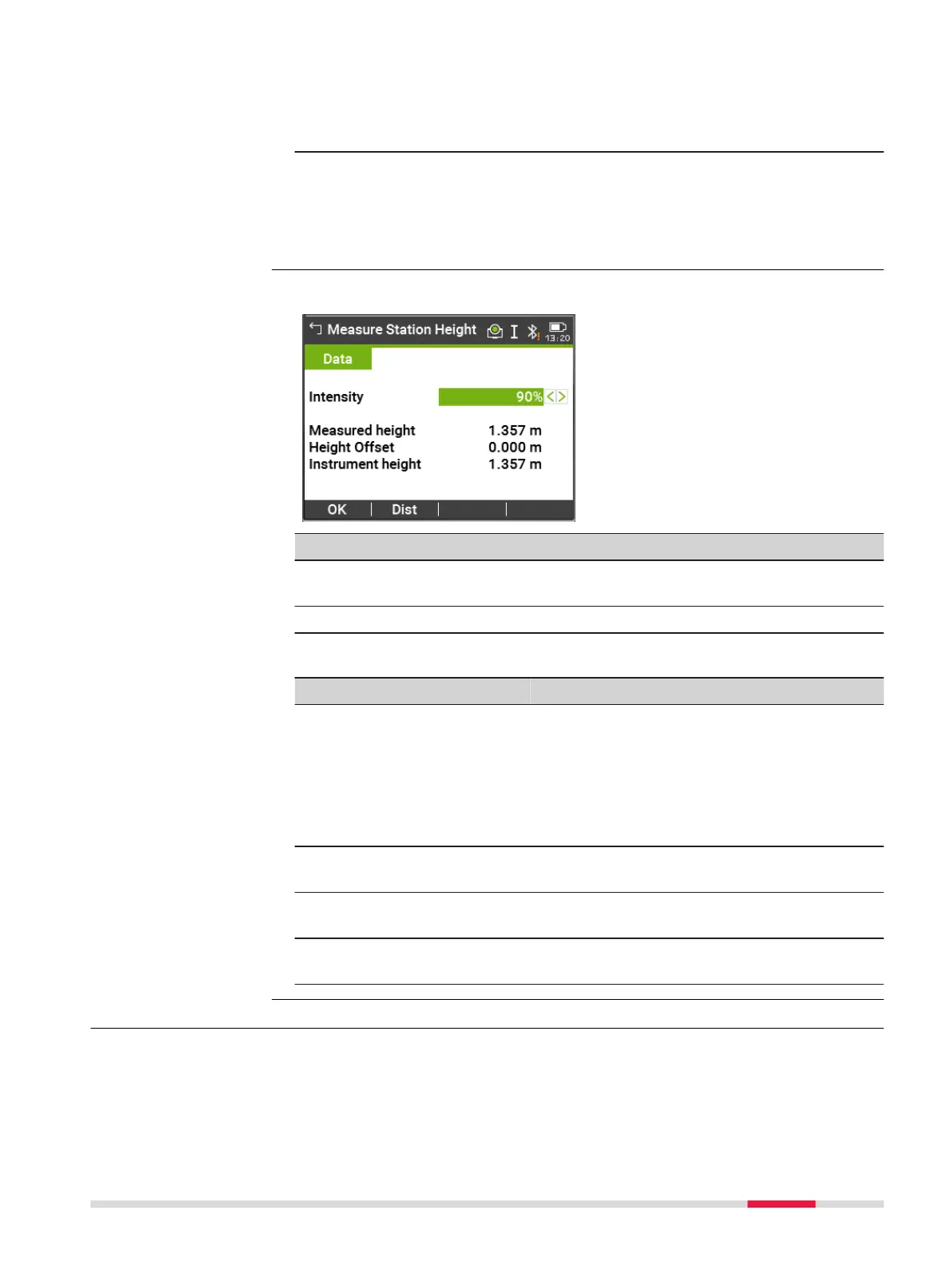
Key Description
OK The measured instrument height is displayed and used in the
setup app.
Dist To measure the instrument height.
Description of fields
Field
Option Description
Intensity Scroll bar External influences and the surface condi-
tions may require the adjustment of the
intensity of the plummet.
Adjust the intensity of the plummet using
the navigation key.
The laser can be adjusted in 20% steps as
required.
Measured
height
Display only The height measured by the laser plummet.
Height Off-
set
Editable field The entered value is added to the measured
vertical distance.
Instrument
height
Display only The sum of Measured height and Height
Offset.
7.2.2 Measuring the Target Points
Available for Method: Ori. with Angle only.
Measure Station
Height
Manual Angle Setting
Apps 75



 To Next Page