Field Option Description
Setout Beep On The instrument beeps when the distance
from the current position to the point to be
staked is ≤ 0.5 m.
The closer the prism is to the point to be
staked the faster the beeps will be.
Off Beep is deactivated.
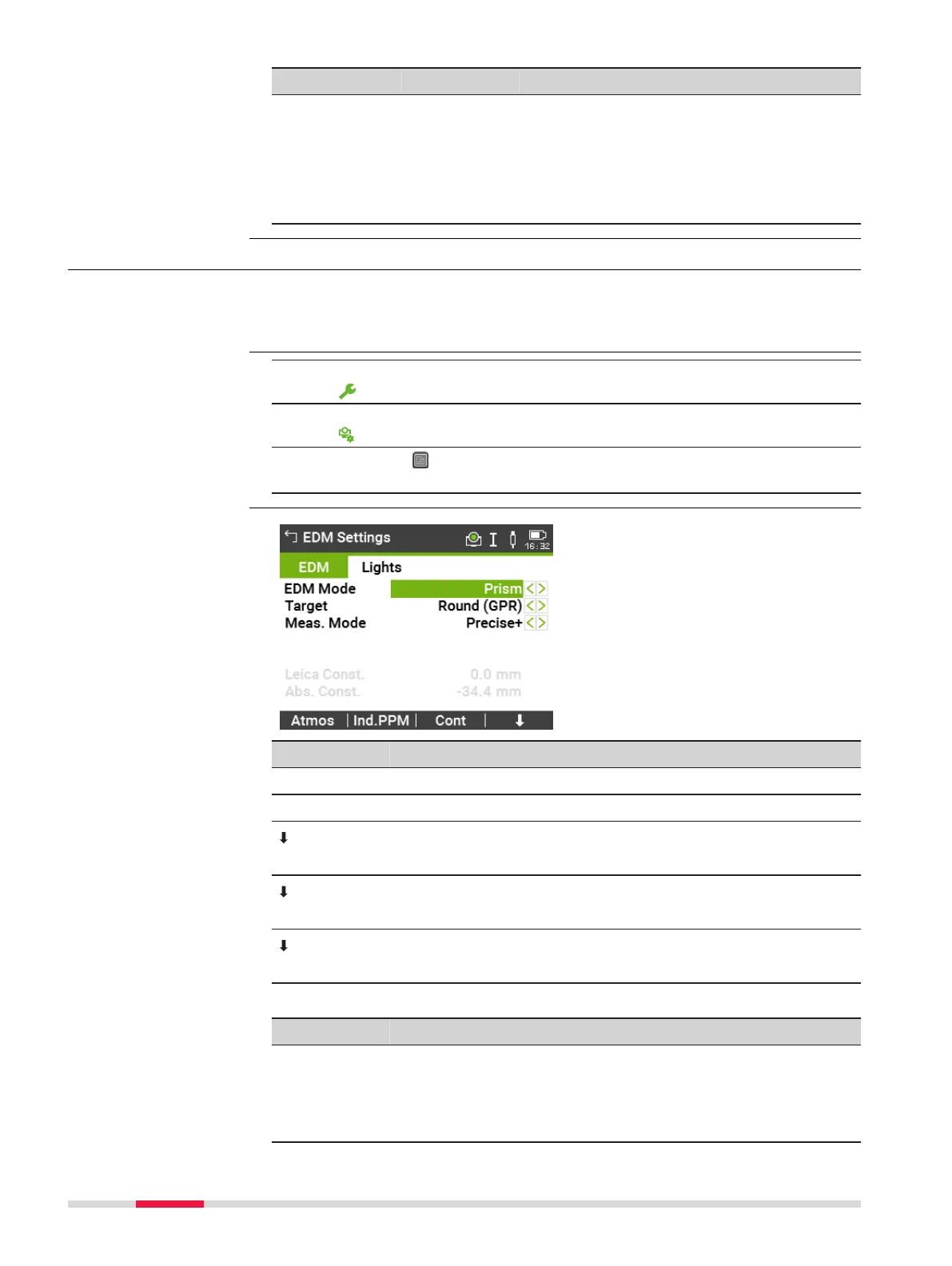
5.5 EDM Settings
The settings on this screen define the active EDM, Electronic Distance
Measurement. Different settings for measurements are available with Non-
Prism (NP) and Prism (P) EDM modes.
1.
Select Settings from the Main Menu.
2. On the General page, select EDM.
3. Press the button to scroll through the screens of available set-
tings.
Key Description
Atmos To enter atmospheric data ppm.
Ind.PPM To enter an individual ppm value.
Scale
To enter projection scale details.
Signal
To view EDM Signal reflection value.
Freq.
To view the EDM frequency.
Description of fields
Field
Description Description
EDM Mode Prism For distance measurements using prisms.
Non-Prism For distance measurements without prisms.
Tape For distance measurements using Retro
reflective targets (3 mm + 2 ppm).
Description
Access
EDM Settings
52 Settings



 To Next Page