•
a LEMO cable connected to the serial interface RS232 port
•
an SD card
•
an USB stick inserted into the USB host port,
•
an USB cable connected to the USB device port, or
•
a Bluetooth connection.
•
WLAN
•
an LTE antenna (TS07)
Refer to "12 Data Management" for further information on data management
and data transfer.
☞
While other SD cards/USB sticks can be used, Leica Geosystems rec-
ommends to only use Leica SD cards/USB sticks and is not responsible
for data loss or any other error that can occur while using a non-Leica
SD card/USB stick.
Unplugging connecting cables or removing the SD card or USB stick during the
measurement can cause loss of data. Only remove the SD card or USB stick or
unplug connecting cables when the TS instrument is switched off.
Data can be transferred in various ways. Refer to "12 Data Management".
SD cards can directly be used in an OMNI drive as supplied by Leica Geosys-
tems. Other PC card drives can require an adaptor.
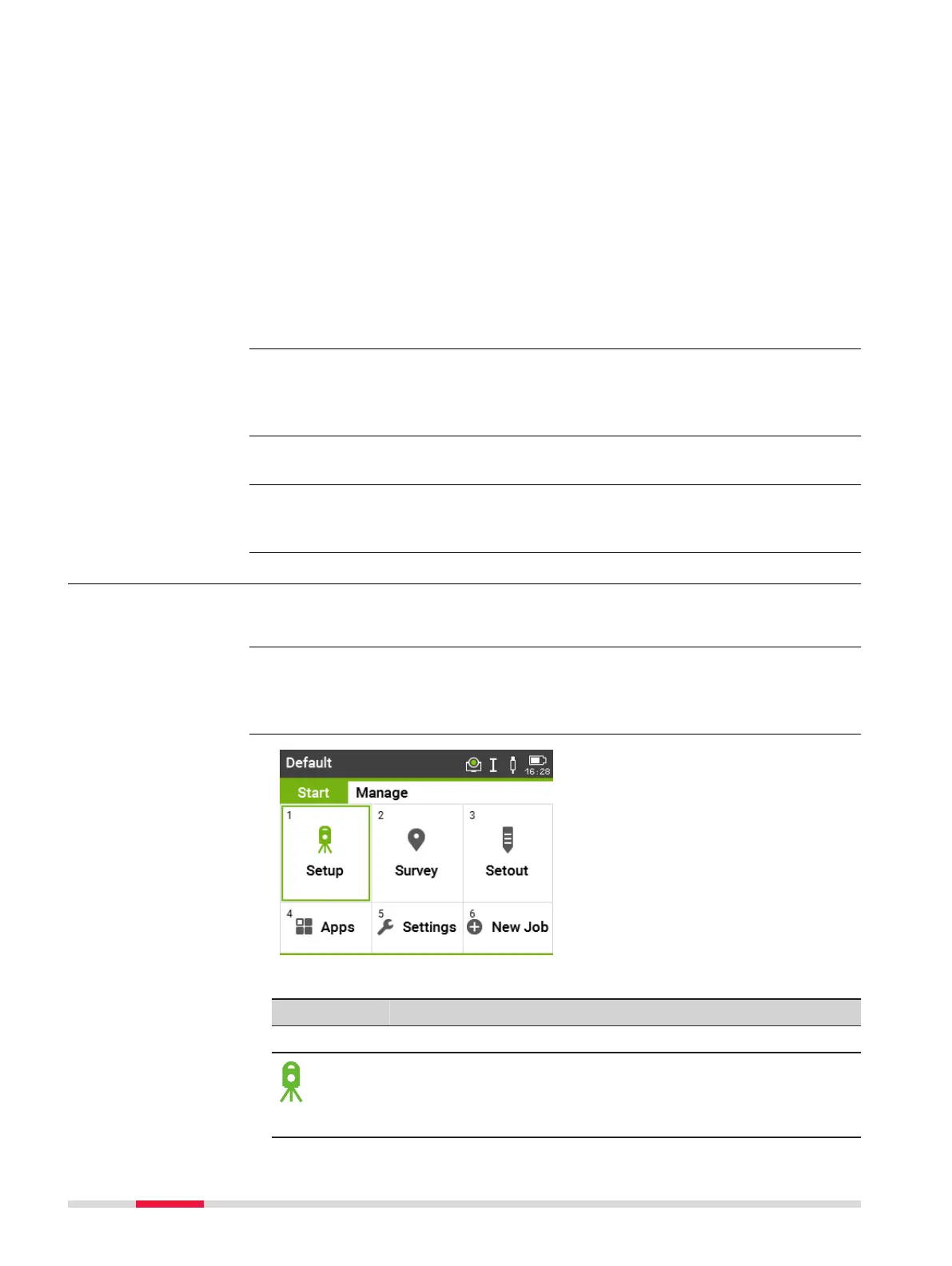
4.4 Main Menu
The Main Menu is the starting place for accessing all functionality of the
instrument.
If desired, the instrument can be configured to start in a user-defined place
after the Level/Plummet screen, instead of the Main Menu. Refer to "5.10
Startup Sequence".
Description of the Main Menu functions
Function
Description
Start page
Setup app to determine the station coordinates and station
orientation when setting up a station. Refer to "7.2 Station
Setup".
Setup
☞
Transfer data
☞
Description
☞
Main Menu
40 Operation



 To Next Page