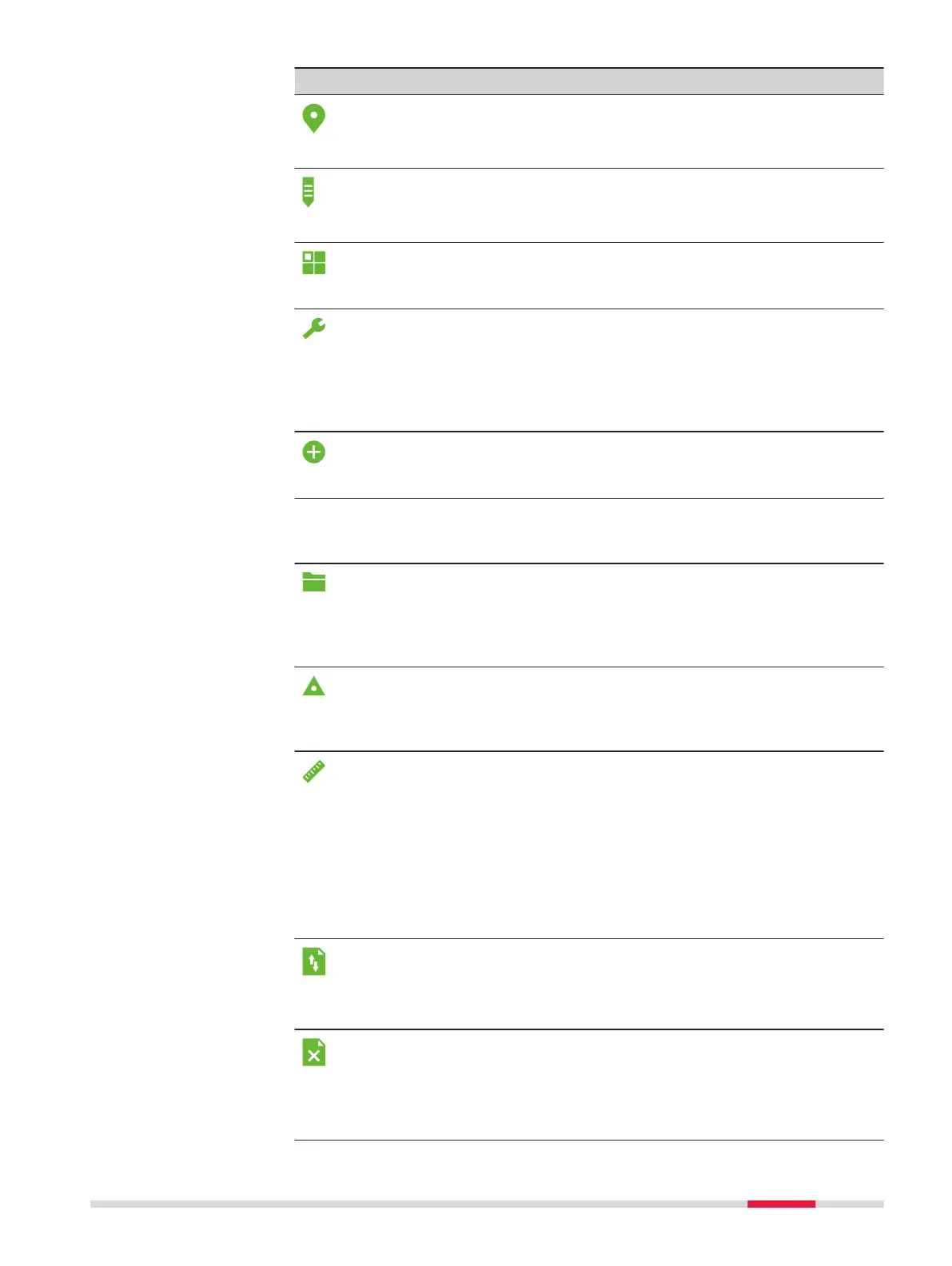
Function Description
Survey app to begin measuring. Refer to "7.3 Surveying".
Survey
Setout app to place marks in the field at predetermined
points. Refer to "7.4 Setout".
Setout
To select and start apps. Refer to "7 Apps".
Apps
To change EDM configurations, communication parameters
and general instrument settings.
To access instrument-related tools such as check and adjust,
personal startup settings, PIN code settings, licence keys,
system information and firmware upload.
Refer to "5 Settings".
Settings
To create a new job.
New Job
Manage page
Contains all functions for entering, editing, checking and deleting data in the
field. Refer to "12 Data Management".
To select, view, create and delete jobs. Jobs are a summary of
data of different types, for example, fixed points, measure-
ments or codes. The job definition consists of the job name
and user. The system generates time and date at the time of
creation.
Job
To view, create, edit and delete fixpoints. Fixpoints can have
full coordinates (E, N, H) or position only or height only.
To select a code from the existing codelist.
To view all screenshots linked to the fixpoint.
Fixpoints
To view, edit and delete measurement data. Measurement
data available in the internal memory can be searched for via
a specific point search, or by viewing all points within a job.
The PtID, hr, code and code details can be edited.
☞
If the details of a point have been edited, any new
calculations will use the new point details. How-
ever, any previously stored calculation results
based on the original coordinates of the point will
not be updated.
Meas.Data
To export and import data. Refer to "12.2 Exporting Data".
Data Trans-
fer
To delete individual jobs, fixpoints and measurements of a
specific job or all jobs in the memory.
☞
Deleting the memory cannot be undone. After
confirming the message all data is permanently
deleted.
Del.Data
Operation 41



 To Next Page