•
Numeric fields: Can only contain numerical values. By pressing a key of
the keypad the number will be displayed.
•
Alphanumeric fields: Can contain numbers and letters. By pressing a key
of the keypad the first character written above that key will be displayed.
By pressing several times you can toggle through the characters. For exam-
ple: 1->S->T->U->1->S....
When the alphanumeric mode is active, numbers are not selectable. For
example: T=>U=> V=>T....
Button Description
☞
ESC Deletes any change and restores the previous value.
Moves the cursor to the left
Moves the cursor to the right.
Inserts a character at the cursor position.
Deletes the character at the cursor position.
In edit mode the position of the decimal place cannot be changed. The decimal
place is skipped.
Character
Description
* Used as wildcards in search fields for point numbers or
codes. Refer to "3.7 Pointsearch".
+/- In the alphanumeric character set "+" and "-" are treated as
normal alphanumeric characters with no mathematical func-
tion.
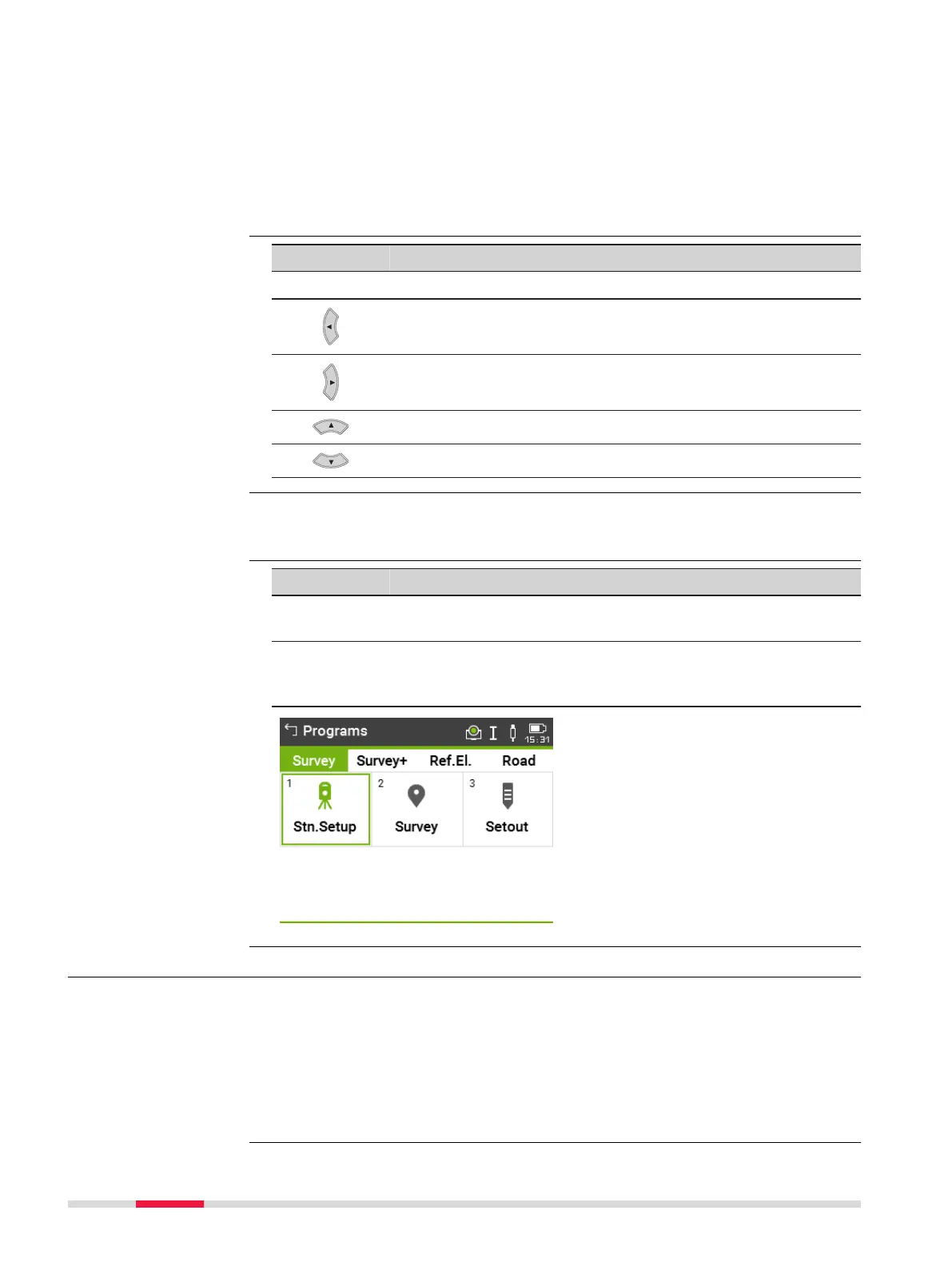
In this example selecting 2 on an
alphanumeric keyboard would start
the Survey app.
3.7 Pointsearch
Pointsearch is a function to find measured points or fixpoints in the memory
storage.
It is possible to limit the point search to a particular job or to search the whole
storage. The search procedure always finds fixpoints before measured points
that fulfil the same search criteria. If several points meet the search criteria,
then the results are ordered according to the entry date. The instrument finds
the most recent fixpoint first.
Edit fields
☞
Special characters
Description
32 User Interface



 To Next Page